6.9 Forcing the Printer to Print Remaining Data (When Printing is Halted)
162
6
Troubleshooting
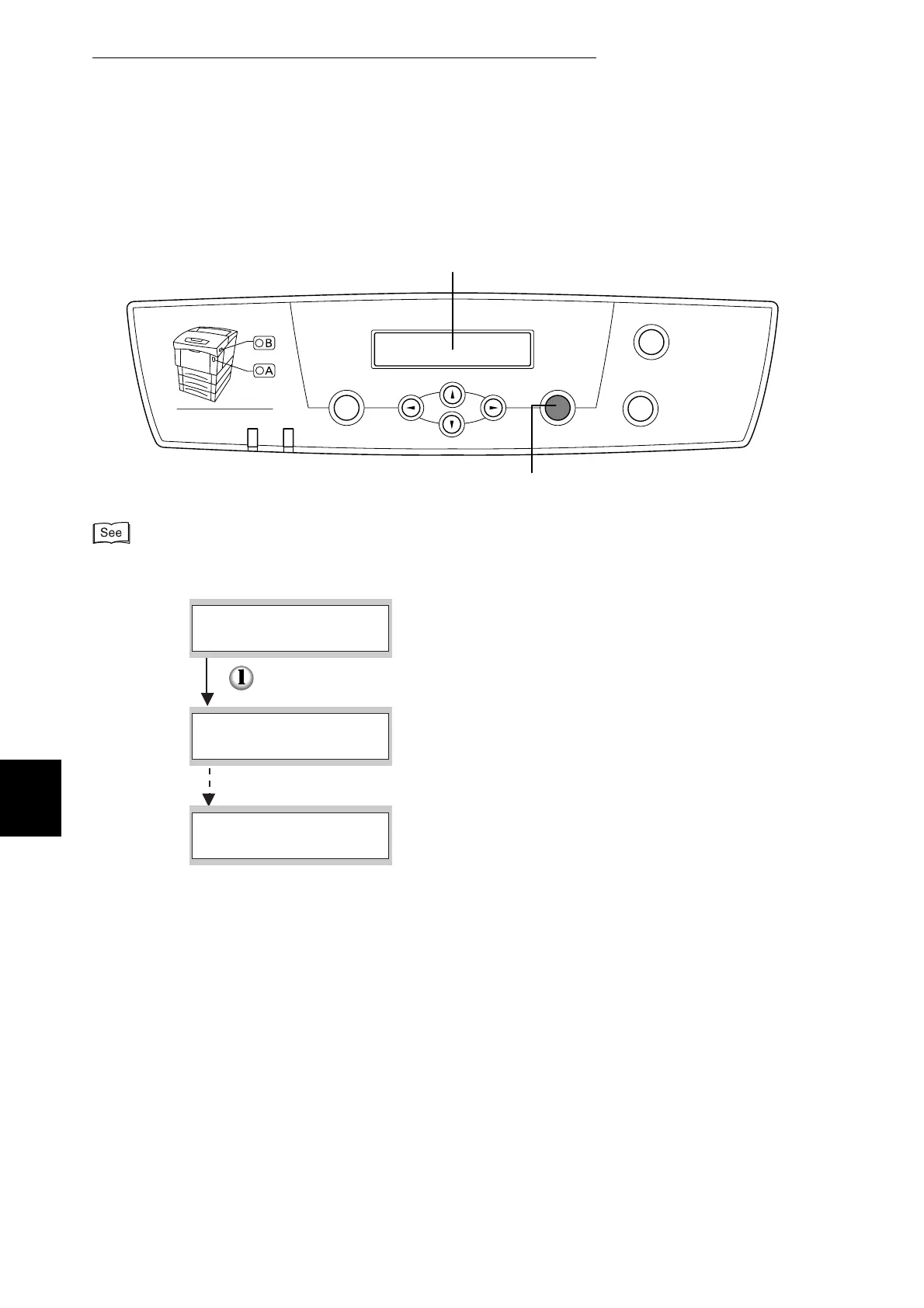
Follow the procedure below. Use the following control panel buttons:
For details about control panel operations, refer to "5.2 Basic Menu Operation".
Menu
Ready
Eject
Set
Cancel
Back
Error
Front Door Release Button
Power saver
Set/Eject button
Display (messages appear here)
(The printer is processing)
Press the Set/Eject button once.
The remaining data in the printer is printed out.
When processing is finished, the print screen reappears.
(The print screen. The printer is ready to print.)
Ready to Print
Parallel
Data Wait
Parallel
Ejecting
Tray 1



 To Next Page