6.10 Cleaning the Density Sensor
164
6
Troubleshooting
5
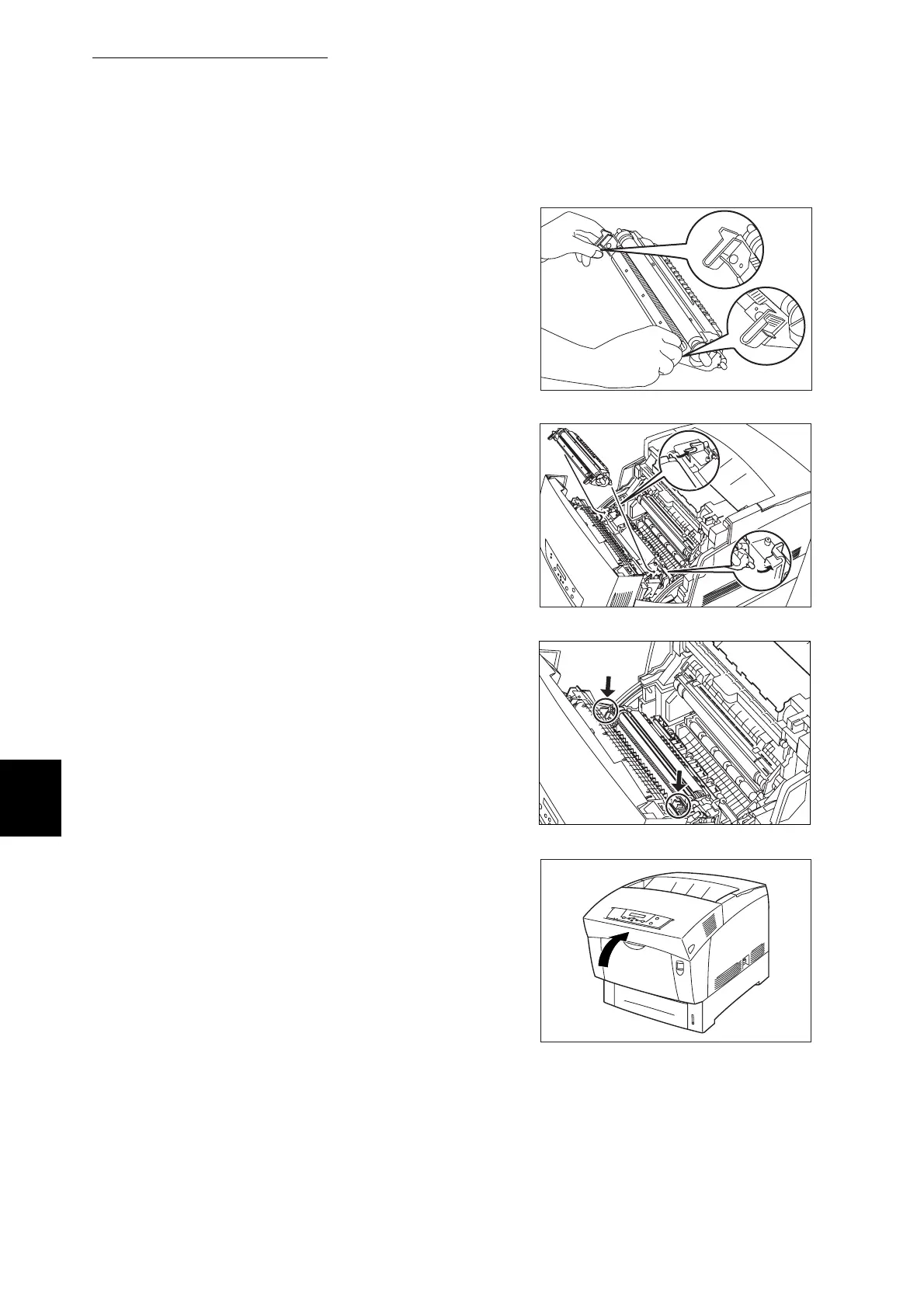
Replace the transfer roller. Grip the
orange U-shaped tabs as shown.
6
Insert the pins at both ends of the
transfer roller into the bearings inside
the printer.
7
To lock the transfer roller into the
printer, push down on the tabs until you
hear a click.
8
Close the front door.



 To Next Page