7.1 Paper Jams
171
7
Clearing Paper Jams
●
If smoke comes out of the printer when a paper jam occurs, do not open the printer covers. Switch off
the printer, remove the power cord from the AC outlet, and contact your service technician or dealers
for assistance.
●
Remove jammed paper slowly and carefully to avoid tearing it.
Paper jams can be caused by incorrect printer installation, or using unsuitable or low-quality paper. For
details about the types of paper suitable for printing, refer to "4.1 Suitable and Unsuitable Paper Types".
●
When removing jammed paper, make sure that no pieces of torn paper are left in the machine.
A piece of paper remaining in the machine can cause fire.
If a sheet of paper is wrapped around the heat roller, or when clearing a jammed paper that is
difficult or impossible to see, do not try to remove it by yourself. Doing so can cause injuries
or burns. Switch off the machine immediately, and contact your Tally service or dealer.
●
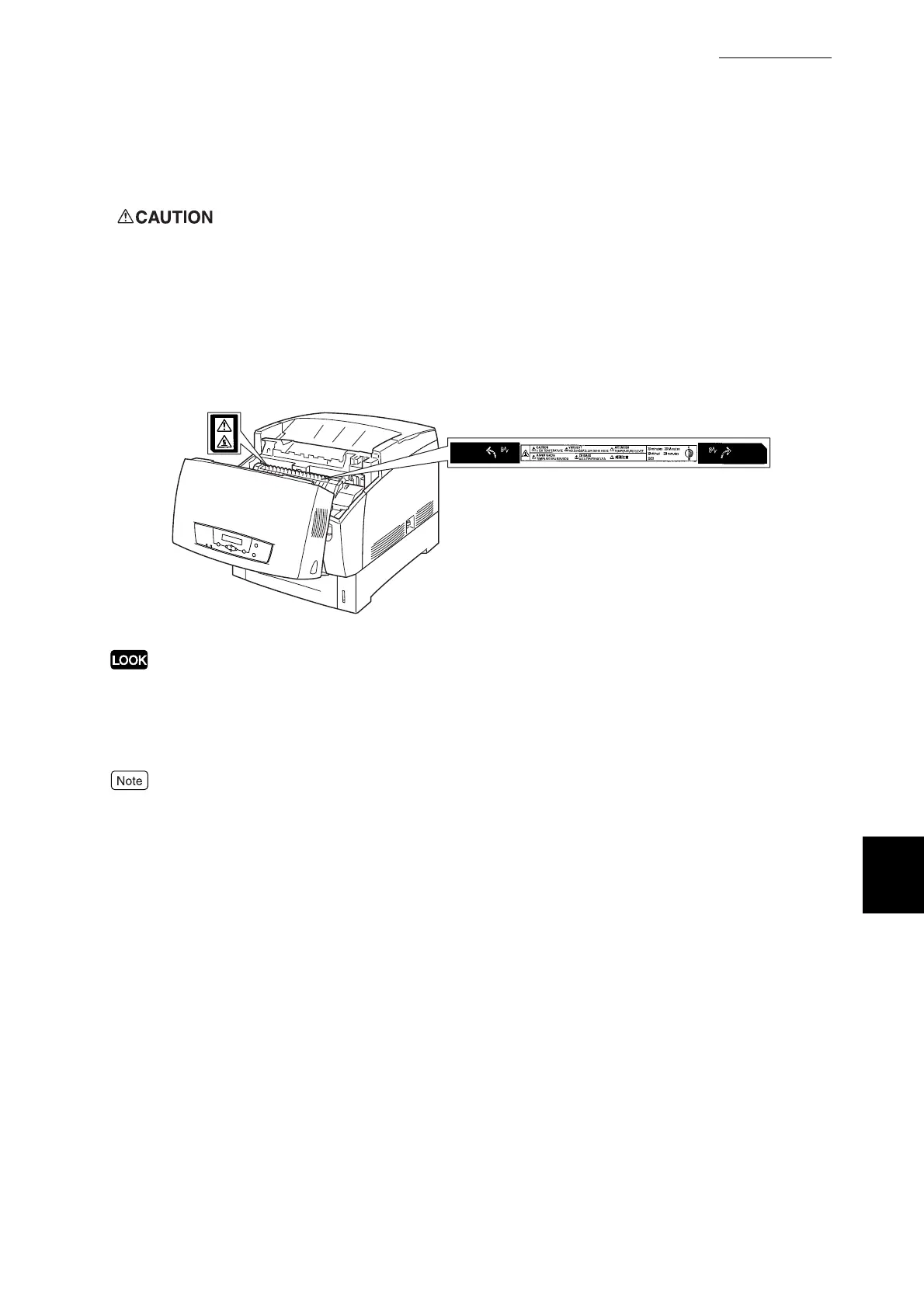
Never touch a labelled area found on or near the heat roller. You can get burnt.
If a sheet of paper is wrapped around the heat roller, do not try to remove it by yourself to
avoid injuries or burns. Switch off the machine immediately, and contact your service
technician or dealer.



 To Next Page