7.3 Paper Jams in the Paper Tray
174
7
Clearing Paper Jams
5
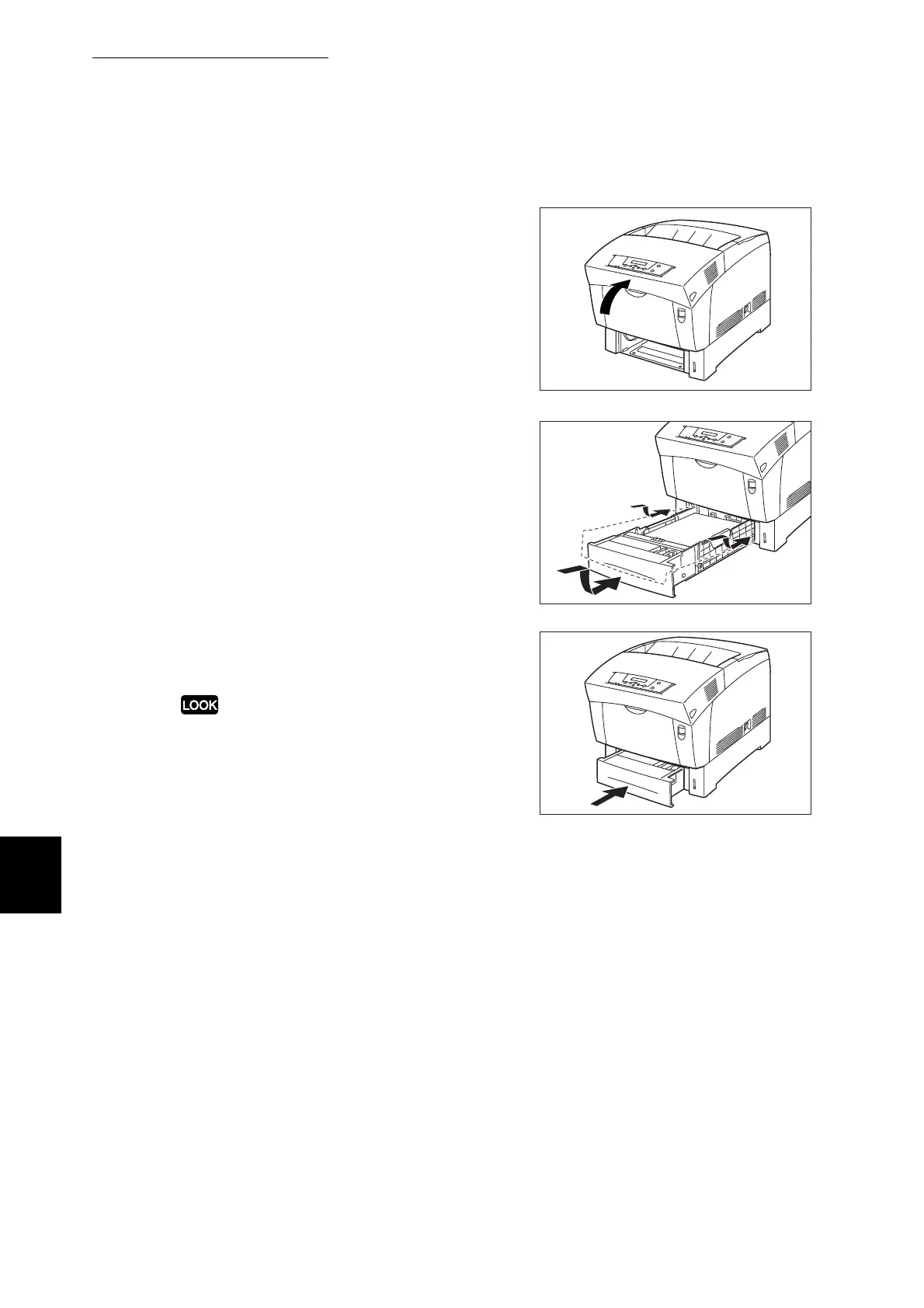
Close the front door.
6
Hold the paper tray with both hands,
align it with the opening in the printer
and gently insert it.
7
Push the paper tray completely back
into the printer.
Do not use excessive force on the paper tray.
Doing so could damage the paper tray or the inside
of the printer.



 To Next Page