8.5 Confirming Printer Status from Your Computer
202
Daily Care
8
5
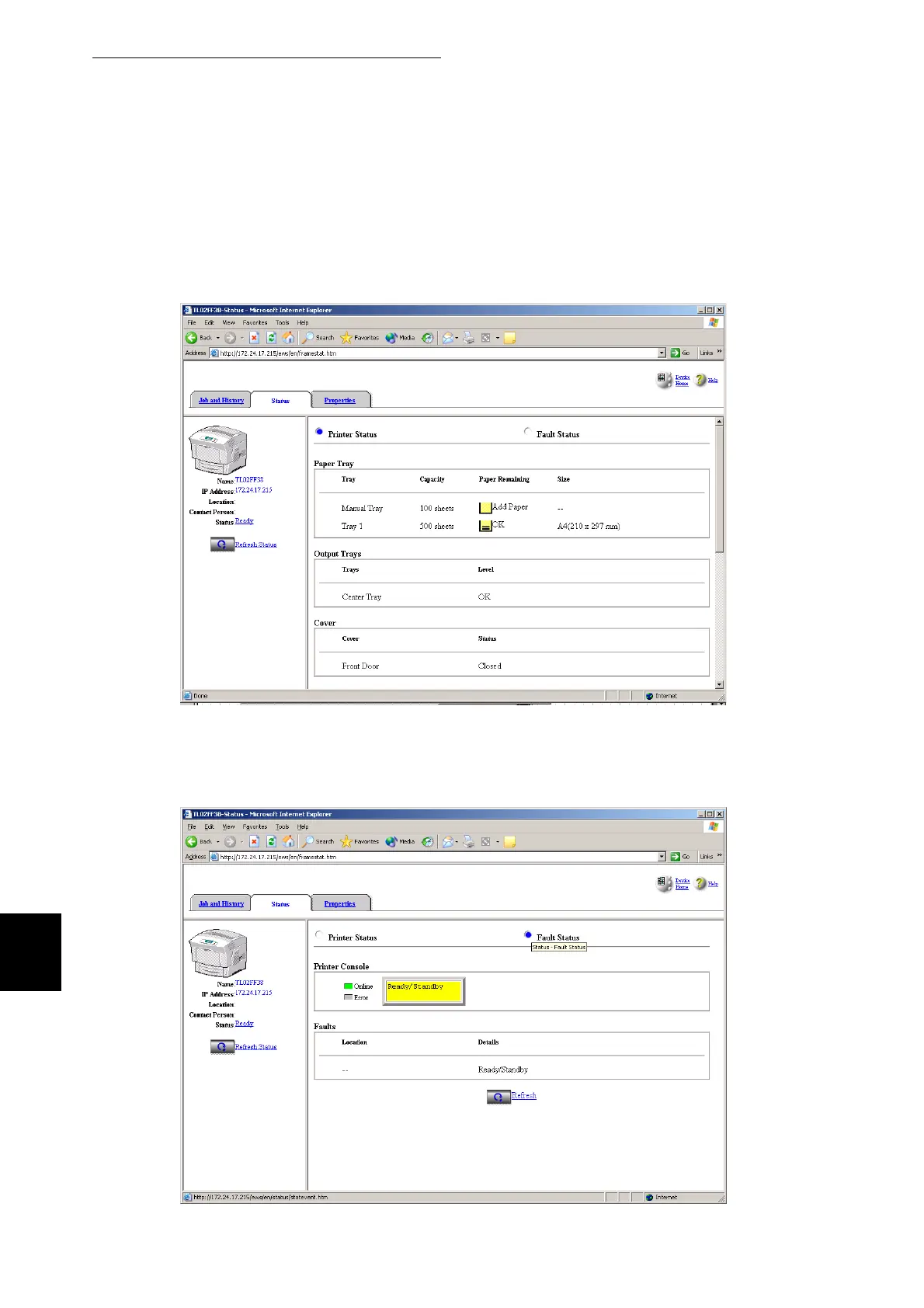
Click the Status tab.
Printer information appears on the right side of the screen.
Information about paper trays, the output tray, printer covers, remaining consumables and
toner, and the number of sheets output appears in this area.
6
Click Fault Status.
Event information appears on the right side of the screen.
Use this to check for errors. The control panel status of the is also displayed.



 To Next Page