1.2 Configuring the Printer
7
Printer System Settings
1
TCP/IP (Windows NT 4.0/Windows 2000/Windows XP)
The printer supports TCP/IP (LPD) protocol, allowing you to print by sending
data through an lpr port directly to the printer from computers running Windows
NT 4.0, Windows 2000, or Windows XP. To do this, you need to set the IP
address of the printer and the Windows NT 4.0, Windows 2000, or Windows XP
computer.
■ In Windows 2000/Windows XP the following are possible:
●
The printer supports port 9100, allowing you to print by sending data from the
designated port to the printer.
●
With the use of the optional network protocol expansion card the printer
supports IPP, allowing you to print by specifying the URL of the printer and
sending data to it through the Internet.
TCP/IP (Windows 95/Windows 98/Windows Me)
Use the TCP/IP Direct Print Utility to print from Windows 95, Windows 98, or
Windows Me.
The TCP/IP Direct Printer Utility is a program that sends print data from the
computer directly to the printer through a network, without the need to go through
a network print server.
To do this, you need to set the IP address of the printer and the Windows 95,
Windows 98, or Windows Me computer.
The TCP/IP Direct Print Utility protocol also works with LPD and port 9100.
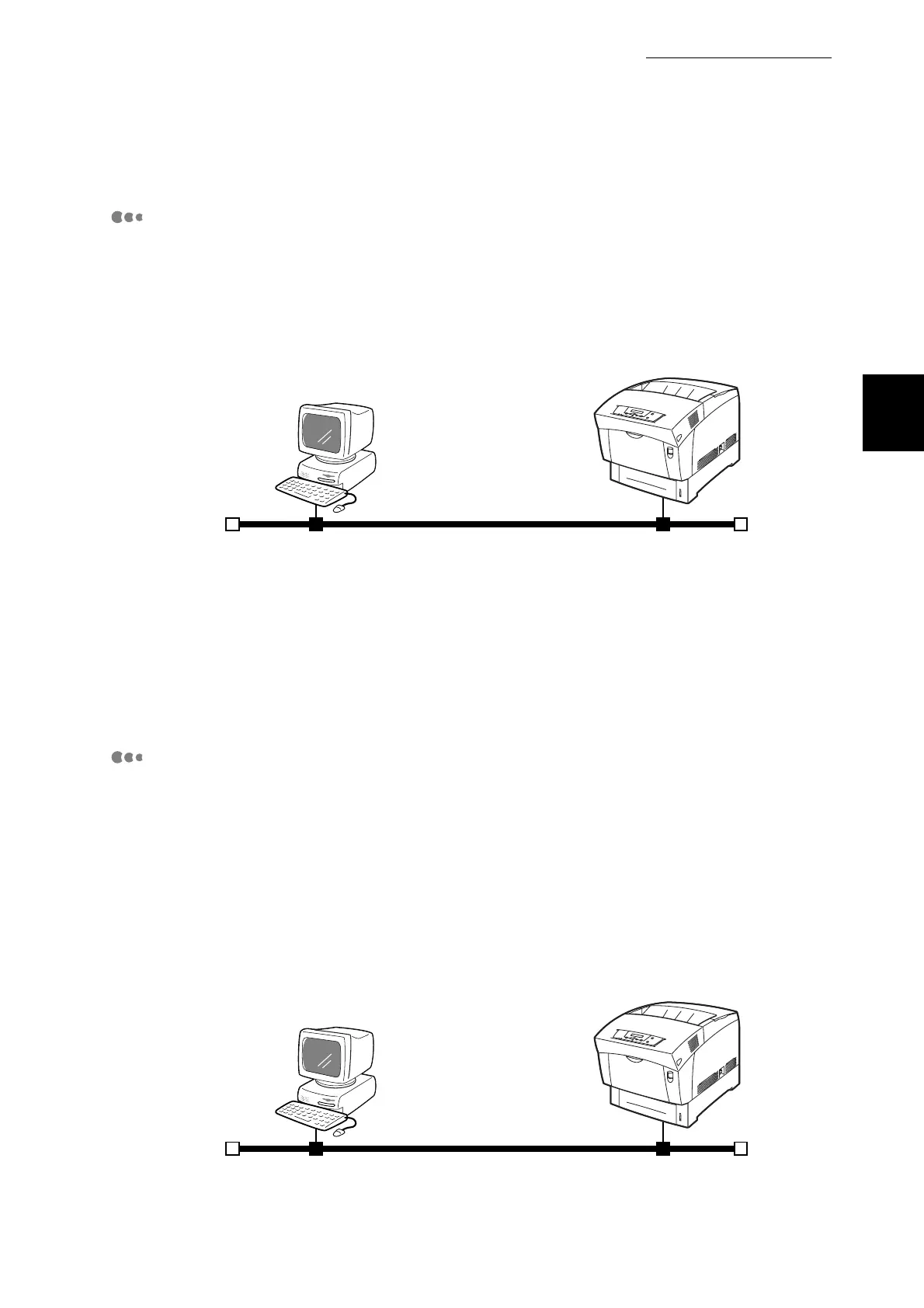
Windows NT 4.0/Windows 2000/Windows XP
TCP/IP(LPR/LPD)
Printer
TCP/IP Direct Print Utility running on
Windows 95/Windows 98/Windows Me
TCP/IP (LPR/LPD) or TCP/IP (port 9100)
Printer



 To Next Page