1.2 Configuring the Printer
11
Printer System Settings
1
Cases When You Should Refer to the Network User Guide
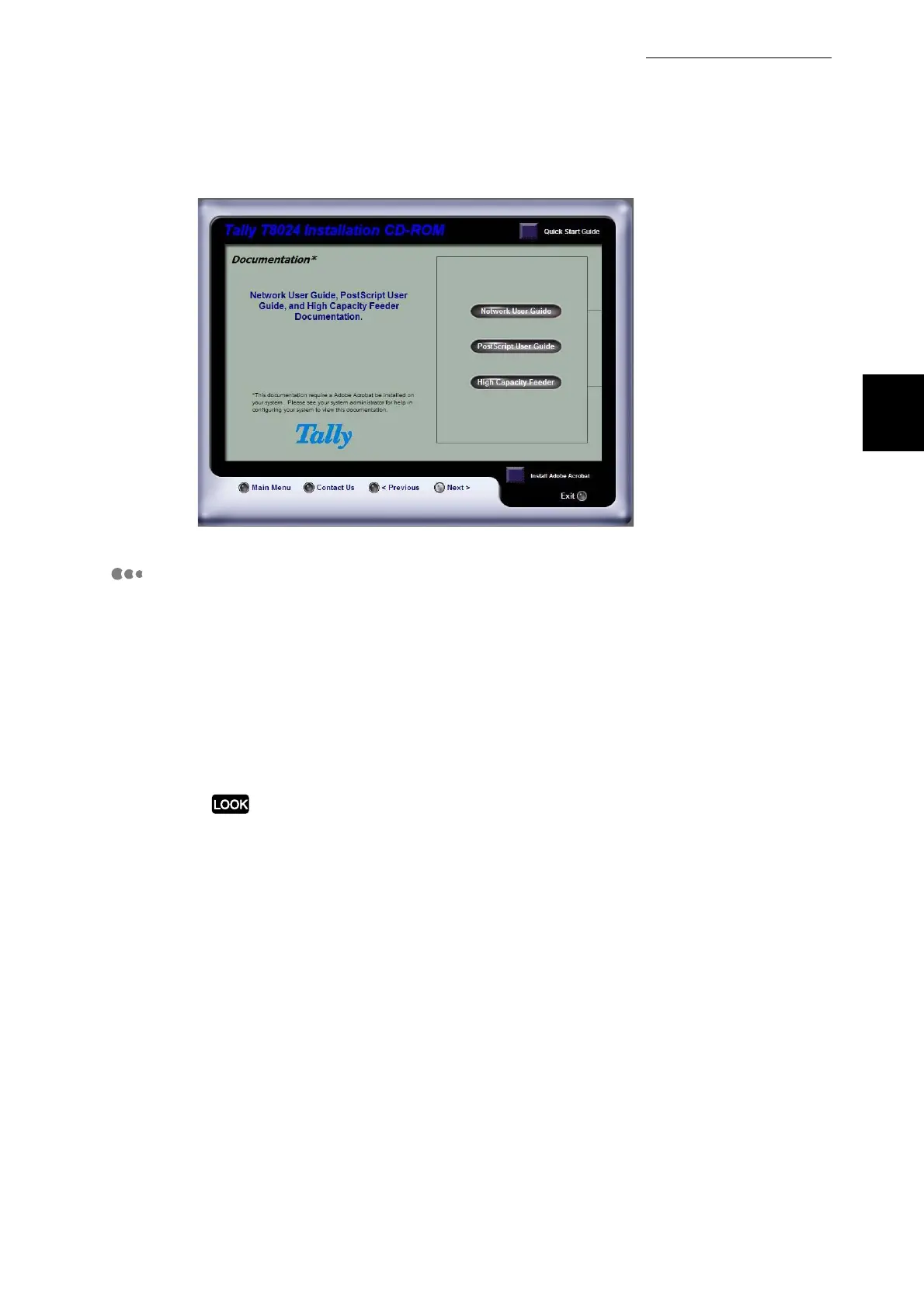
The following network functions are provided with the printer. For details about
these functions, refer to the Network User Guide on the CD-ROM provided with
the printer.
■In a variety of network environments, the printer gives you flexibility to:
●
In a TCP/IP system...
Have the printer's IP address managed by a DHCP server.
Register the printer on a WINS server.
The IP address will change from time to time when you use DHCP, so periodic confirmation
of the IP address is necessary. An optional network expansion card is required in order to
use DHCP in a WINS environment.
●
In an SMB system... Change the host name or workgroup name.
■Using Internet Services in a TCP/IP system
This enables you to display the printer status and make various settings from a
Web page. This function is called "Internet Services".
■The printer has an SNMP agent function for use in TCP/IP and NetWare
systems.
With the SNMP function active (active by default), you can control the printer
from an SNMP manager.
Also, with the Simple Status Notification function, you can check the status of
the printer from your computer.



 To Next Page