1.2 Configuring the Printer
13
Printer System Settings
1
IP Address Setup
IP Address Setup
Continued from previous page.
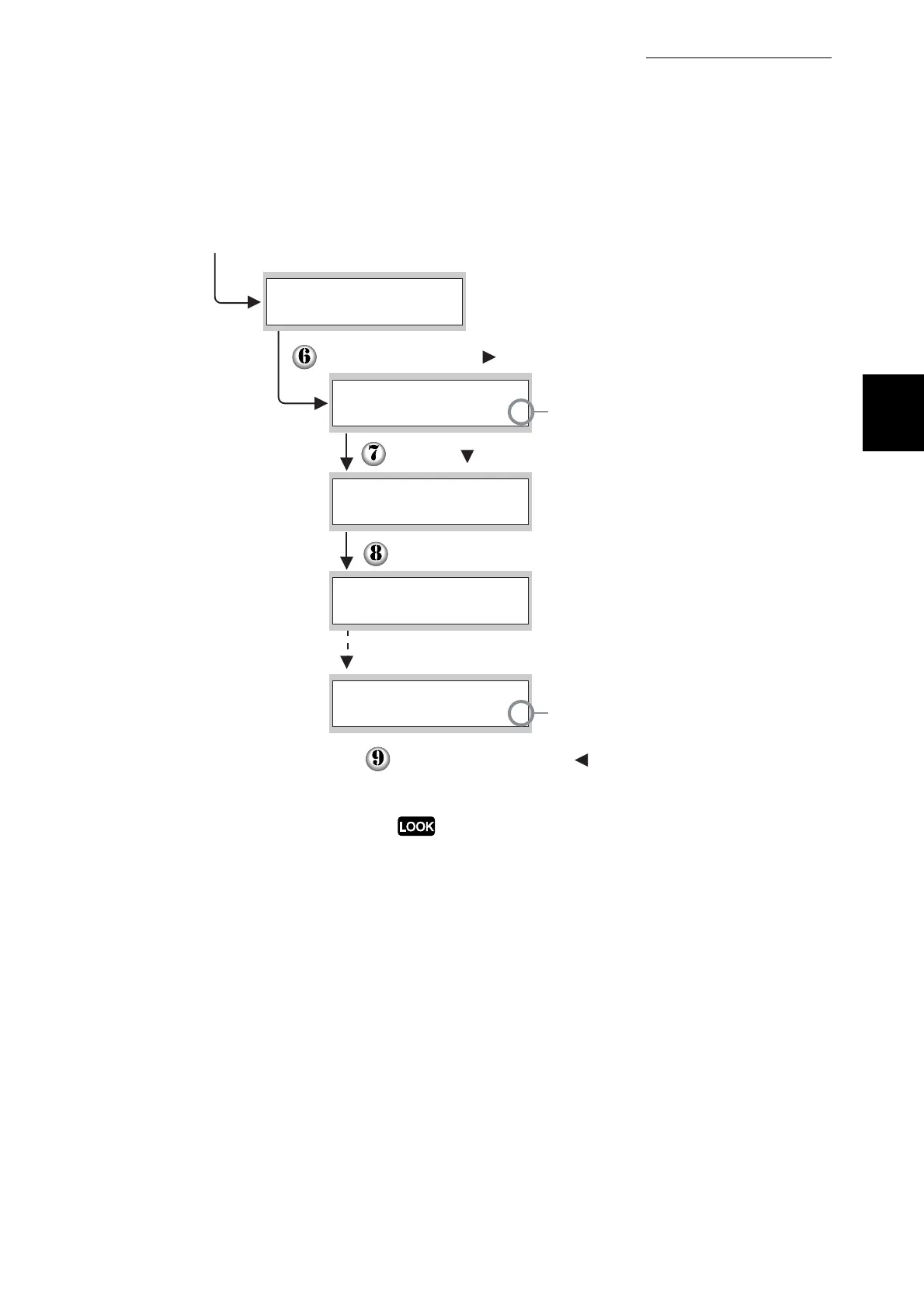
Press the Set/Eject or button once.
Press the button once.
Press the Set/Eject button once.
Three seconds later, the following screen appears.
Press the Cancel/Back or button once.
The lower line of the screen returns to the
"IP Address Setup".
Only restart the printer after setting the gateway
address at the last step. Continue to the next step
without restarting the printer.
The value currently set has
a "*" displayed next to it.
When the value is set, a
"*" appears next to it.
IP Address Setup
TCP/IP
Panel
IP Address Setup
to Take Effect
Reboot Printer
Panel
*
DHCP
*



 To Next Page