2.2 (Windows 95/Windows 98/Windows Me)
28
Installing the Printer Driver
2
2
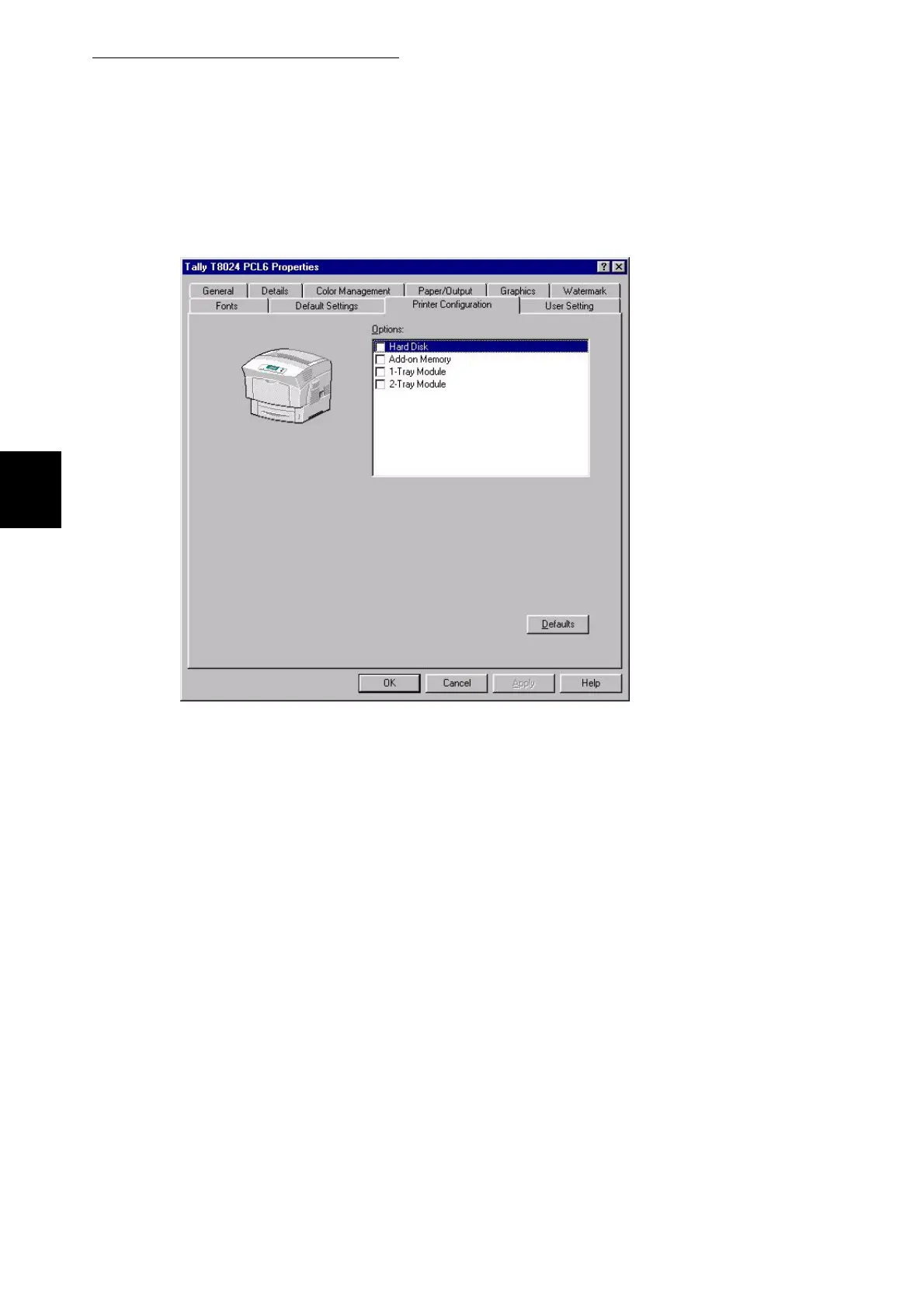
Select the printer configuration tab and select any options which have
been added to the printer and press OK.
3
If you require this printer to be the default printer, select it and then right
click it and select the option set as default.



 To Next Page