2.4 Installing the Printer Driver
40
Installing the Printer Driver
2
5
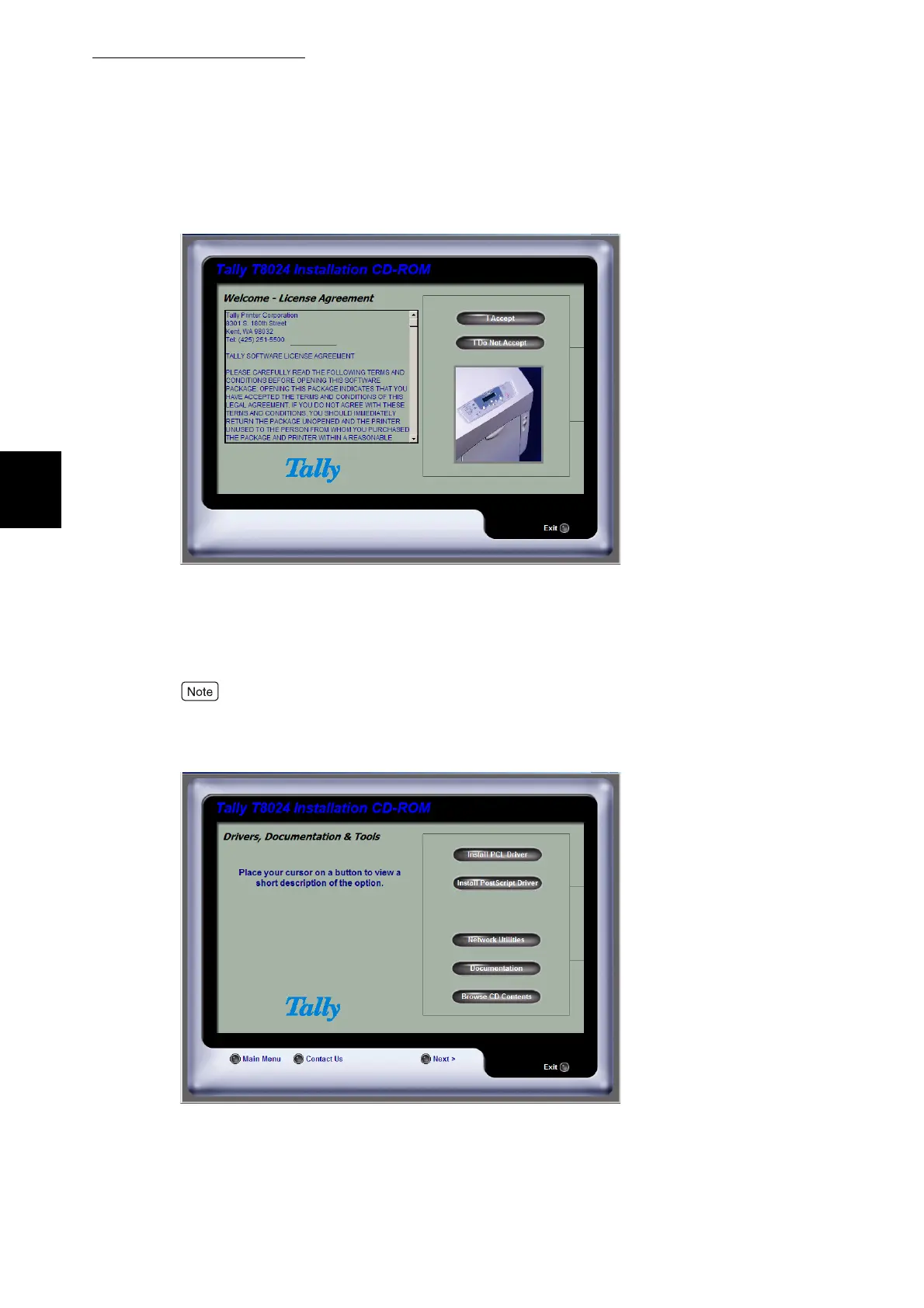
Click the I Accept button.
The Tally Setup Menu is displayed.
6
Click the Install PCL Driver or Install PostScript Driver button to start
the driver installation.
When the PostScript installer prompts you to select a PPD, browse to your CD-ROM and
look in the \Drivers\PS folder and select the appropriate language. In addition, the optional
PostScript Kit must be installed in the printer in order to print using the PS driver.
7



 To Next Page