2.4 Installing the Printer Driver
44
Installing the Printer Driver
2
4
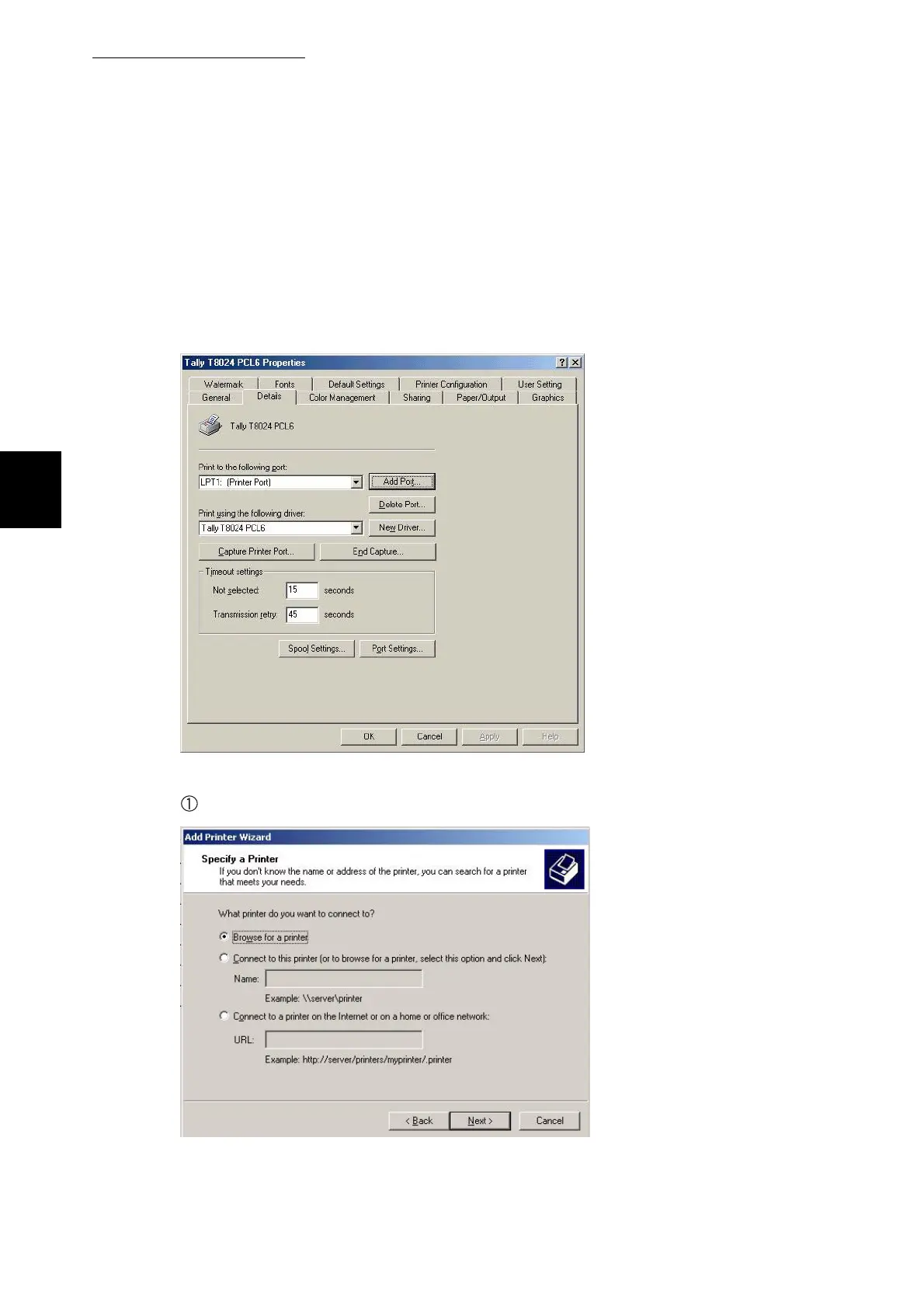
Select the ports tab. This confirms that the T8024 has been correctly
installed onto the lpt1 port. If using the printer in either a SMB or
Netware environment refer to the system administrator for advice.
Having installed the printer driver it is possible to connect to it using
SMB by selecting add port, local port and adding the port details if
known.
For SMB environment
Select URL if using IPP. Or browse or connect.



 To Next Page