3.2 Printing From a Computer
71
3
Basic Printer Operation
3
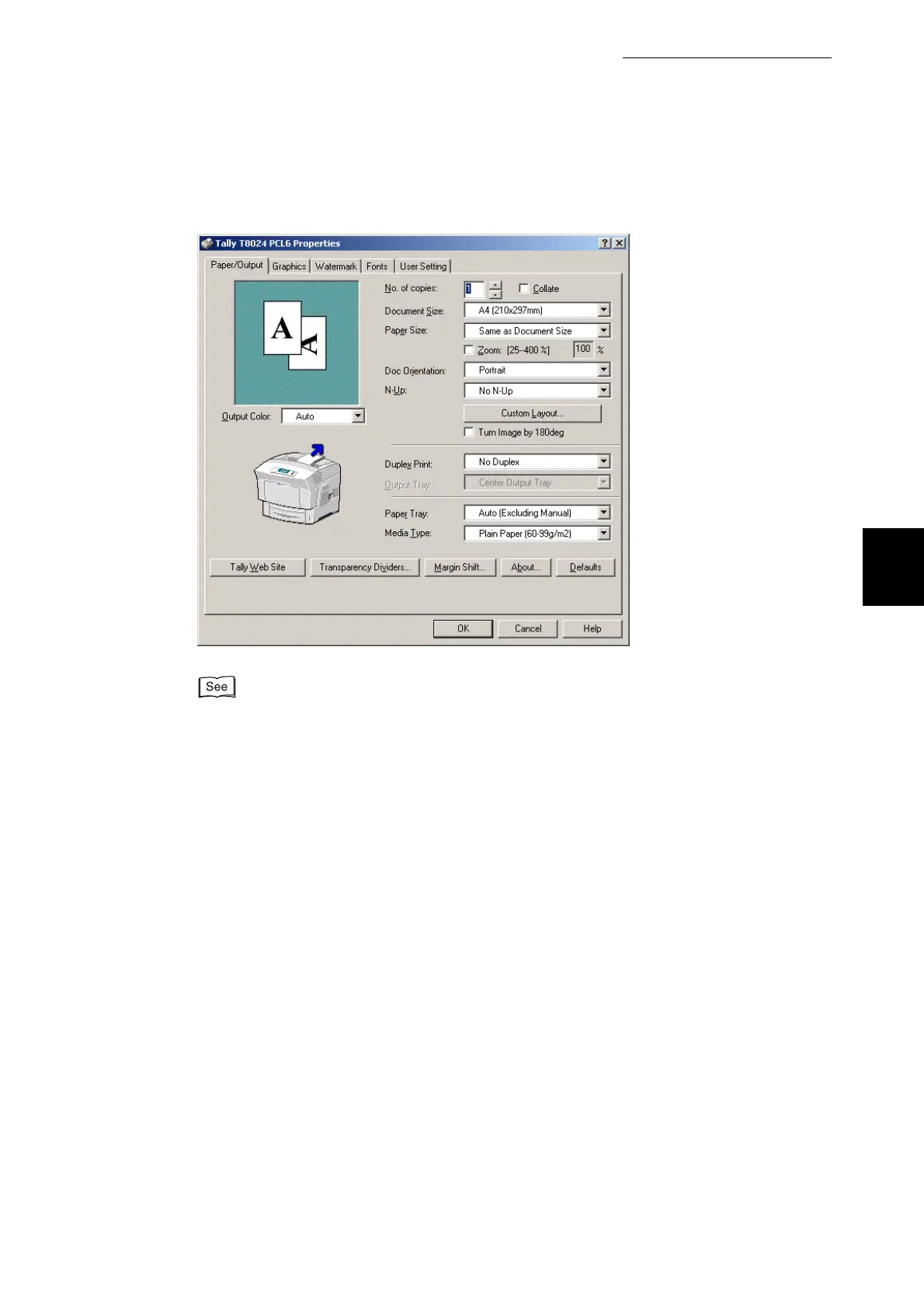
On the various tabs, make settings for each item as required.
For details about the various tabs, refer to Help. For details about how to use Help, refer to
"3.3 Using Online Help".
4
When you finish making settings, click OK in the Properties dialog box.
The default printer functions in the printer driver are now changed.



 To Next Page