ELECTRICAL
4262930-Rev A 4-39
4
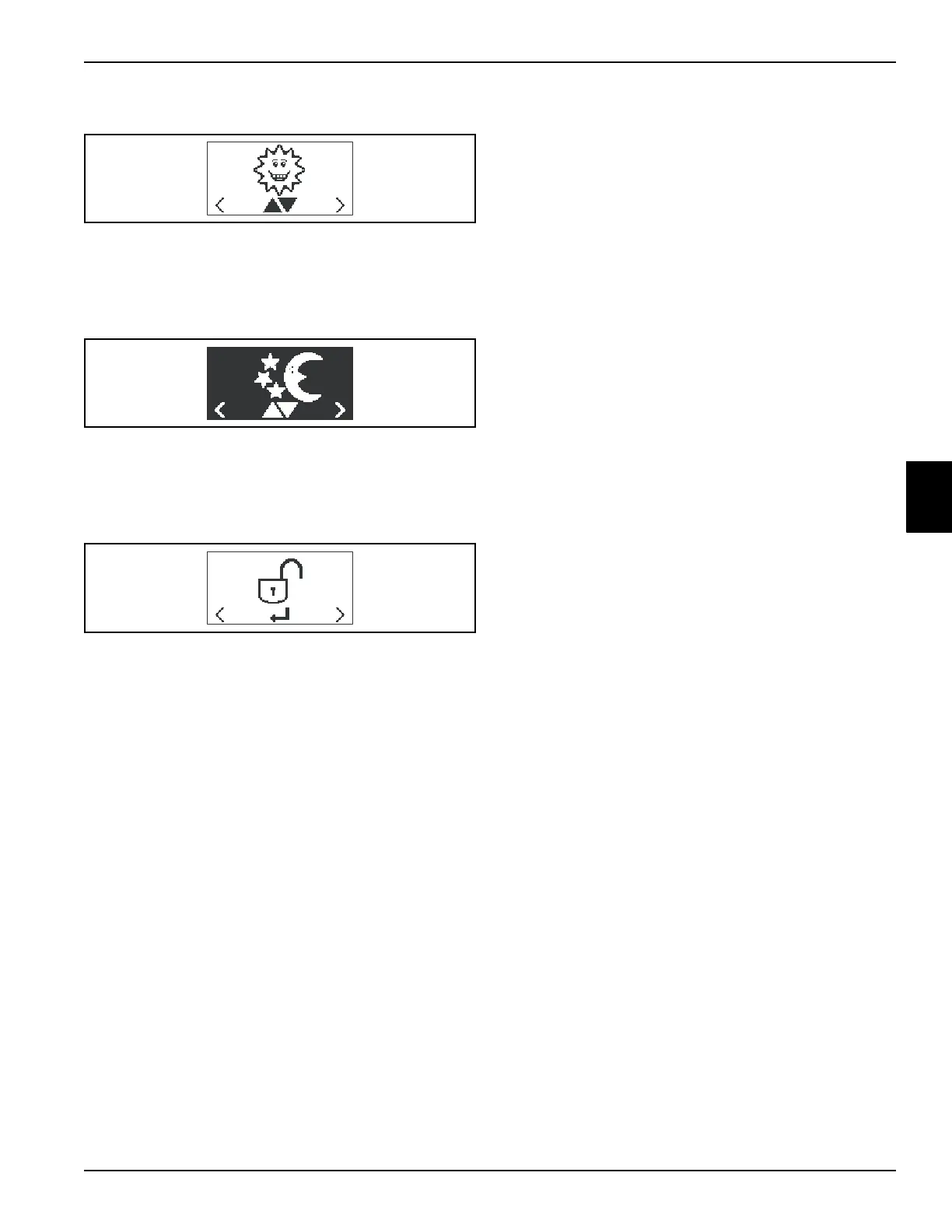
Daytime Illumination
When selected, LCD displays dark pixels on a light
background. Press the black button to toggle between
daytime and nighttime illumination.
Nighttime Illumination
When selected, LCD displays light pixels on a dark
background. Press the black button (J) to toggle between
daytime and nighttime illumination.
Maintenance Mode PIN
Used to enter Maintenance Mode. Maintenance Mode
PIN is required.
TN4476
TN4477
TN4478








 To Next Page