102
DISPLAYING THE MEASUREMENT RESULT
The threshold value can be set between 0.00 and 100.00 in 0.01 unit.
Before shipment, the default setting is "0.30."
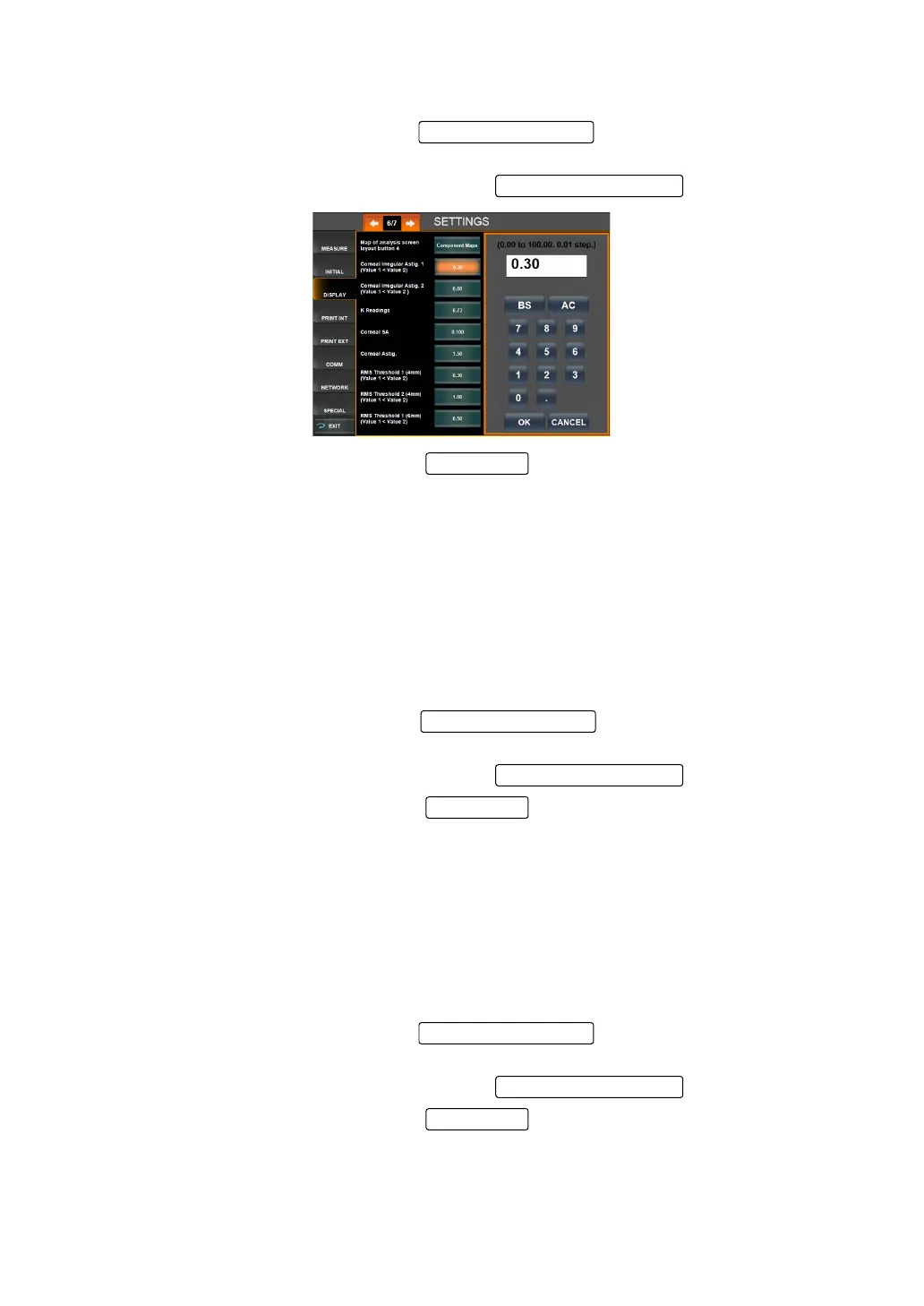
1 On the SETTINGS screen, tap the of the set item display "Corneal
Irregular Astig.1" of "DISPLAY."
2 Enter the value by the ten-key display of the .
3 Setting is complete by pressing the .
4 Following steps 1-3, set the set item display "Corneal Irregular Astig.2" of "DISPLAY."
K Readings:
• In each of the following cases, the character color is changed based on the set threshold K
value:
• When the K value is within the set value range
• When the K value is outside the set value range
The threshold value can be set between 0.00 and 100.00 in 0.01 unit.
Before shipment, the default setting is "0.50."
1 On the SETTINGS screen, tap the of the set item display "K read-
ings" of "DISPLAY."
2 Enter the value by the ten-key display of the .
3 Setting is complete by pressing the .
Corneal Spherical Aberration:
• In the following cases, the character color is changed based on the set threshold value of
corneal spherical aberration:
• When the measurement value is below the set value
The threshold value can be set between 0.00 and 100.00 in 0.01 unit.
Before shipment, the default setting is "0.100."
1 On the SETTINGS screen, tap the of the set item display "Corneal
SA" of "DISPLAY."
2 Enter the value by the ten-key display of the .
3 Setting is complete by pressing the .
Set Condition button
Setting Change butto
OK button
Set Condition button
Setting Change butto
OK button
Set Condition button
Setting Change butto
OK button



 To Next Page