129
FUNCTION SETTING USING SETTINGS
SETTING OF AUTO MODE (INIT AUTO)
The initial start mode, at power on, can be set. Before shipment, the default setting is "FULL
AUTO."
1 Tap the of the set item display "Init Auto" of "INITIAL."
2 Tap the and select "Full Auto," "Auto Tracking" or "Manual."
3 Setting is complete.
CONTINUOUS MEASUREMENT OF RIGHT AND LEFT EYES (R-L MEASURE)
Both-eye measurement (R-L) or single-eye measurement (R or L) can be set. Before ship-
ment, the default setting is both-eye measurement (R-L).
1 Tap the of the set item display "R-L Measure" of "INITIAL. "
2 Tap the and select either "BINO" or "MONO."
3 Setting is complete.
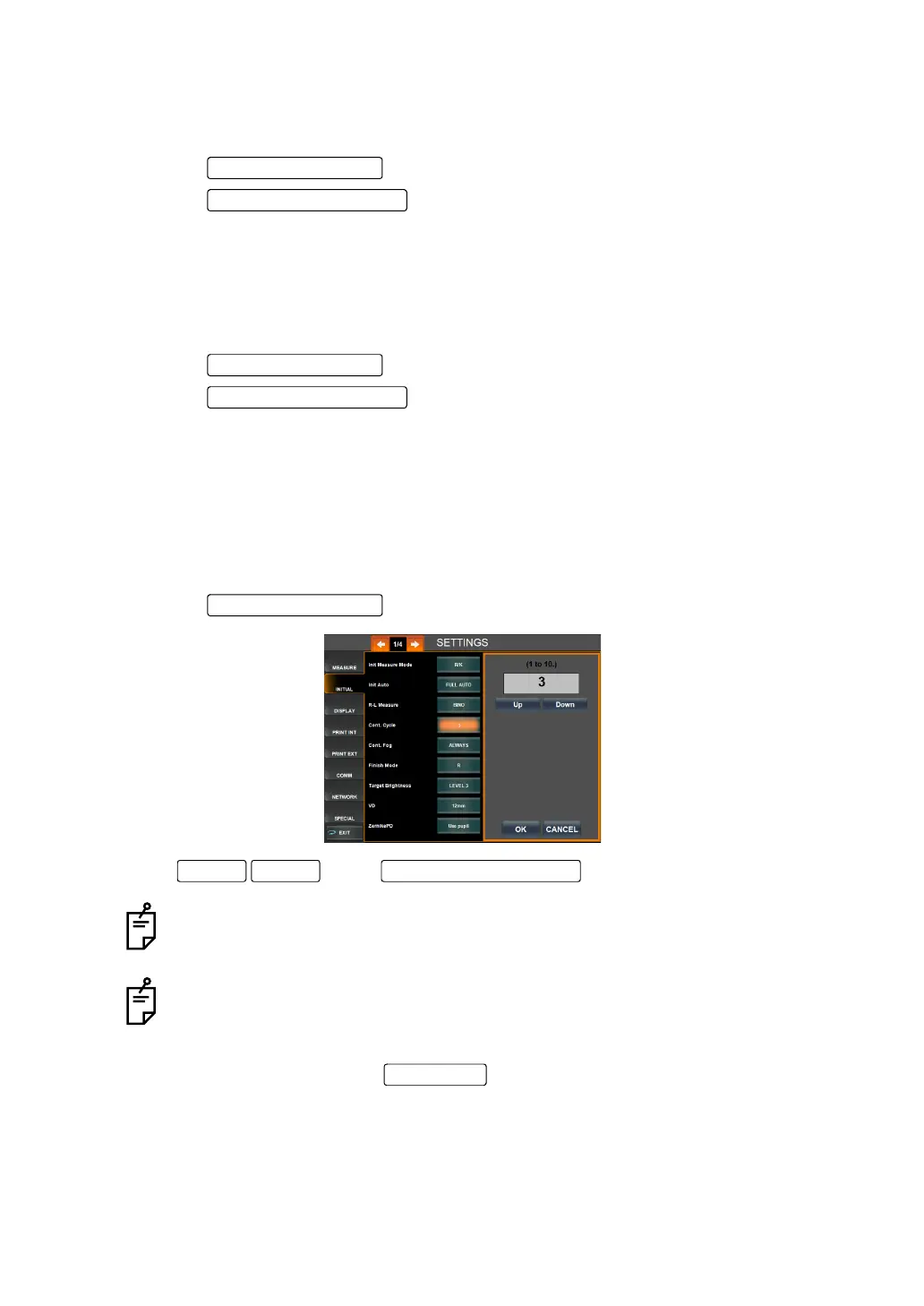
SETTING THE NUMBER OF CONTINUOUS MEASUREMENTS UNDER AUTO MODE (CONT.
CYCLE)
The number of continuous measurements performed under auto mode can be set. Before
shipment, the default setting is 3.
1 Tap the of the set item display "Cont. Cycle" of "INITIAL."
2 Tap of the and set the number.
3 Setting is done by tapping the .
The number can be set from a range of 1 to 10.
Under REF/KRT mode, the same number applies to REF and KRT.
Set Condition button
Setting Change button
Set Condition button
DOWNUP Setting Change button
OK button



 To Next Page