143
FUNCTION SETTING USING SETTINGS
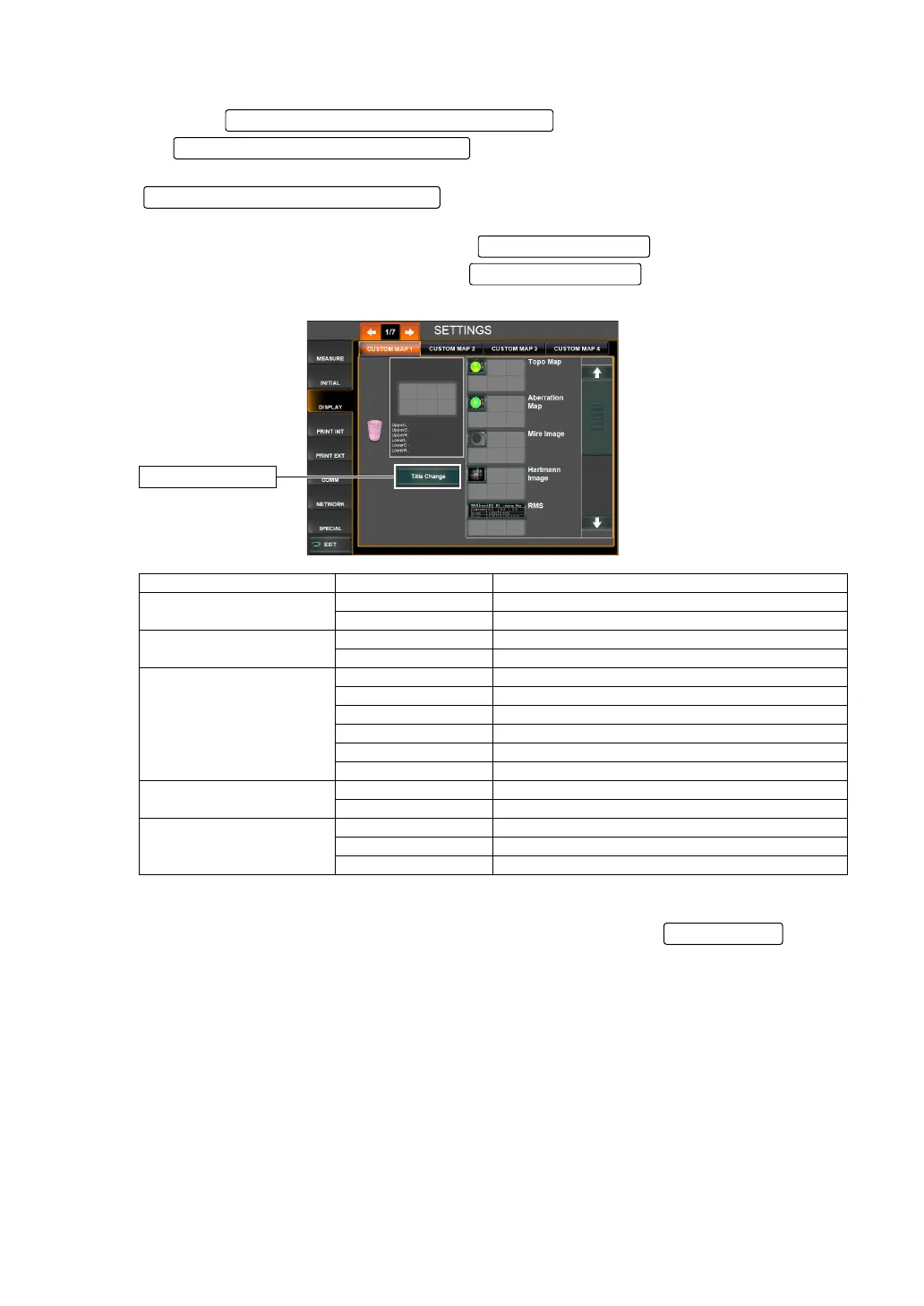
3 Select the map(s) to be placed in the preview display.
Touch the and display the items to be placed in
the .
Place the items selected onto the preview display by direct tap & drag from the
.
Depending on the map to be placed, the of the map is displayed
under the Title Change button. Tap the , and change the type of
map to be displayed, as needed.
4 To delete the placed item, tap & drag an item from the Preview display to the Recycle bin.
5 When layout setting is completed, save the setting by tapping the .
Name of Map Type Change button Set contents
Topo map
Axial map Axial map is displayed.
Instantaneous map Instantaneous map is displayed.
Aberration map (Upper)
Ocular Ocular map is displayed.
Corneal Corneal map is displayed.
Aberration map (Lower)
HOA High order aberration map is displayed.
Trefoil Trifoil map is displayed.
Coma Coma map is displayed.
Tetrafoil Tetrafoil map is displayed.
2nd Astig 2nd astigmatic aberration map is displayed.
Spherical Spherical aberration map is displayed.
RMS
Corneal RMS value of corneal aberration is displayed.
Ocular RMS value of ocular aberration is displayed.
Simulation
Simulation1 Simulation 1 is displayed.
Simulation2 Simulation 2 is displayed.
Simulation3 Simulation 3 is displayed.
Layout candidate item display scroll ba
Layout candidate item display area
Layout candidate item display area
Title Change button
Title Change button
Title Change button
EXIT button



 To Next Page