144
FUNCTION SETTING USING SETTINGS SCREEN
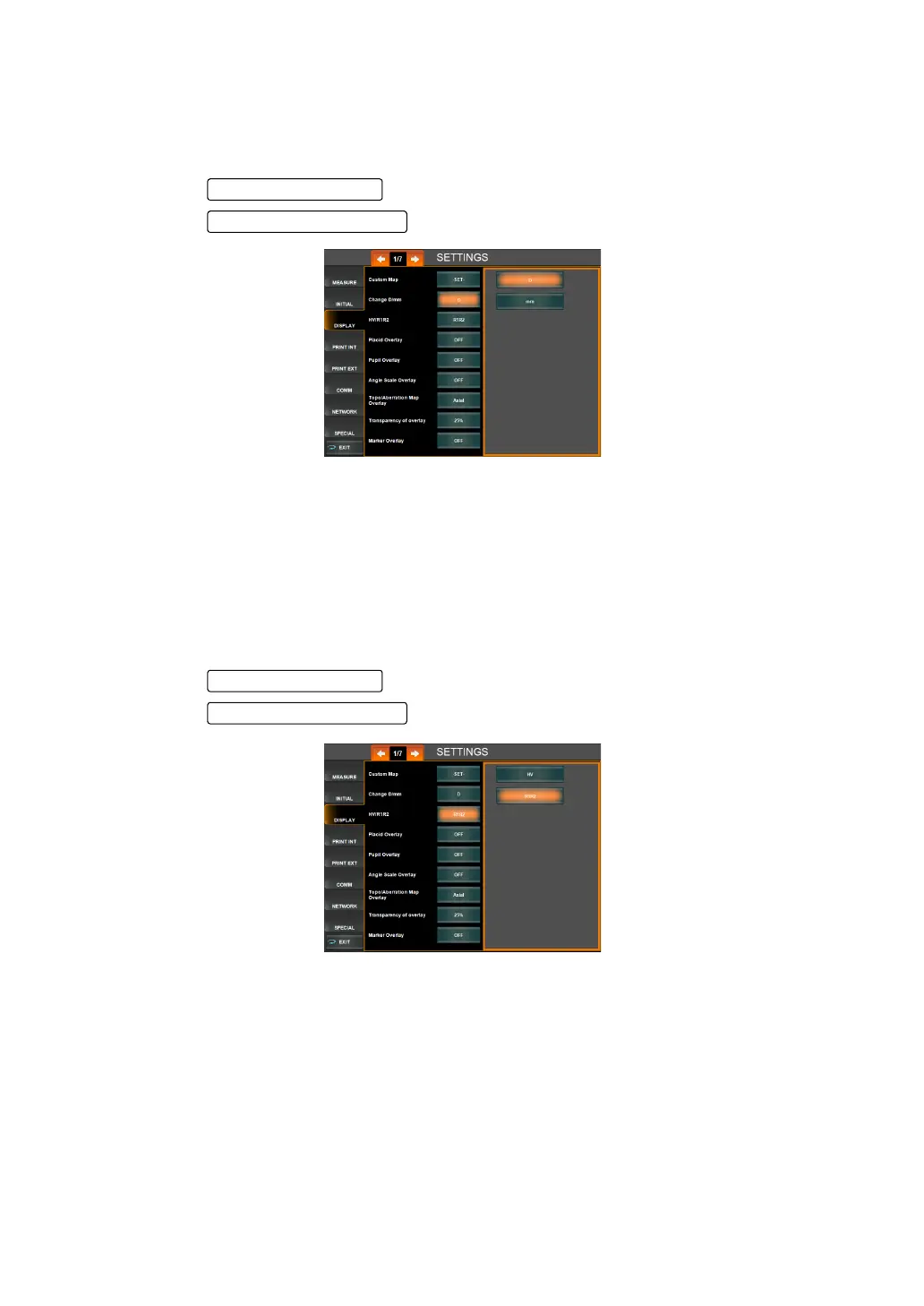
CHANGING THE D/mm DISPLAY (CHANGE D/mm)
The display sequence of the KRT measurement result displayed on the control panel screen
can be selected from D (cornea refractory power) or mm (cornea radius curvature). Before
shipment, the default setting is "D."
1 Tap the of the set item display "Change D/mm" of "DISPLAY."
2 Tap the and select "D" or "mm."
"D" : Cornea refractory power
"mm" : Cornea radius curvature
3 Setting is done.
CHANGING THE HV/R1R2 DISPLAY (HV/R1R2)
The display style of the KRT measurement result displayed on the control panel screen can be
selected from HV (horizontal/vertical) or R1R2 (flat/steep meridian). Before shipment, the
default setting is "HV (horizontal, vertical)."
1 Tap the of the set item display "HV/R1R2" of "DISPLAY."
2 Tap the and select " HV" or "R1R2."
"HV" : The display style of KRT measurement result is set to horizontal/vertical.
"R1R2" : The display style of KRT measurement result is set to flat/steep meridian.
3 Setting is complete.
Set Condition button
Setting Change button



 To Next Page