166
FUNCTION SETTING USING SETTINGS SCREEN
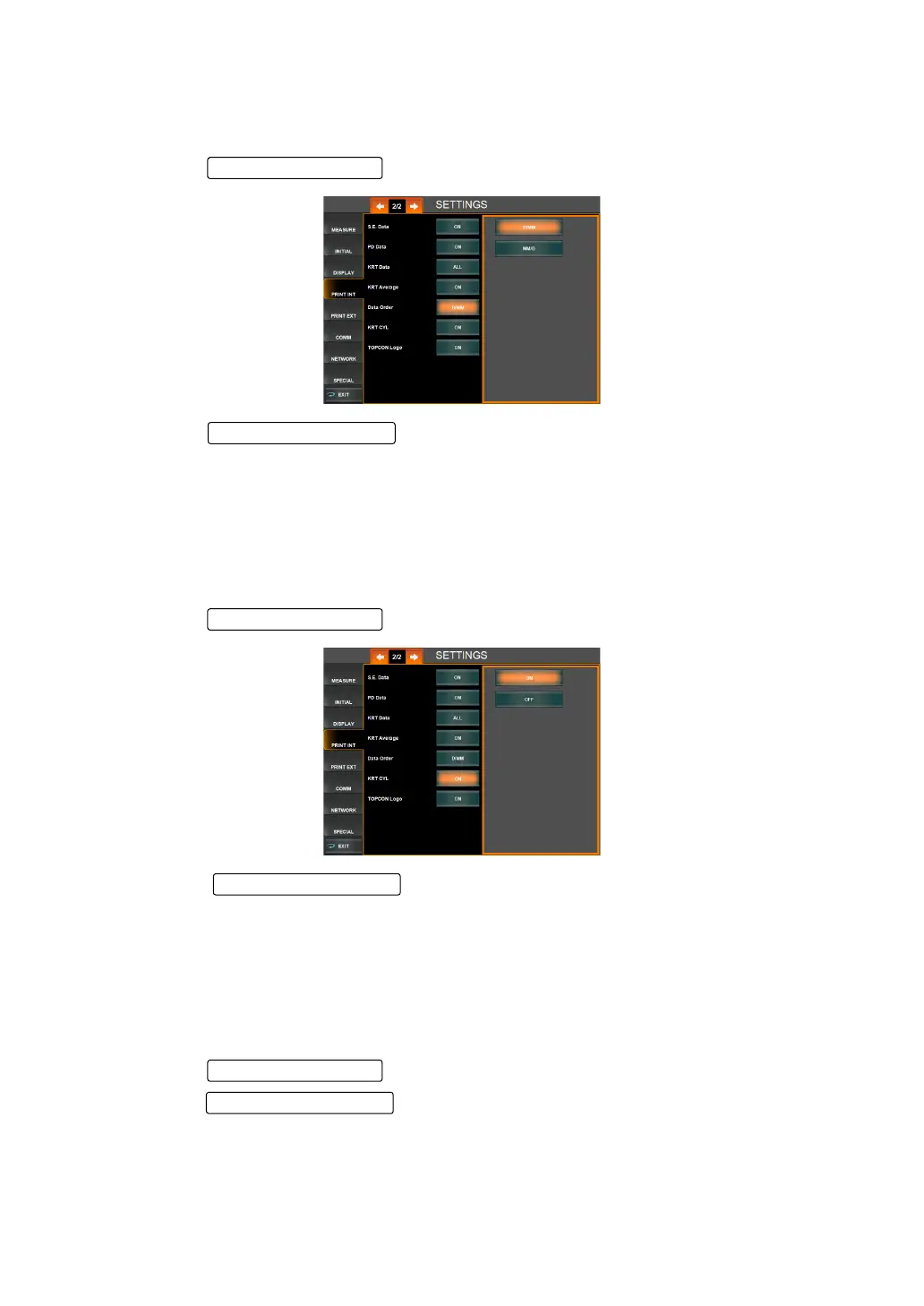
PRINT SEQUENCE OF KRT VALUES (DATA ORDER)
The display sequence of cornea refractory power/radius curvature can be changed. Before
shipment, the default setting is "D/mm" (Print diopter values first).
1 Tap the of the set item display "Data Order" of "PRINT INT."
2 Tap the and select "D/mm" (Print diopter values first) or "mm/D"
(Print mm values first).
3 Setting is complete.
PRINTING THE CORNEAL ASTIGMATIC POWER (KRT CYL)
The corneal astigmatic power and axial angle can be printed. Before shipment, the default set-
ting is "ON" (Print corneal astigmatic power and axial angle).
1 Tap the of the set item display "KRT CYL" of "PRINT INT."
2 Tap the and select "ON" (Print corneal astigmatic power and
axial angle) or "OFF" (Do not print corneal astigmatic power and axial angle)).
3 Setting is complete.
PRINTING THE TOPCON LOGO (TOPCON LOGO)
TOPCON logo can be printed. Before shipment, the default setting is "ON" (Print TOPCON
logo).
1 Tap the of the set item display "TOPCON Logo" of "PRINT INT."
2 Tap the and select "ON" or "OFF."
3 Setting is complete.
Setting Change butto
Set Condition button
Setting Change butto
Set Condition button
Setting Change butto



 To Next Page