165
FUNCTION SETTING USING SETTINGS
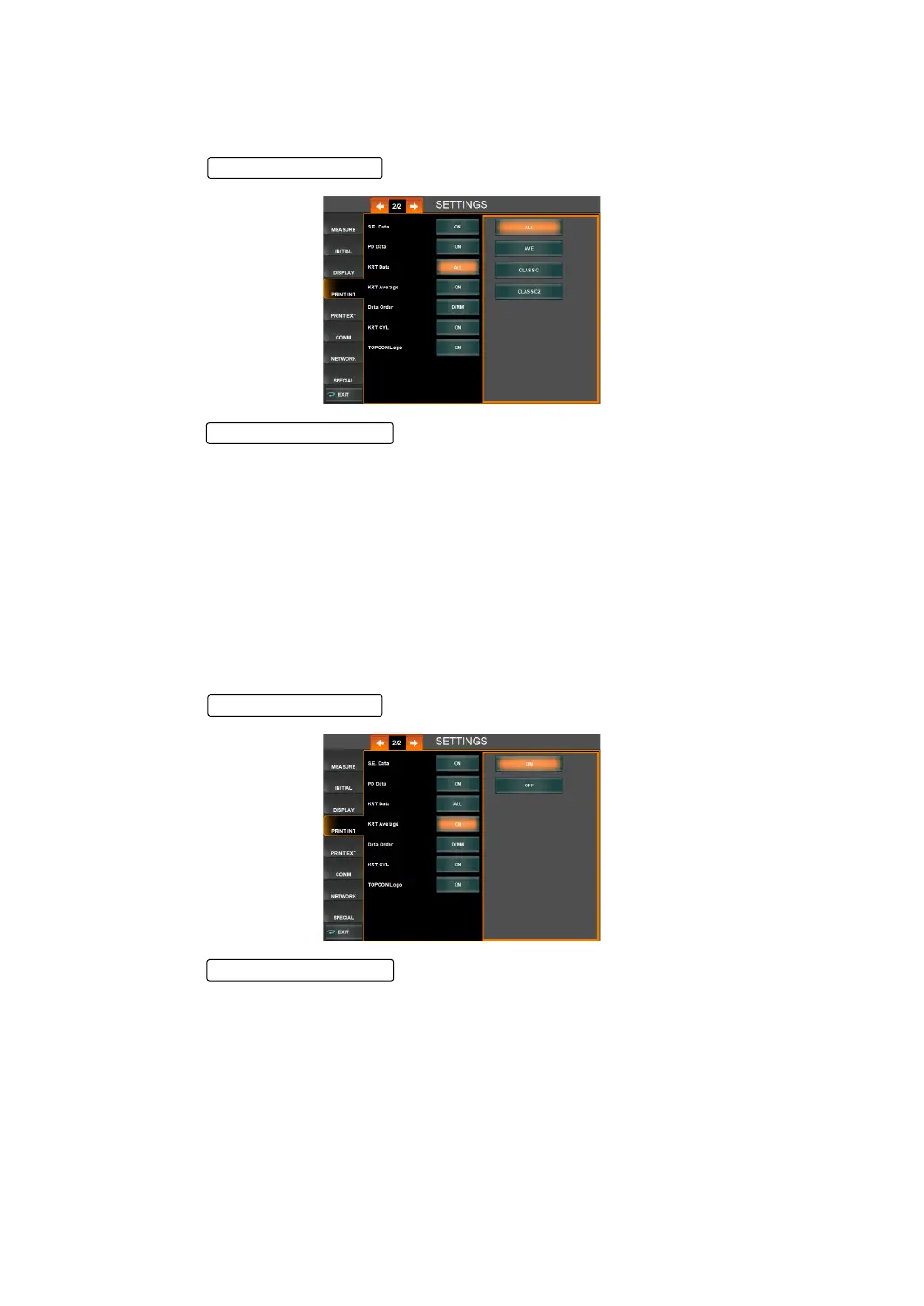
PRINT STYLE OF KRT VALUES (KRT DATA)
The print style of KRT values (cornea shape measurement values) can be set. Before ship-
ment, the default setting is "ALL" (Print all data).
1 Tap the of the set item display "KRT Data" of "PRINT INT."
2 Tap the and select desired print out style.
"ALL" : All data are displayed in printout.
"AVE" : Only average values are displayed in printout.
"CLASSIC" : All diopter values of KRT data are displayed in printout.
"CLASSIC 2" : All REF data are displayed in printout, and only typical values of diopter
values in KRT data are displayed in printout.
3 Setting is complete.
PRINTING KRT AVERAGE VALUES (KRT AVERAGE)
Average KRT values (cornea shape measurement values) can be printed. Before shipment,
the default setting is "ON" (Print average values).
1 Tap the of the set item display "KRT Average" of "PRINT INT."
2 Tap the and select "ON" (Print average values) or "OFF" (Do not
print average values).
3 Setting is complete.
Setting Change butto
Set Condition button
Setting Change butto



 To Next Page