72
INDIVIDUAL OPERATIONS
3 When measurement values are printed out, the paper is cut automatically.
4 When printing data is completed, the main body returns to the initial position.
The user may select which data items are to be printed. Refer page 159 for detail.
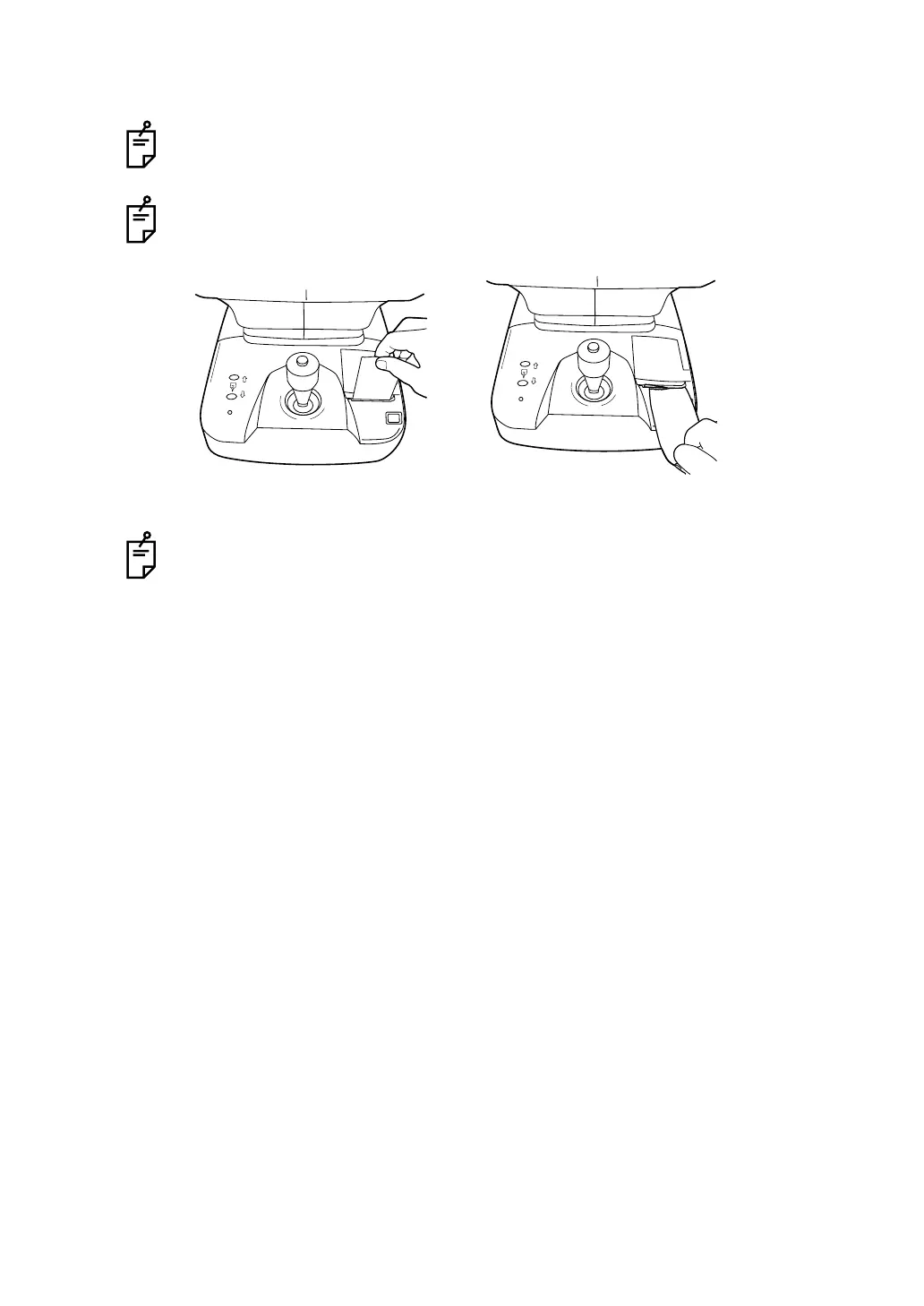
If the printer paper is not cut automatically at the end of printing the data, hold of
the top corner of the paper and cut by pulling the paper down and diagonally.
The main body initial position can be changed in INITIAL SET screen.
Refer page 130 for detail.



 To Next Page