54
BASIC OPERATIONS
BASIC OPERATIONS
PREPARATION BEFORE MEASUREMENT
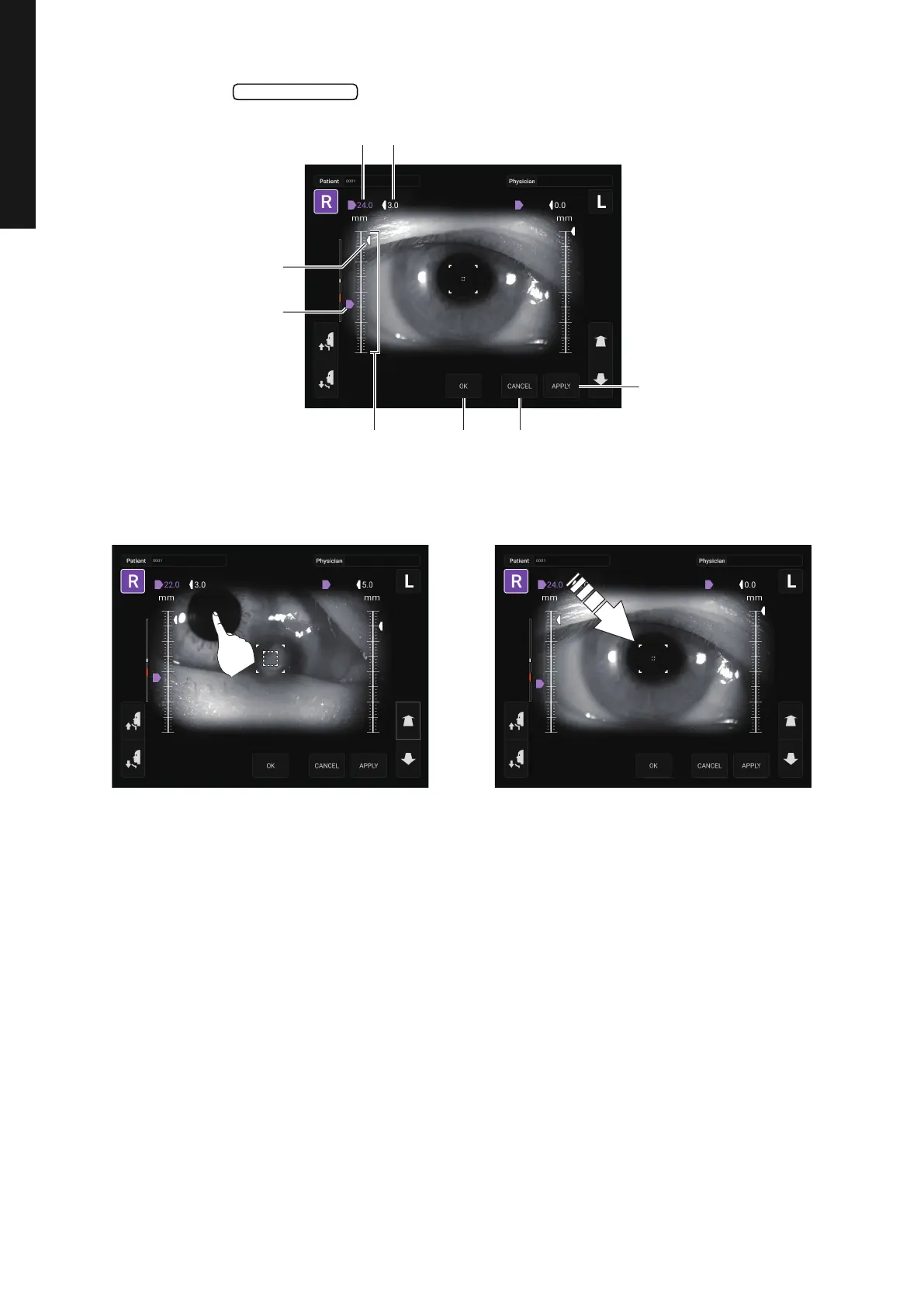
3 When the button is tapped, the Safety Stopper screen is called up.
4 Operating the control panel, set the center of the Measurement screen to the cornea center of
the patient.
Safety Stopper
APPLY button
CANCEL buttonOK buttonZ-axis operating range
Safety stopper icon
Z-axis position icon
Z-axis position Safety stopper position



 To Next Page