59
BASIC OPERATIONS
BASIC OPERATIONS
MEASUREMENT IN REF/KRTTONO/PACHY CONTINUOUS MEASUREMENT MODE
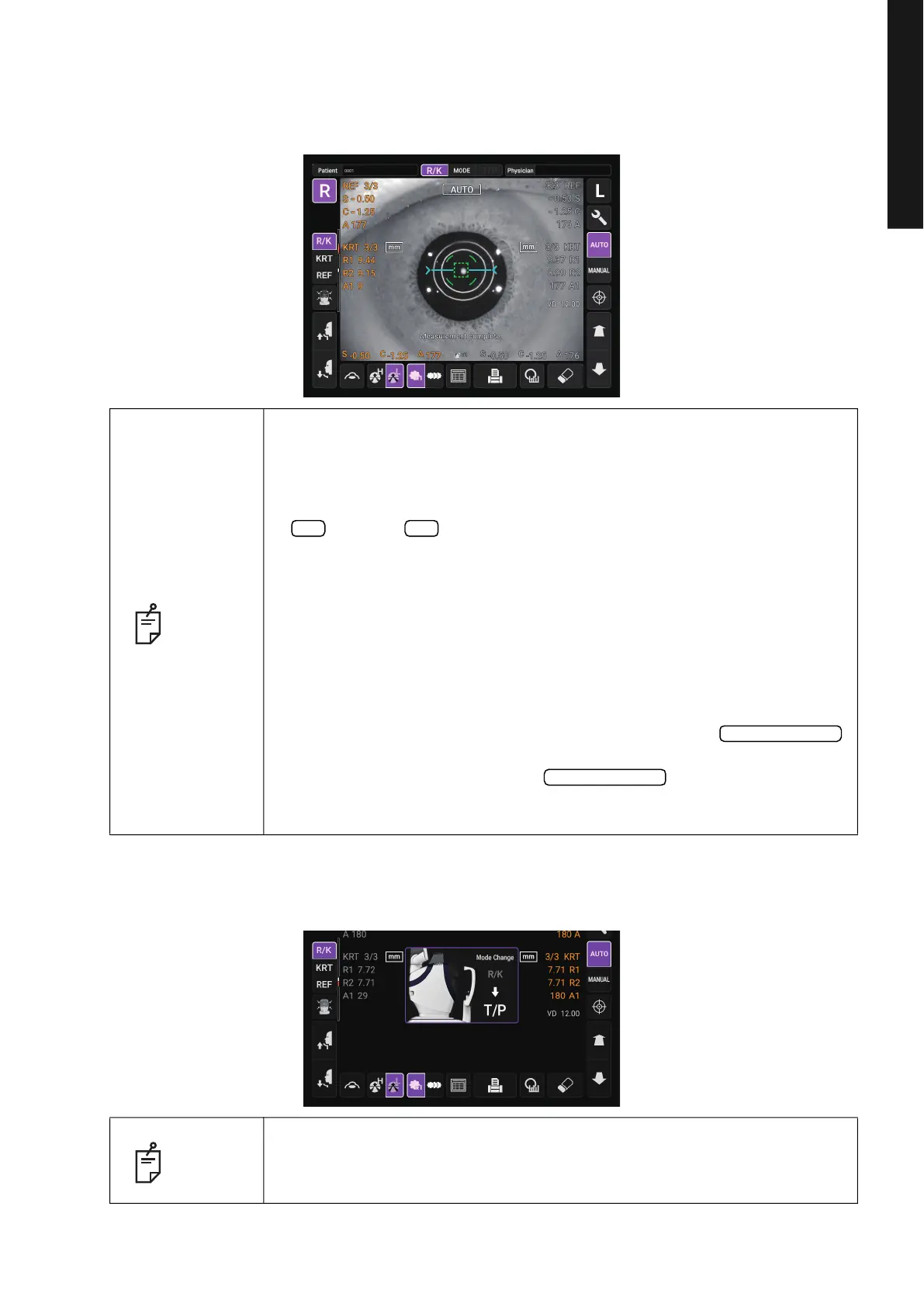
2 Alignment starts automatically, and measurement is performed. Move the measuring head to
the other eye measurement position automatically and measurement is performed. The mea
-
surement results are displayed.
3 After Right/Left eye continuous measurement is complete, the measuring head moves down-
ward for stand-by of TONO/PACHY measurement.
NOTE
• When the “Full Auto” of “R/L mode” is selected in the “Function(R/K)1” on
the Setup screen, the instrument measuring head moves automatically to
the other eye side for measuring. If the patient closes or blinks their eyes
at the time of the right-and-left eye change, the change may be unable to
be performed correctly. If the “
Manual” of “R/L mode” is selected, press the
button or button of the other eye side. If the “Auto (RL)” of “R/L
mode” is selected, the measuring head moves automatically to the other
eye side, however a measurement is not performed.
• When “Alignment error occurred. Focus manually and tap pupil on screen
to restart measurement. (E03003)” is displayed, please confirm if the
patient's eye fits normal conditions for measuring. Then tap the pupil on
the control panel again.
• If measurement values were not obtained for the set measurement count
due to measurement errors, an additional measurement is performed. For
the additional measurement, see page
106.
• To stop alignment or measurement in the middle, tap the
button. It is possible to stop alignment or measurement also by tapping the
control panel anywhere, while an
button is displayed.
When “Alignment stopped. Tap pupil on screen to continue measurement.”
is displayed, please tap the pupil on the control panel again.
NOTE
In R/KT/P continuous measurement mode TONO/PACHY measurement
starts automatically. This only occurs when the “
R/L mode” setting in
“Function(R/K)1” is other than “Manual”.
R L
Alignment stop
Alignment stop



 To Next Page