Modbus TCP gateway
Wieland Electric GmbH | BA000970 | 11/2016 (Rev. F)
Write to the PLC
The following restrictions apply when the gateway operates as a master and writes the input
data sets to the PLC:
• The address of the input data sets (preset in samosPLAN5+) must be the same as defined
in the PLC.
• The PLC variable that is to incorporate the data must meet the following conditions:
– in the address range 40xxxx (for Schneider Modicon PLC),
– an array of 16-bit words,
– long enough to contain the defined input data set array.
• All input data sets are transmitted to the PLC in 16-bit word format, with the first byte ha-
ving the lowest value, i.e. on the far right of the integer, while the second byte has the
highest value, i.e. on the very left of the integer.
Reading from the PLC
The following restrictions apply when the gateway operates as a master and reads the output
data sets from the PLC:
• The address of the output data sets must be the same as defined in the PLC.
Please note: The value of the Modbus addresses must be 1 lower than the register data.
See also: "Figure 8" in "MODBUS Application Protocol V1.1b3"
• The PLC variable from which the data are requested must meet the following conditions:
– They fall into the address range 40xxxx (for Schneider Modicon PLCs).
– There is an array of 16-bit words for the output data sets that is long enough to ac-
commodate the entire output data set.
• All output data sets are transmitted to the PLC in 16-bit word format, with the first byte
having to be placed as the lowest value, i.e. on the far right of the integer, while the se-
cond byte will have the highest value, i.e. on the very left of the integer.
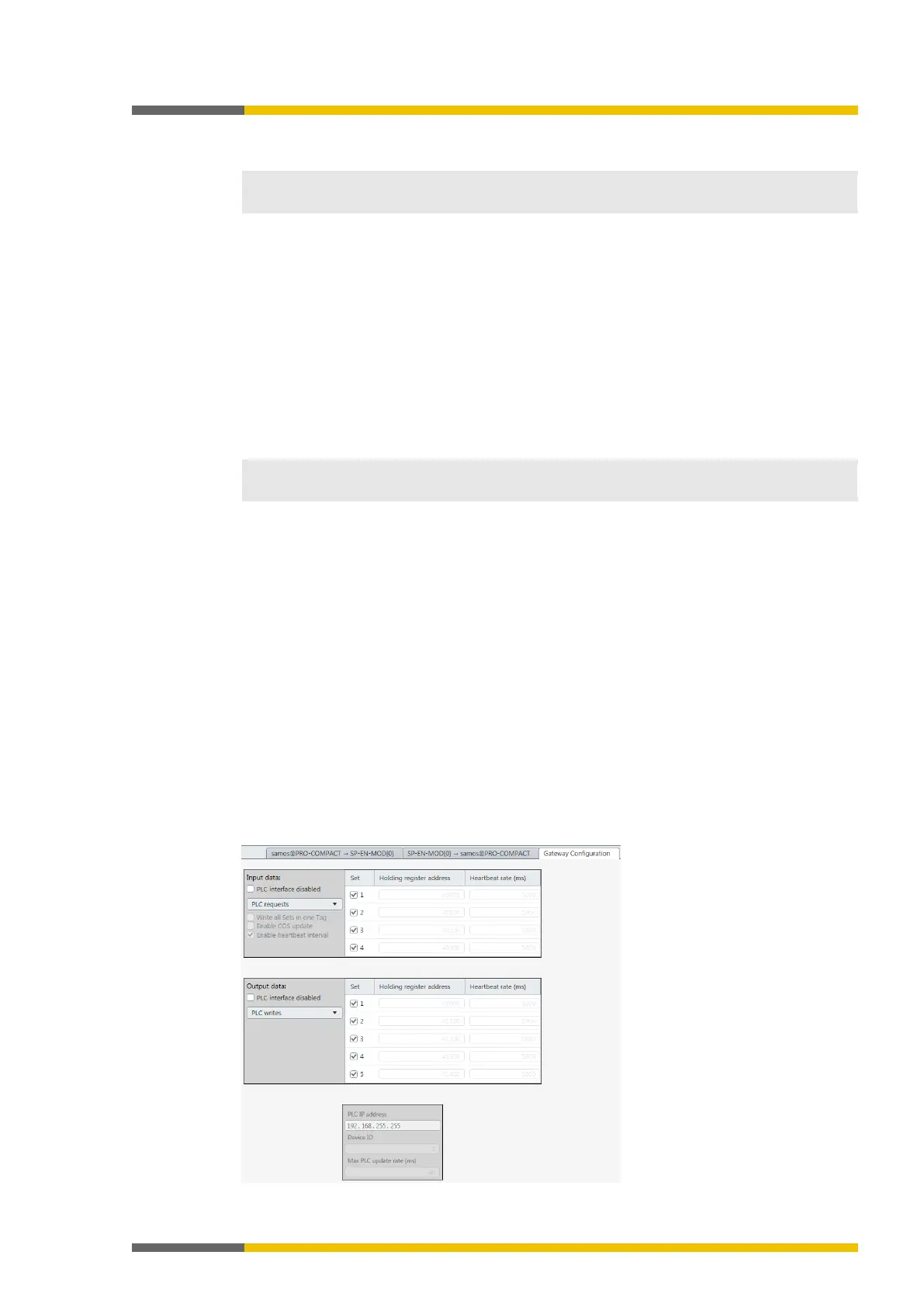
Slave mode - PLC reads from / writes to SP-COP2-ENI
In this operating mode, the SP-COP2-ENI module sends the data as a slave at the request of
the PLC. If this operating mode is desired:
Launch samosPLAN5+.
Change to the
view and click on the
tab.
⇨ You will see the following configuration window:



 To Next Page