SmartPAC 2 User Manual 1126700
Initialization Mode 4-21
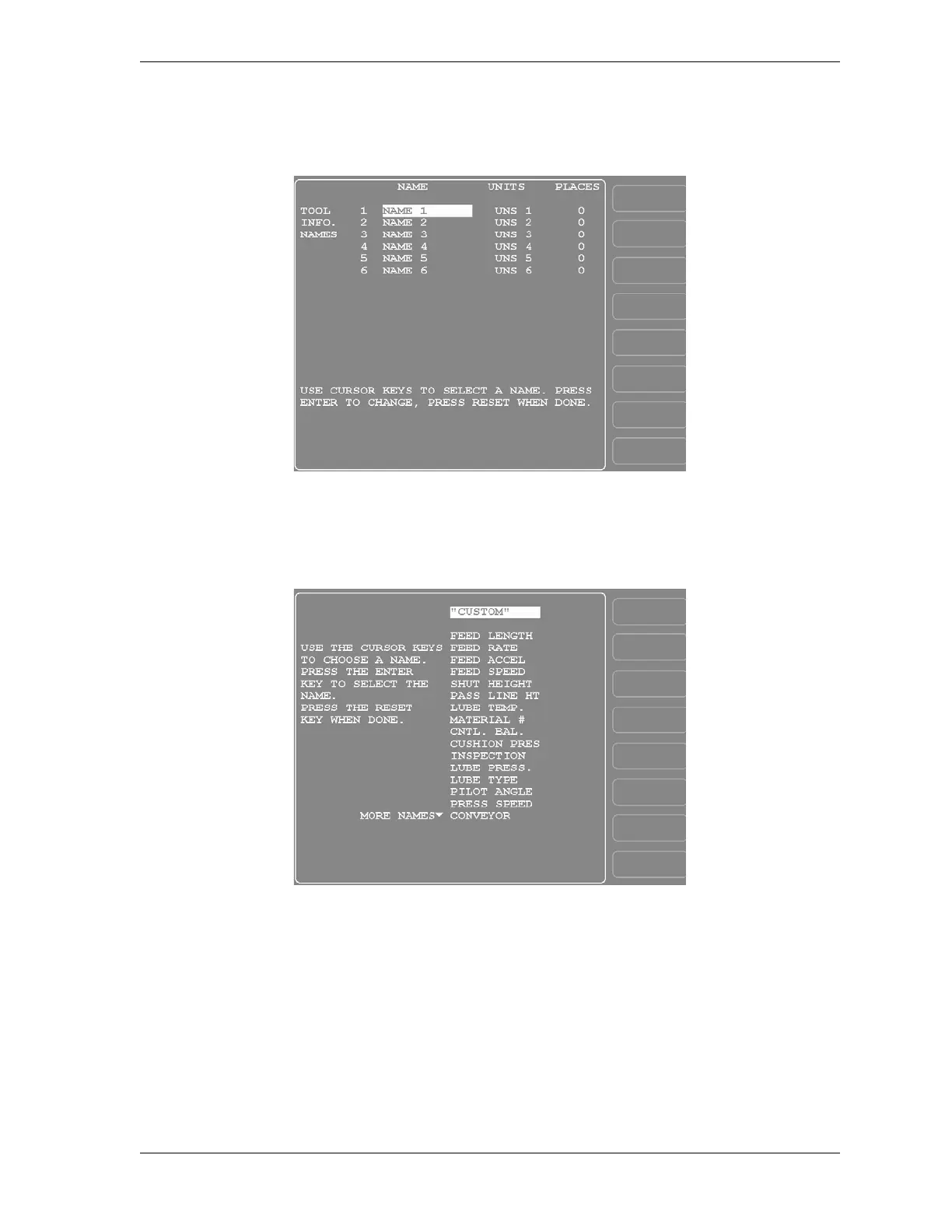
1. Select TOOL INFORMATION on the Main Initialization Menu. The Tool Information
Setup screen, shown in Figure 4-15, displays.
2. Highlight the NAME 1 item, and press ENTER. The Tool Information Name screen,
shown in Figure 4-16, displays.
3. Move the highlight bar to the name you want, using the cursor keys, and press ENTER.
You are returned to the Tool Information Setup screen with the name you selected
displayed.
4. If you want to use a name that is not in the list, select the “CUSTOM” item.
Figure 4-15. Tool Information Setup Screen
Figure 4-16. Tool Information Name Screen


 To Next Page
 Loading...

