SmartPAC 2 User Manual 1126700
Installation 2-35
Zeroing the Resolver
You must perform this procedure the first time you power up SmartPAC 2 and whenever you
install a new resolver.
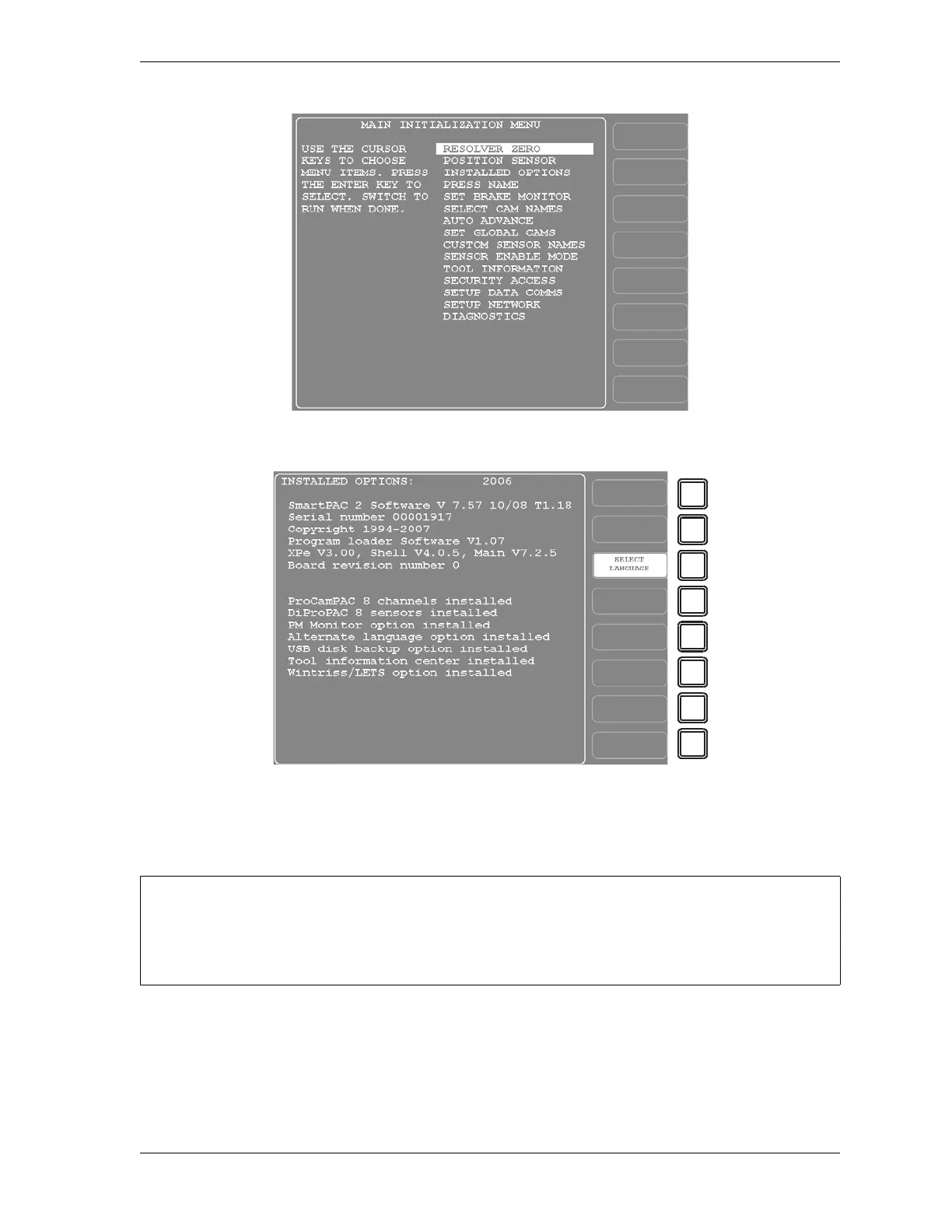
Figure 2-22. Main Initialization Menu
Figure 2-23. Installed Options Screen
PRESS MUST BE AT TDC WHEN ZEROING RESOLVER
Verify that the press is at top dead center (i.e., at 0° ± 2°) before you zero the resolver. If the press
is not at TDC, your timing settings may be wrong.



 To Next Page