SmartPAC 2 User Manual 1126700
Program Mode 5-37
6. Press RESET to return to the Die Protection Sensor 17-32 Menu.
CAM SWITCH (Optional)
(PROGRAM – GO TO THE TOOL MANAGER – select tool – F4-EDIT TOOL – CAM SWITCH)
This item, which appears on the Tool Program Menu only when ProCamPAC is installed,
enables you to program up to 8 (for 8-channel ProCamPAC) or 16 (for 16-channel
ProCamPAC) cam channels. Cam channel settings are made via the Cam Channel Menu,
which is shown in Figure 5-43, page 5-38.
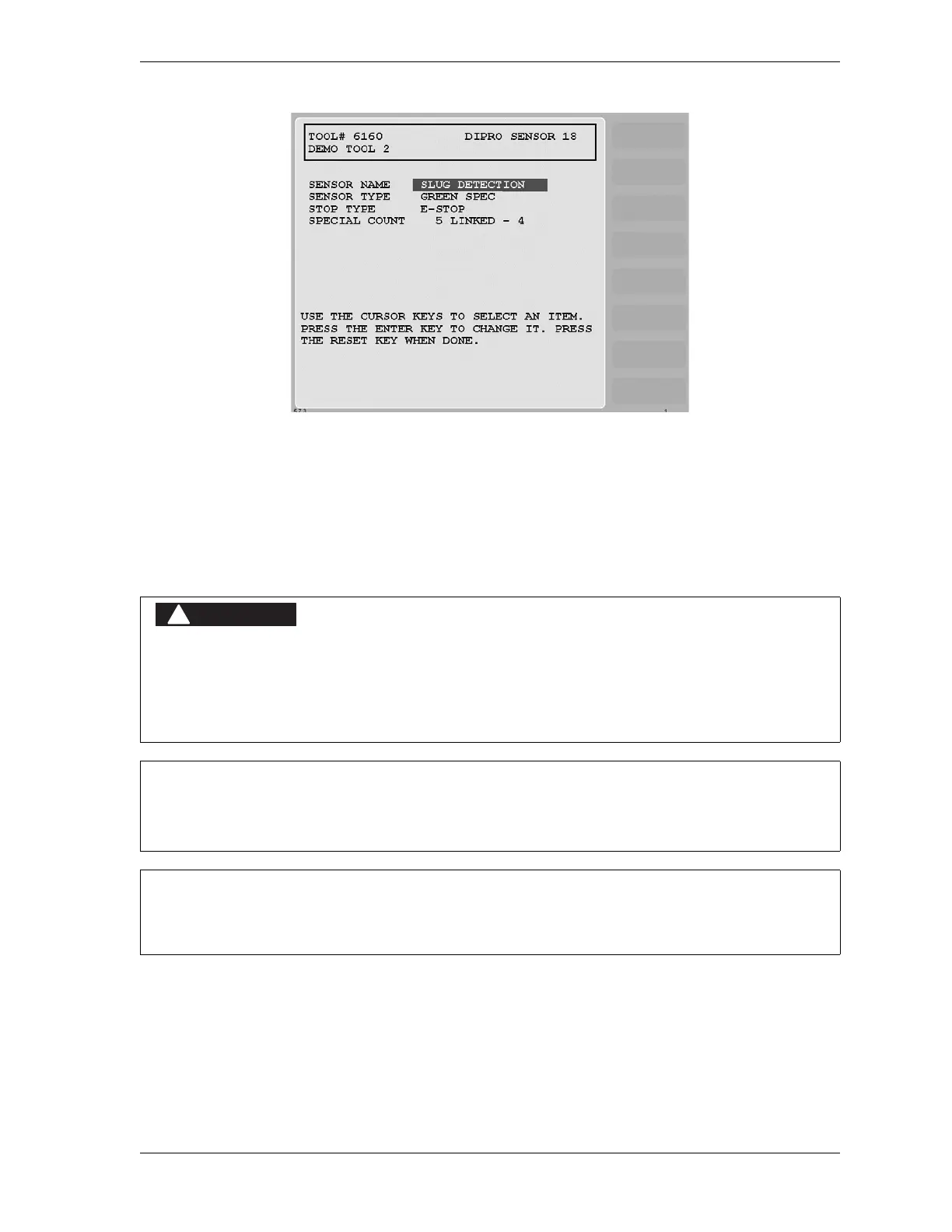
Figure 5-42. Sensor Settings Screen
PROGRAMMABLE CAM SWITCH NOT FOR SAFETY USE
Use SmartPAC 2’s programmable cam switch to control auxiliary functions only. The SmartPAC 2
programmable cam capability should never be used to provide timing signals for any safety use
including clutch/brake control or muting of light curtains.
Failure to comply with these instructions will result in death or serious injury.
MAXIMUM NUMBER OF TIMED AND AUTO ADVANCE CHANNELS PER TOOL
Each tool can have up to four Timed Output cam channels and up to two Auto Advance channels.
For help with the Cam Channel Menu and screens accessible from it, press the HELP key when
the applicable screen is displayed.



 To Next Page