SmartPAC 2 User Manual 1126700
Program Mode 5-35
7. Press RESET to return to the Die Protection Sensor 17-32 Menu.
Programming a Sensor as Green Special
To program one of the sensors in the group of sensors 17-32 as a green special sensor, perform
the following steps, referring to the appropriate sections of Programming Sensor Settings (see
page 5-20) if necessary:
1. Perform steps 1 and 2 of the Programming Sensors 17-32 as Green, Green Quick Check,
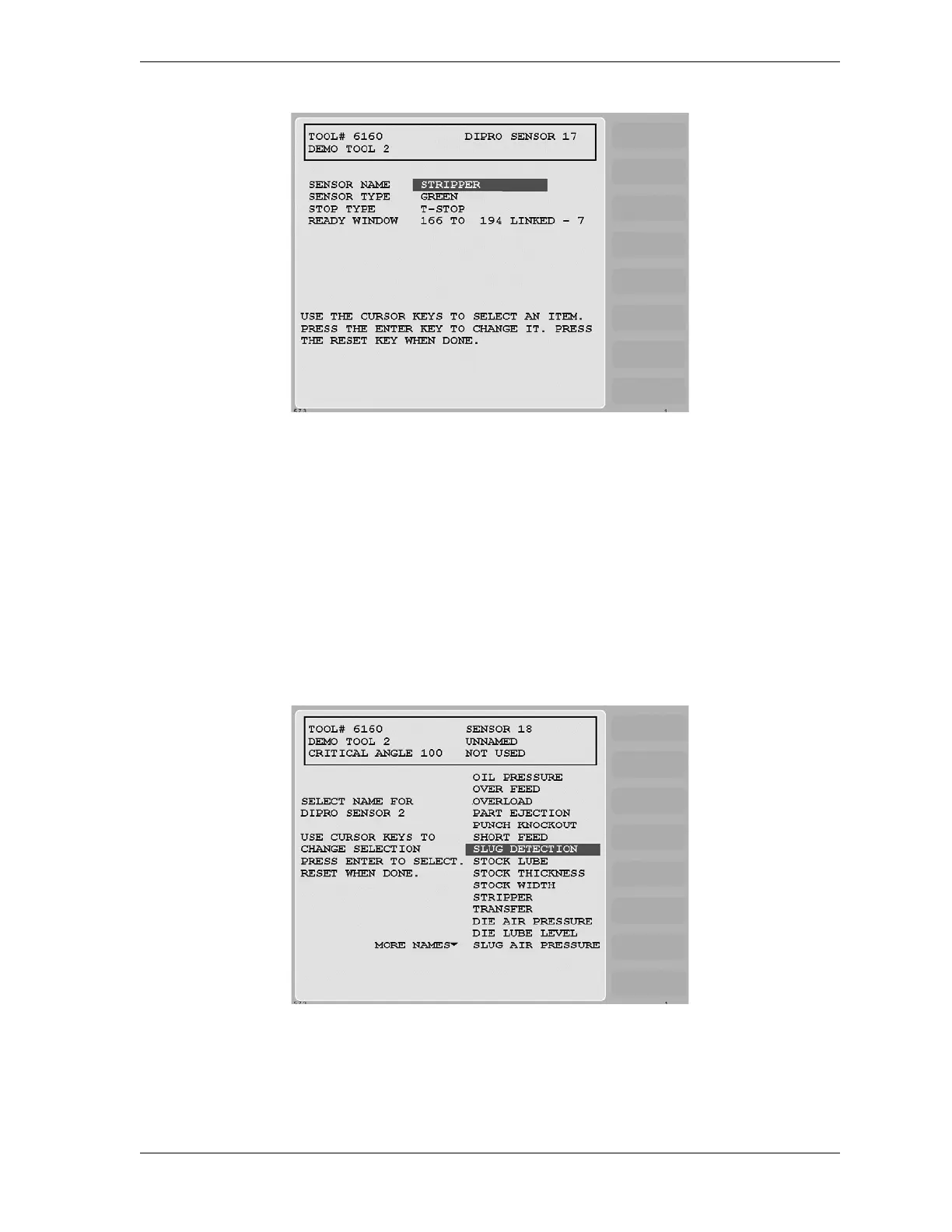
or Green Constant procedure, page 5-32. The Sensor Names screen (see Figure 5-39)
displays.
2. Select a function for the sensor. (“Slug Detection” is used as an example in Figure 5-39.)
The Sensor Type screen (see Figure 5-40, page 5-36) displays.
Figure 5-38. Sensor Settings Screen
Figure 5-39. Sensor Names Screen with Slug Detection Function Highlighted



 To Next Page