SmartPAC 2 User Manual 1126700
Run Mode 6-15
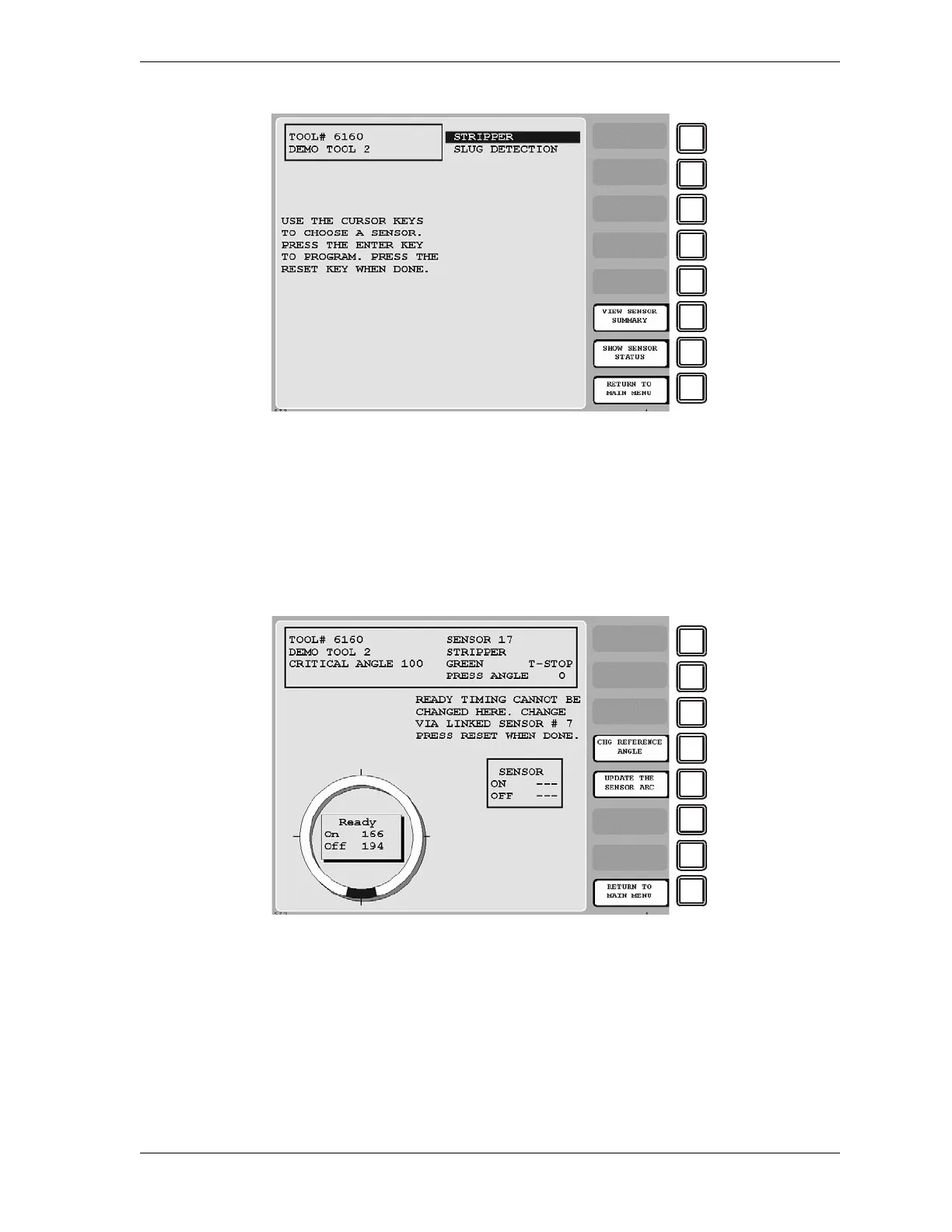
When you select a sensor programmed as green, green quick check, or green constant on the
Die Protection Menu for Sensors 17-32, the Run mode Ready Signal Programming screen
displays with a message, located underneath the status box, indicating that you cannot change
Ready signal timing for this sensor (see Figure 6-16). If you want to change timing, you must
change the timing for the sensor in the group of sensors 1-16 whose Ready signal is being
used for the sensor you are programming.
When you select a sensor programmed as green special on the Die Protection Sensor Menu for
Sensors 17-32, the Green Special Sensor Stroke Count screen displays with a message,
located beneath the stroke preset, indicating that you cannot change the green special stroke
count for this sensor (see Figure 6-17, page 6-16). If you want to adjust the stroke count, you
must make this change for the green special sensor in the group of sensors 1-16 whose stroke
count is being used for the sensor you are programming.
Figure 6-15. Die Protection Sensor Menu for Sensors 17-32
Figure 6-16. Ready Signal Programming Screen, Run Mode



 To Next Page