1126700 SmartPAC 2 User Manual
4-24 Initialization Mode
10. Repeat steps 2-9 for other Tool Information items you want to set up. A Tool Information
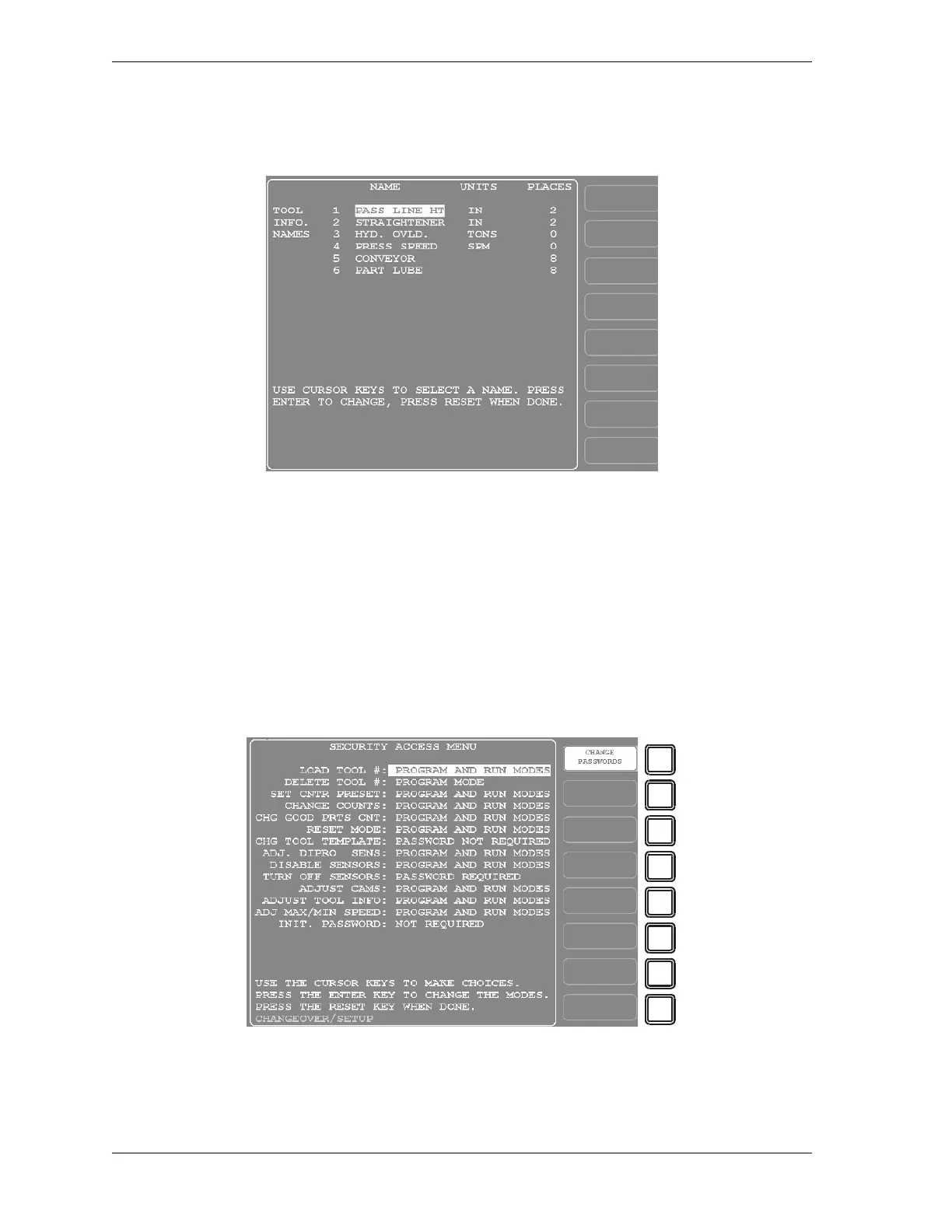
Setup screen with sample entries filled in is shown in Figure 4-18.
11. When you are finished, press RESET to return to the Main Initialization Menu.
SECURITY ACCESS
(INITIALIZATION – TOOL INFORMATION)
The SECURITY ACCESS item on the Main Initialization Menu allows you to control user
access to SmartPAC 2 operating modes and settings. You set user access on the Security
Access Menu, which is shown in Figure 4-19.
Figure 4-18. Tool Information Setup Screen with Sample Entries
Figure 4-19. Security Access Menu



 To Next Page