SmartPAC 2 User Manual 1126700
Keyboard, Displays, Etc. 3-9
HELP Key
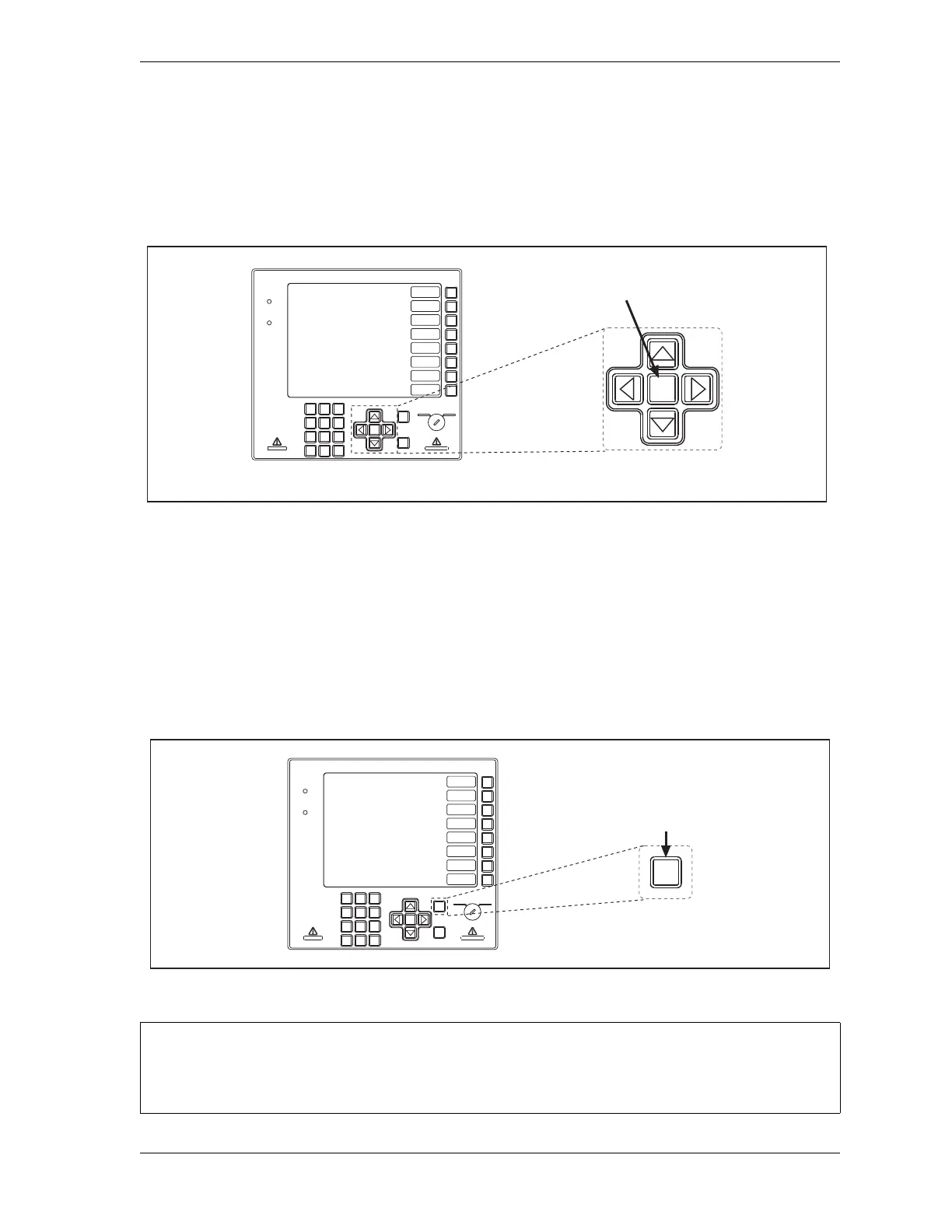
The HELP key, shown in Figure 3-13, provides information about the current SmartPAC 2
display. Pressing HELP takes you to a Help screen that instructs you how to use the display
and explains key terms you need to know.
ENTER Key
The ENTER key, shown in Figure 3-14, is used to complete selection of an item on a
SmartPAC 2 display. After you have highlighted the item with the cursor keys (see Cursor
Keys, page 3-5), pressing the ENTER key displays the SmartPAC 2 screen for that item. You
also use the ENTER key for other functions, such as to accept a number you have keyed in, to
start loading settings for a tool, etc.
-
Figure 3-13. HELP Key
Figure 3-14. ENTER Key
SELECT = HIGHLIGHT + ENTER
When this manual instructs you to select an item, you should highlight the item and press ENTER.
ENTER
RESET
PROG RUN
POWER
BRAKE
WARNING
HELP
123
456
987
.
0
CLEAR
SmartPAC 2
F1
F2
F3
F4
F5
F6
F7
F8
CAMBIE
AL ESPANOL
Cursor (arrow)
keys
HELP key
HELP
ENTER
RESET
PROG RUN
POWER
BRAKE
WARNING
HELP
123
456
987
.
0
CLEAR
SmartPAC 2
F1
F2
F3
F4
F5
F6
F7
F8
CAMBIE
AL ESPANOL
ENTER
key
ENTER



 To Next Page