1126700 SmartPAC 2 User Manual
3-18 Keyboard, Displays, Etc.
Program Mode
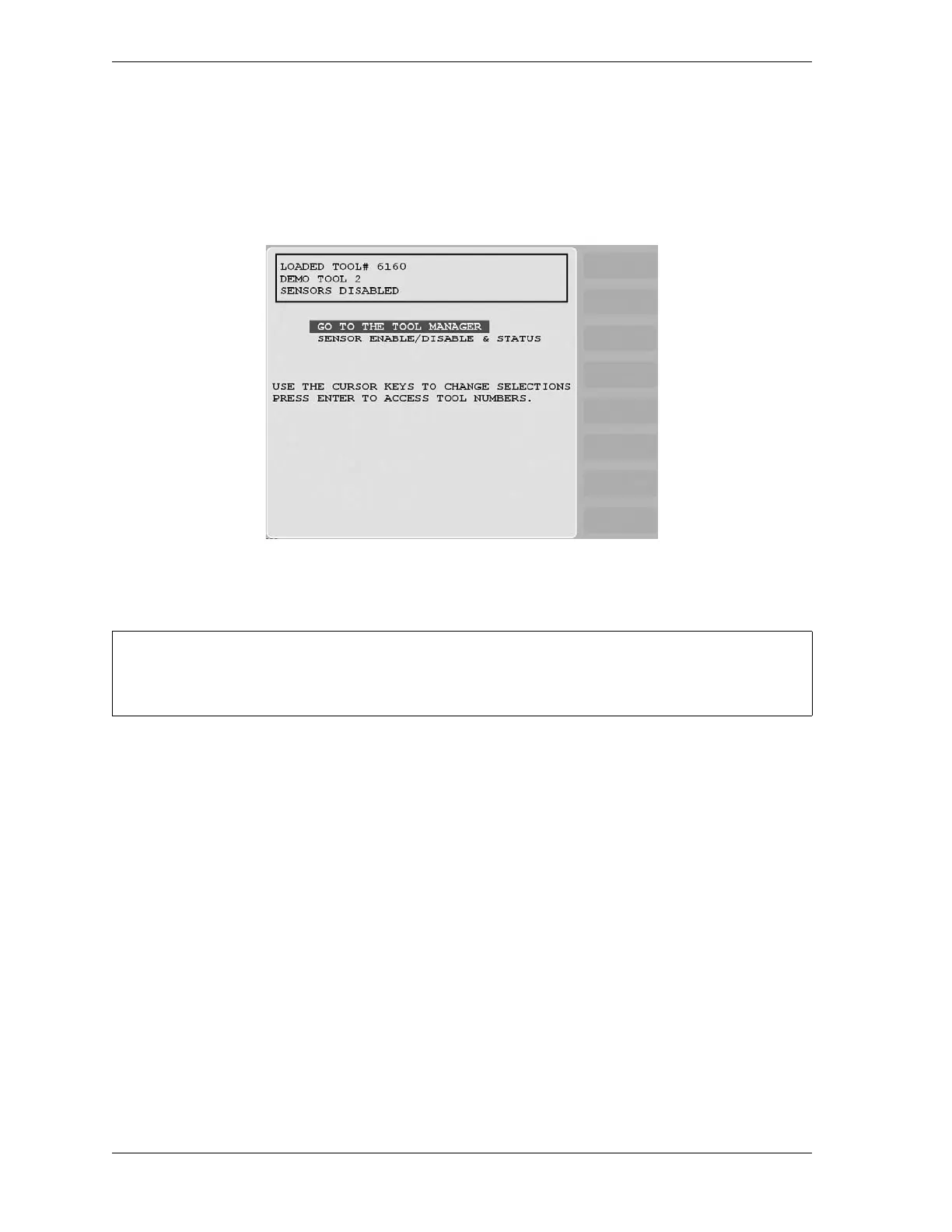
Program mode allows you to create, copy, modify and delete tool settings as well as enable or
disable sensors. The Main Program Menu is shown in Figure 3-24. Figure 3-25, page 3-19
shows you how to navigate through the SmartPAC 2 menus in Program mode.
See Chapter 5 for detailed instructions on how to use SmartPAC 2 in Program mode.
Figure 3-24. Program Mode Main Menu
For help with an item on the Main Program Menu, press the HELP key when that screen is
displayed.



 To Next Page