SmartPAC 2 User Manual 1126700
Initialization Mode 4-29
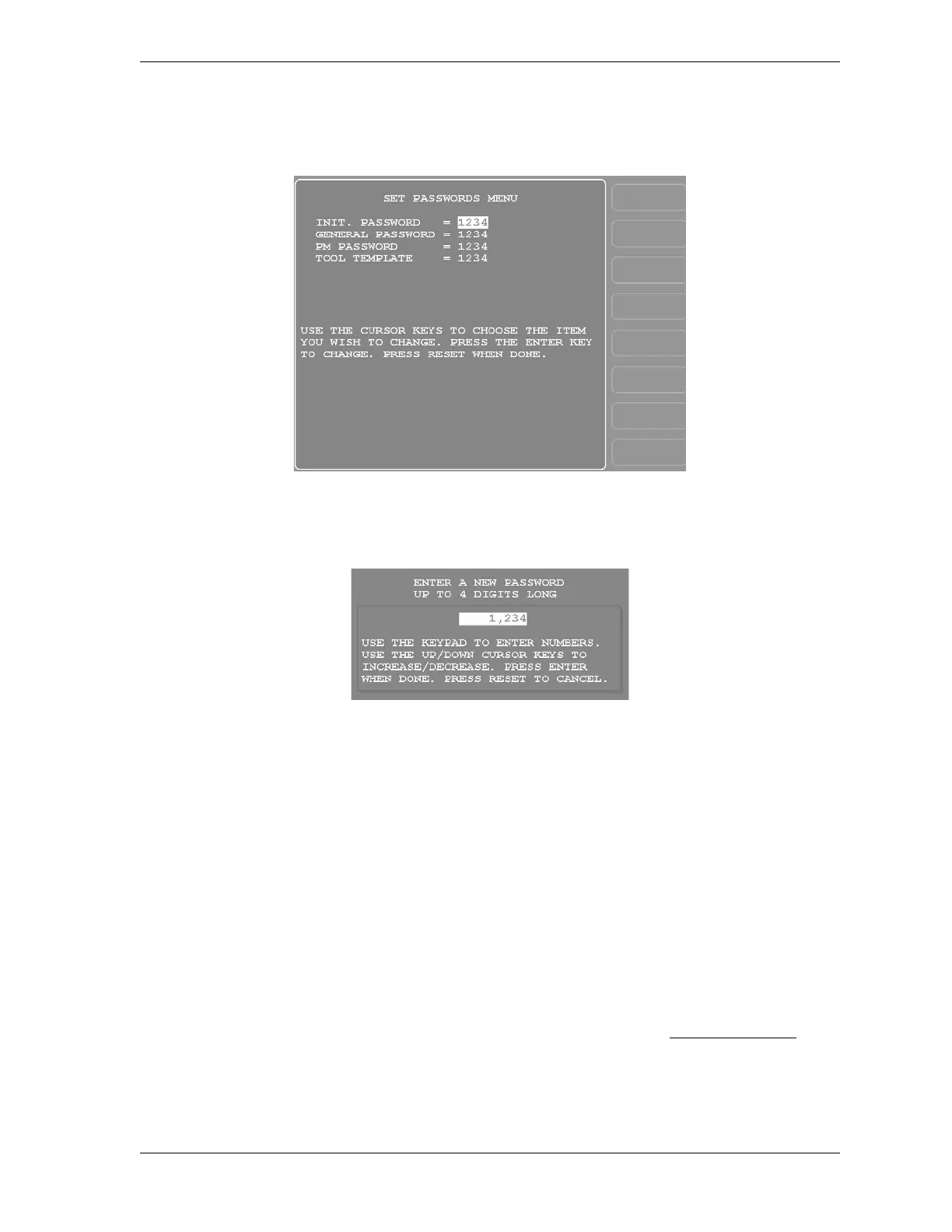
1. On the Security Access Menu (see Figure 4-19), press F1 (Change Passwords) to display
the Set Passwords Menu (see Figure 4-21).
2. Select the password you want to change. The window shown in Figure 4-22 displays.
3. Key in the new password, following the instructions in the window, and press ENTER.
You are returned to the Set Passwords Menu.
BACKUP/RESTORE
This item, which displays on the Main Initialization Menu only when you have SmartPAC 2
version V5.32 or higher, enables you to back up and restore tools programmed on your
SmartPAC 2. Tools may be backed up to a network drive, or, if you have ordered the USB
Backup/Restore option (part no. 9679619), to a USB disk inserted in the SmartPAC 2 board.
You can back up as many as 200 tools per SmartPAC 2 as well as SmartPAC 2 Initialization
parameters.
Instructions for backing up tools to a network drive are provided on the SmartPAC2.com Web
site. Click on See a Demo, then on Backup Setup Online Manual. Instructions for backing up
tools to a USB disk are provided below.
Figure 4-21. Set Passwords Menu
Figure 4-22. “Enter a New Password” Window



 To Next Page