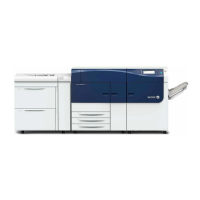
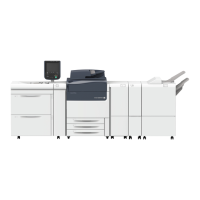
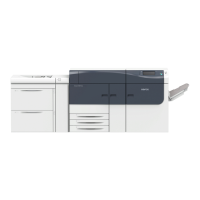
Clearing Paper Jams in the HCF (Tray 6)
1. Open Tray 6 and remove any jammed paper.
Note
If paper is torn, check for any torn pieces of paper inside the machine.
2. Gently close the tray.
3. Gently move Tray 6 to the left until it stops.
4. Grasp the top cover handle and open the top cover.
5. Remove any jammed paper from the top cover area of Tray 6.
6. Close the Tray 6 top cover.
7. Return Tray 6 to its original position.
Clearing HCF Paper Jams in the Lower Left Cover
1. Gently move Tray 6 to the left until it stops.
Xerox
®
Versant
®
80 Press16-4
User Guide
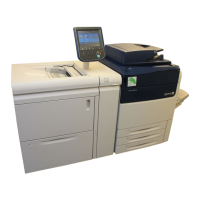
1-Tray High Capacity Feeder (HCF / Tray 6), Letter-Size / A4 Only

 To Next Page
 Loading...