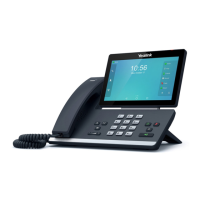
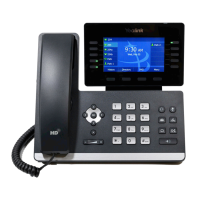
Administrator’s Guide for SIP-T5 Series Smart Media Phones
102
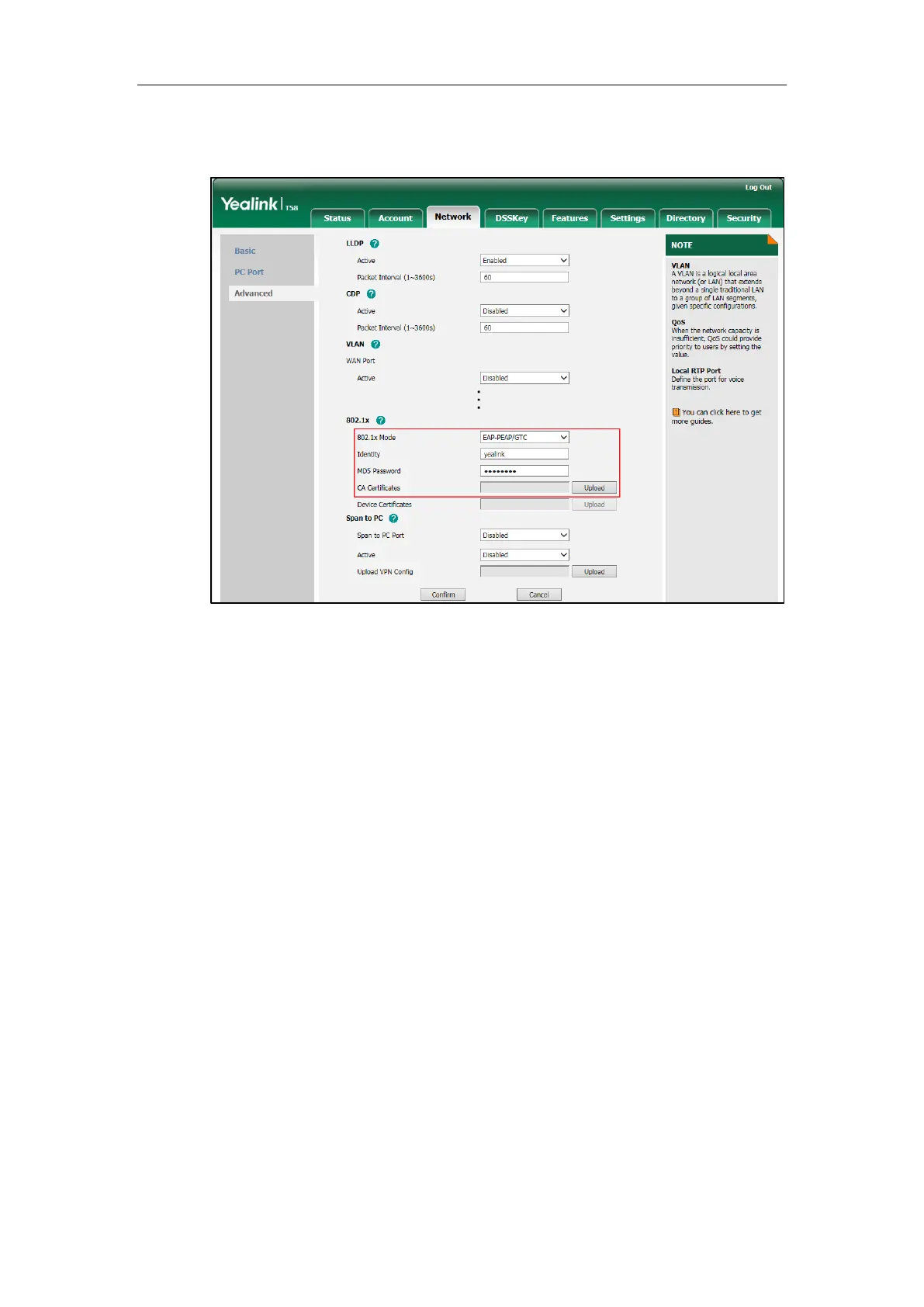
3) In the CA Certificates field, click Upload to select and upload the desired CA
certificate (*.pem, *.crt, *.cer or *.der) from your local system.
f) If you select EAP-TTLS/EAP-GTC:
1) Enter the user name for authentication in the Identity field.
2) Enter the password for authentication in the MD5 Password field.


 To Next Page
 Loading...