Stratus OCT User Manual PN 2660021134133 A
Configuration Guide
B-17
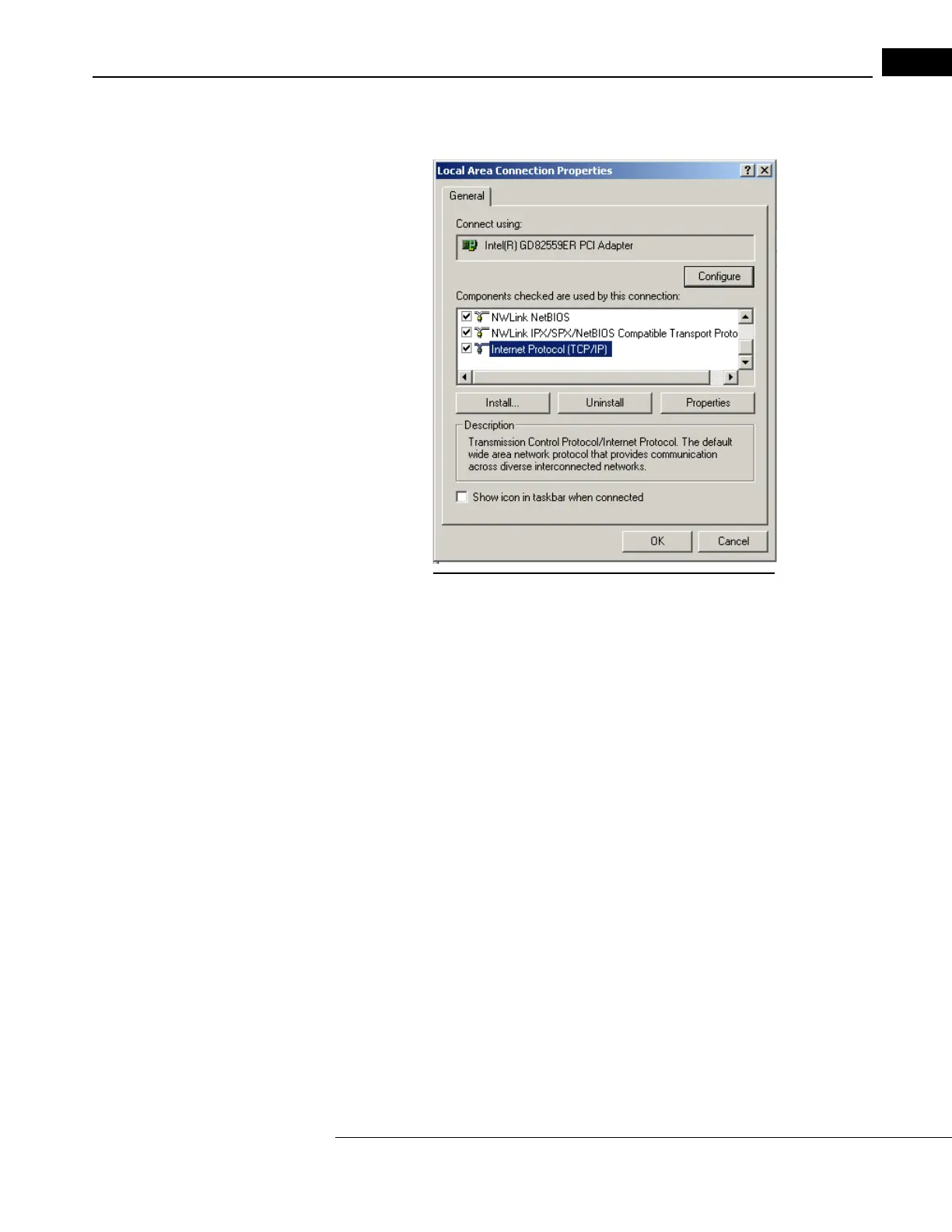
2. Right-click on the Local Area Connection icon, and then select Properties as in
Figure B-17. The Local Area Connection Properties dialog appears (Figure B-18).
Figure B-18 Local Area Connection Properties Dialog
Note: The Connect using: hardware will be different for Pentium 4 based
computers.



 To Next Page