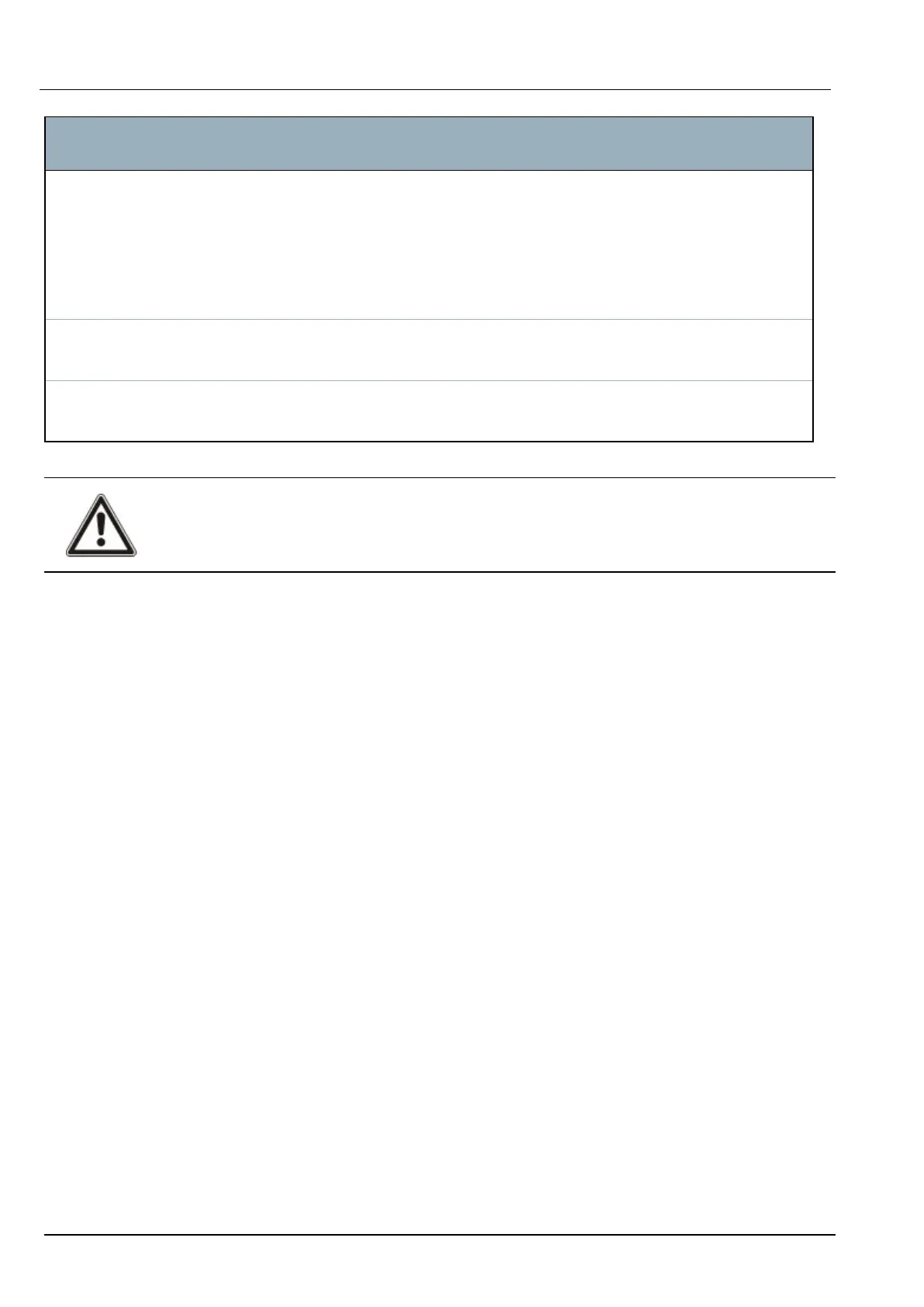
Trigger
condition
States, Outputs, Events, or Communications
Profile Keypad Pin – if a user with the configured user profile enters a valid PIN, or presents a
configured PACE, it will cause an instantaneous pulse OFF/ON/OFF.
Access card – the trigger is activated when a user with the configured user profile logs in
using an access card.
Web Access – the trigger is activated when a user with the configured user profile logs in
through the web browser.
Expander Keyswitch – the trigger can be configured for a specific key position on the keyswitch.
Indicator – the trigger can be configured for a specific function key.
Communication FlexC ATP – the trigger activated by the selected ATS and ATP configuration.
FlexC ATS – the trigger activated by the selected ATS configuration.
WARNING: Your system will not comply with EN standards if you enable a trigger to set the system
without a valid PIN being required.
15.10.7.4 Virtual Zones
A virtual zone is associated with a mapping gate. Each mapping gate can have a number of triggers, and
each trigger can be set off in multiple ways (for example, by events caused by other hardware or virtual
zones). If the mapping gate is on, the virtual zone is usually open; if the mapping gate is off, the virtual
zone is closed. The effect of the zone opening or closing depends on the zone type and, in more
complex scenarios, if the zone is used in triggers.
Mapping gates can also have timers. Those timers are independent of the virtual zones timers. In some
scenarios, it is valid to define separate timers for both a mapping gate and a virtual zone associated with
that mapping gate.
The mapping gate for a virtual zone must be created and configured before you create the virtual zone. If
you delete a mapping gate, then all of the virtual zones that are assigned to that mapping gate are
automatically deleted.
See Mapping Gates on page200 for more information on mapping gates.
See Triggers on page201 for more information on triggers.
Virtual zones are reported to ARCs like hardware zones of the same type, if so configured. Virtual zones
can be isolated or inhibited, like hardware zones.
Virtual zones have associated timers. By default the timer configuration value is zero, which means that
the zone timer is inactive and the virtual zone being open or closed follows the mapping gate being on or
off. If, however, the timer configuration has a value greater than zero, a timer is started when the virtual
zone opens, and the virtual zone auto-closes after the time expires, even if the associated mapping gate
is still in the on state. In this case, the virtual zone can open again only if the associated gate first closes
and then opens.
Virtual zones are floating zones. If the X-BUS configuration is changed (for example by adding another
I/O expander or by changing the rotary switch address of an existing I/O expander) all of the floating
zones in the range used by the expander are moved up, including the virtual zones.
Virtual zones have by default the same attributes as hardware zones of the same type. Attributes for
virtual zones can be configured in the Inputs page or through the keypad.
The maximum number of virtual zones is hardware-dependent:
SPC42/52/53/63 – Installation & Configuration Manual Engineer programming via the browser
© Vanderbilt 2023 203 I-200572
08.12.2023



 To Next Page