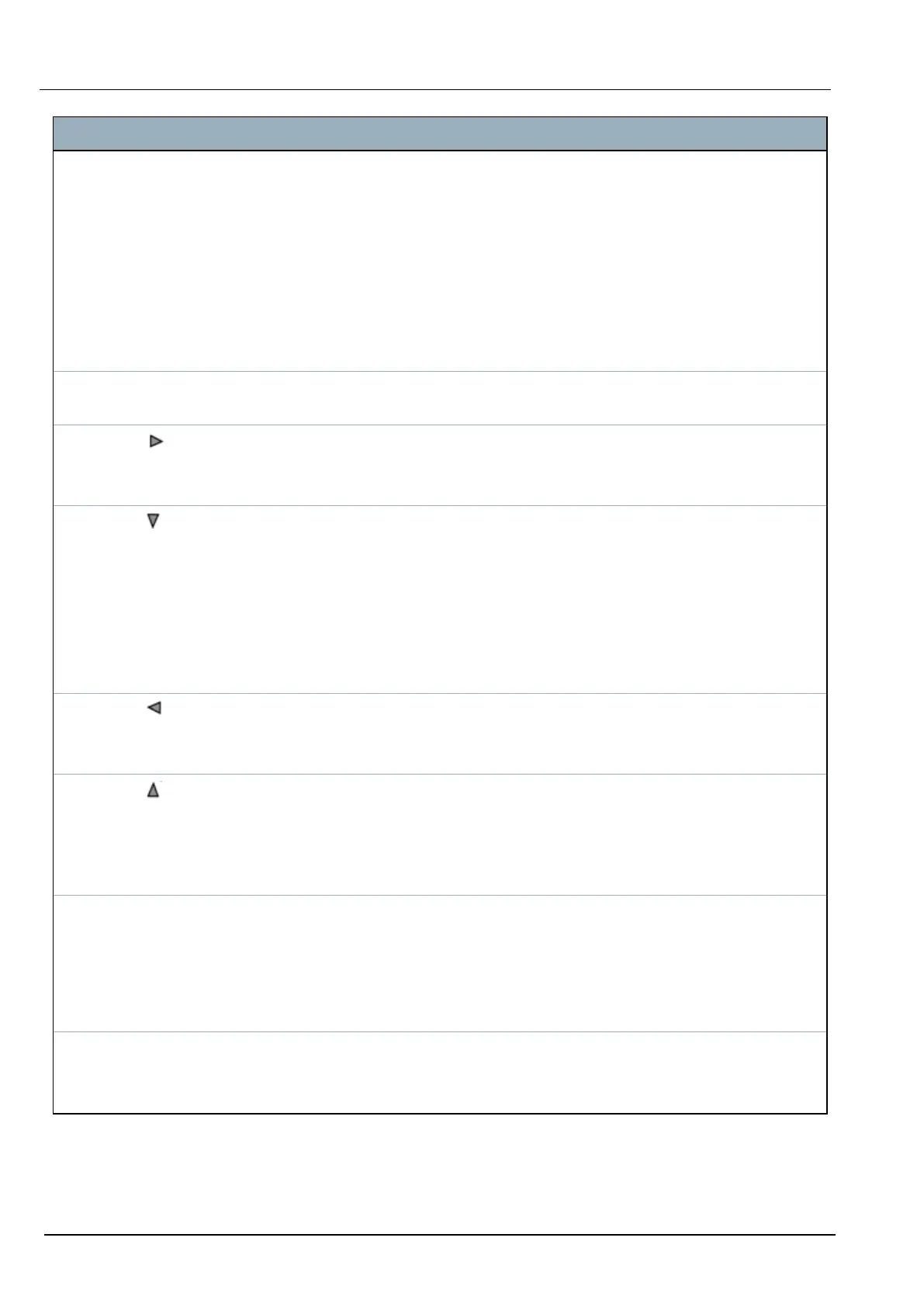
Number Name Description
1 RIGHT
SOFT KEY
This key is used to select the option presented on the right side of the bottom line
display.
Possible values are:
l
SELECT to select the option displayed on the top line
l
ENTER to enter the data displayed on the top line
l
NEXT to view the next alert after the one displayed on the top line
l
CLEAR to clear the alert displayed on the top line
l
SAVE to save a setting
2 OK The OK button acts as a SELECT key for the menu option displayed on the top line
and also as an ENTER/SAVE key for data displayed on the top line.
3 In Programming mode, the right arrow key advances the user through the menus in
the same way as pressing the SELECT option (right soft key).
In data entry mode, press this key to move the cursor one position to the right.
4 In Programming mode, the down arrow key moves the user to the next programming
option in the same menu level. Continually press this key to scroll through all
programming options available on the current menu level.
In alphanumeric mode, press this key over an upper case character to change the
character to lower case.
When alerts are displayed, the down arrow key moves the user to the next alert
message in the order of priority. (See Prioritization of display messages on the facing
page.)
5 In Programming mode, the left arrow key returns the user to the previous menu level.
Pressing this key when in the top menu level exits the user from programming.
In data entry mode, press this key to move the cursor one position to the left.
6 In Programming mode, the up arrow key moves the user to a previous programming
option in the same menu level. Continually press this key to scroll through all
programming options available on the current menu level.
In Alphanumeric mode, press this key over a lower case character to change the
character to upper case.
7 LEFT
SOFT KEY
This key is used to select the option presented on the left side of the bottom line
display.
Possible values are:
l
EXIT to exit programming
l
BACK to return to previous menu
8 BOTTOM
LINE OF
DISPLAY
In the IDLE state, this line is blank.
In Programming mode, this line displays options available to the user. These options
align over the left and right soft keys for selection as required.
SPC42/52/53/63 – Installation & Configuration Manual Keypad user interface
© Vanderbilt 2023 55 I-200572
08.12.2023



 To Next Page