1756-6.5.3 - December 1999
10-8 Controlling I/O Over a ControlNet Network
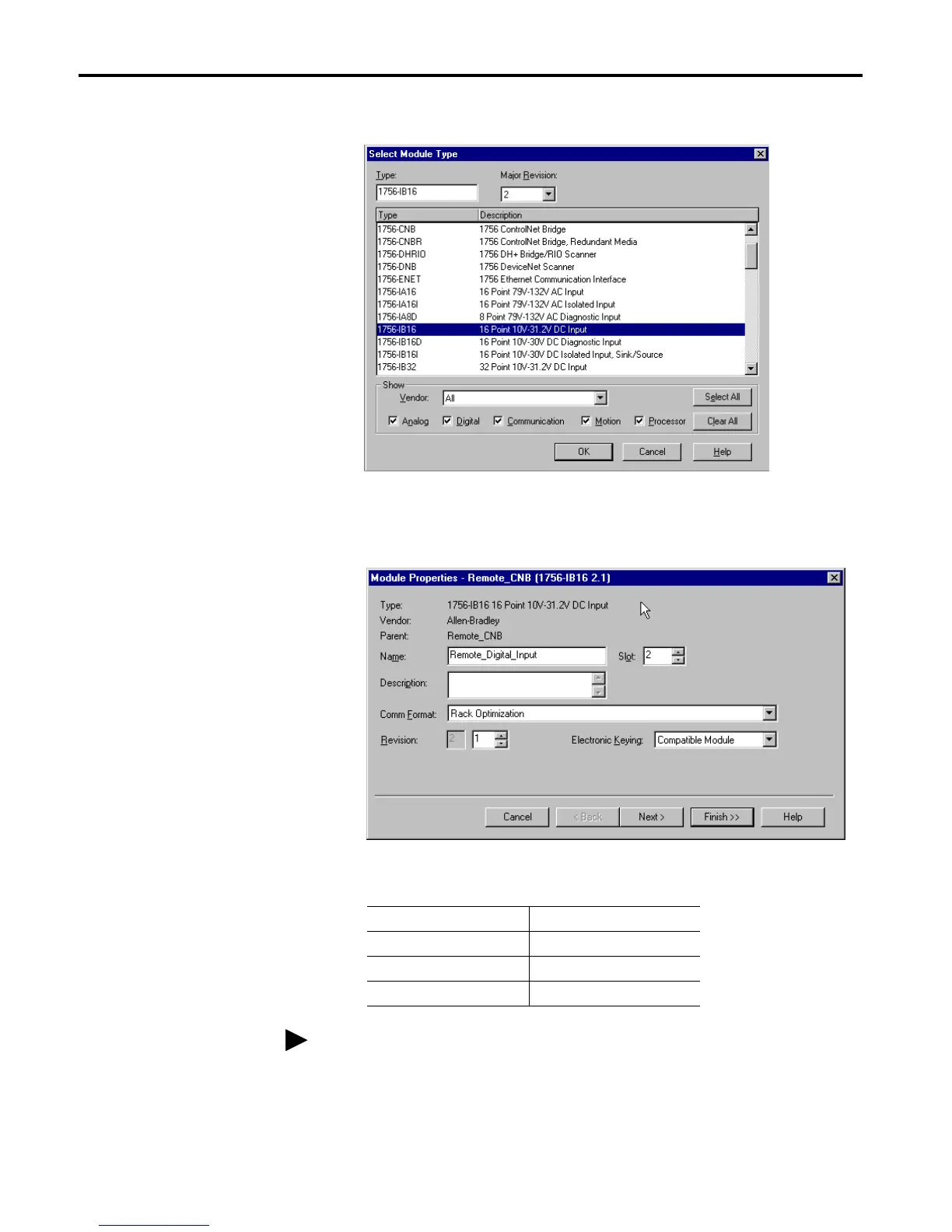
The Select Module Type window will appear.
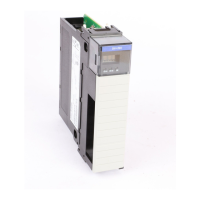
2. Select the 1756-IB16 digital input module from the list.
The Module Properties window will appear.
3. Enter the following parameters:
4. Click on the Finish button to accept the configuration.
Name Remote_Digital_Input
Slot 2
Comm Format Rack Optimization
Electronic Keying Compatible Module
If you want to alter the default parameters, click on Next. Refer to the
ControlLogix Digital I/O User Manual, publication 1756-6.5.8, for details.


 To Next Page
 Loading...