1756-6.5.3 - December 1999
Logix5550 to Logix5550 Controller: Scheduled Communication 4-13
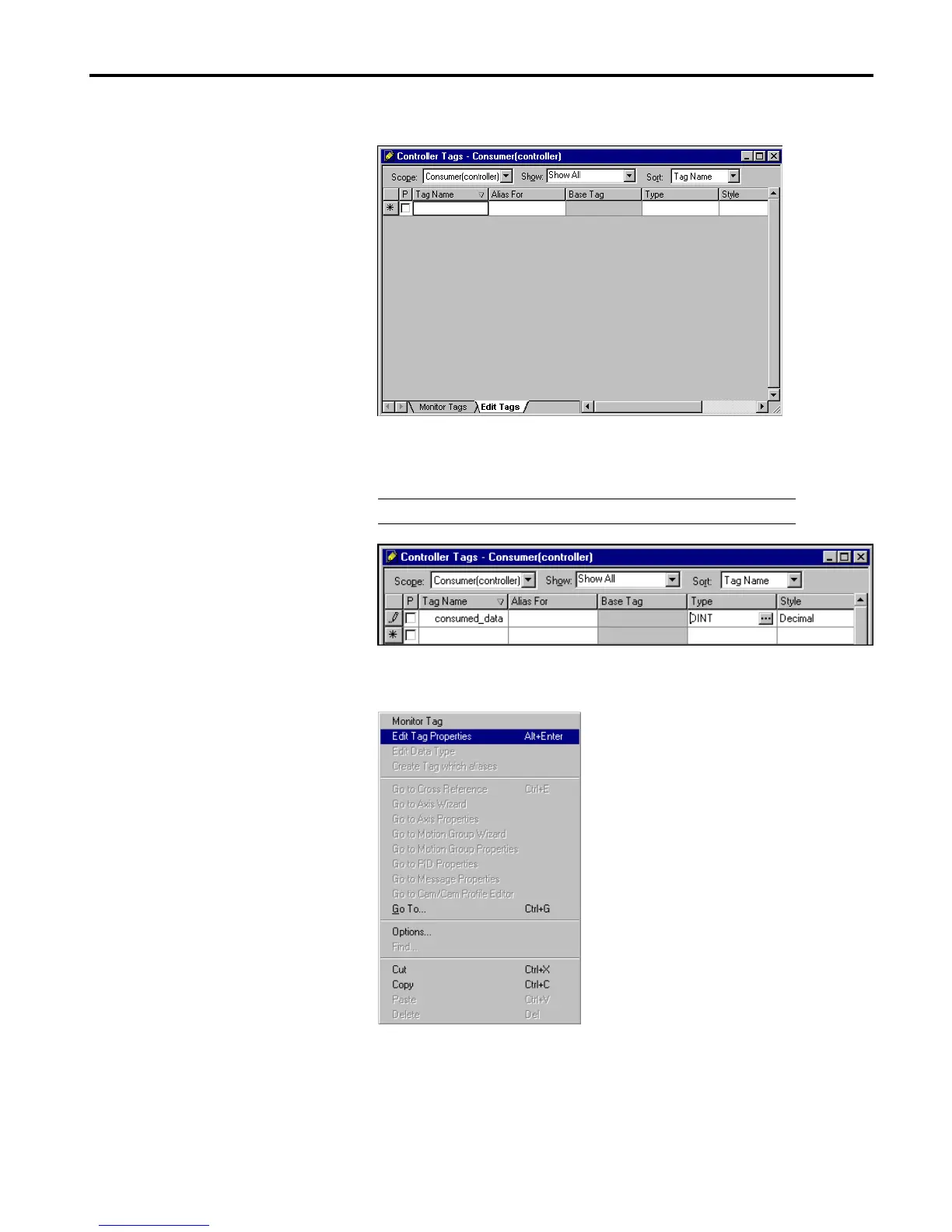
The Controller Tags window will appear.
2. Select the Edit Tags tab and create the following tag:
3. Right-click on the new tag. The following pop-up menu will appear:
4. Select Edit Tag Properties.
Tag Name Type Style
consumed_data DINT
Decimal


 To Next Page
 Loading...