Chapter 5 Parameter Introductions
162
If PF.03 is set to 3, the rated parameters stored in the keyboard except motor’s will
be cope to inverter.
Tips:
When inverter is working in the same application, using this function can quickly copy
the set parameters, and shorten the time spent on debugging and maintenance.
PF.03 is only valid for LCD keyboard.
Parameter copy is only effective to LCD keyboard. PF0.3 will be set automatically to
0 .
At present, only 35R5GB/37R5PB inverter and above models can match LCD
keyboard, but parameter copy of LCD keyboard is not open at now.
PF.00
Menu
level 3
display
Func.
code
PF.00
Go into
user
password
setting,
initialv
alue is
0
Shift
cursor
to
right
Shift
cursor
to
right
Enter to
save
user
password
.
Shift
cursor
to
right
0
000
1
000 1
0
00
1
2
00
12
0
0
12
3
0123
0
1234
PF.00
Turn
right 1
times
to set
the
value
to 1
>>
>>
>>
ENTER
ENTER
+
+ + +
-PF-
Menu
level 2
display
group
PF
LED
Display
Key
operation
ENTER
Turn
right 2
times,
to set
the
value
to 2.
Turn
right 3
times,
to set
the
value
to 3.
Turn
right 4
times,
to set
the
value
to 4.
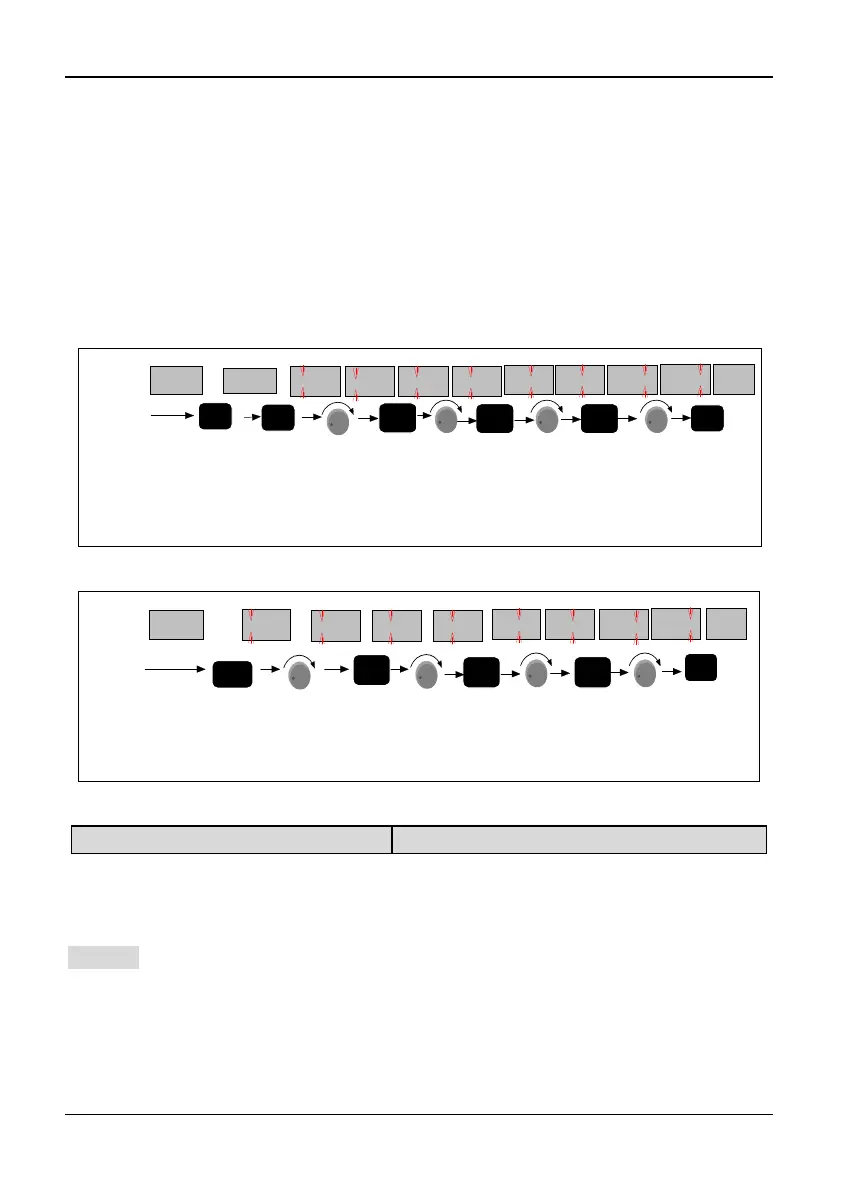
Fig. 5-15-1Flow chart of user password setting
-PF-
Menu
level 2,
display
PF group
Go into user
password
verification
Shift
cursor
to
right
Shift
cursor
to
right
LED
Display
Key
Operation
Enter to pass
password
verification,
go into edit
state
Shift
cursor
to
right
Turn
right
3
times
0
000
1
000 1
0
00
1
2
00
12
0
0
12
3
0123
0
1234
PF.00
Turn
right
4
times
turn
right
2
times
High bit
bliniking
turn
right 1
times
>>
>>
>>
ENTER
ENTER
+
+
+ +
Fig. 5-15-2 Flow chart of user password unlocking
PF.04 G/P selection
Range: 0,1【
0
】
0: Type G (Constant torque) 1: Type P (Inlet fan and pump series loads)
Note:
The parameter is only valid to the inverter of G/P series, otherwise it is always 0.
Default value of the inverter is 0. If want type P, please setting PF.04 to 1.
Example: When the inverter model is type G (such as 31R5GB), you want the inverter
of 32R2PB (Type P), set
PF.04 to 1.
Tips:
By this way, you can get a type G inverter from a type P inverter.



 To Next Page