Chapter 5 Parameter Introductions
107
37, 38:External fault normally open/normally closed; 54, 55: EH2 External fault rising
edge valid/falling edge valid
EH0 External fault normally open, EH1External fault normally closed; EH2 External
fault rising edge valid, EH3 External fault falling edge valid: External fault instruction.
Fault instruction from devices associated with inverters can be input through EH0,
EH1,EH2,EH3 function terminal . After inverter receives external fault instruction,
PWM output will be blocked and the last fault type will be displayed.
Note: When input external fault instruction through EH0, EH1 and fault signal is valid
either in high voltage level or low voltage level , the inverter cannot be reset before the
external fault signal is relieved; When input external fault instruction through EH2、
EH3 and only in case that fault signal is a rising edge(disconnected to closed) or falling
edge(closed to disconnected), the external fault is valid and the external fault is
reported with PWM output blocked and also the inverter can be reset.
When the external fault is relieved, the inverter can recover after reset.
Illustrated in 5-3-6, the definition of EH0, EH1, EH2, and EH3 is not influenced by the
value of P3.00.
39 and 40: EI0 External interrupt normally open, EI1 External interrupt normally
closed
During operating, the inverter stops its output and runs at zero-speed when it receives
external interrupt signal. Once the signal is removed, the inverter will start and resume
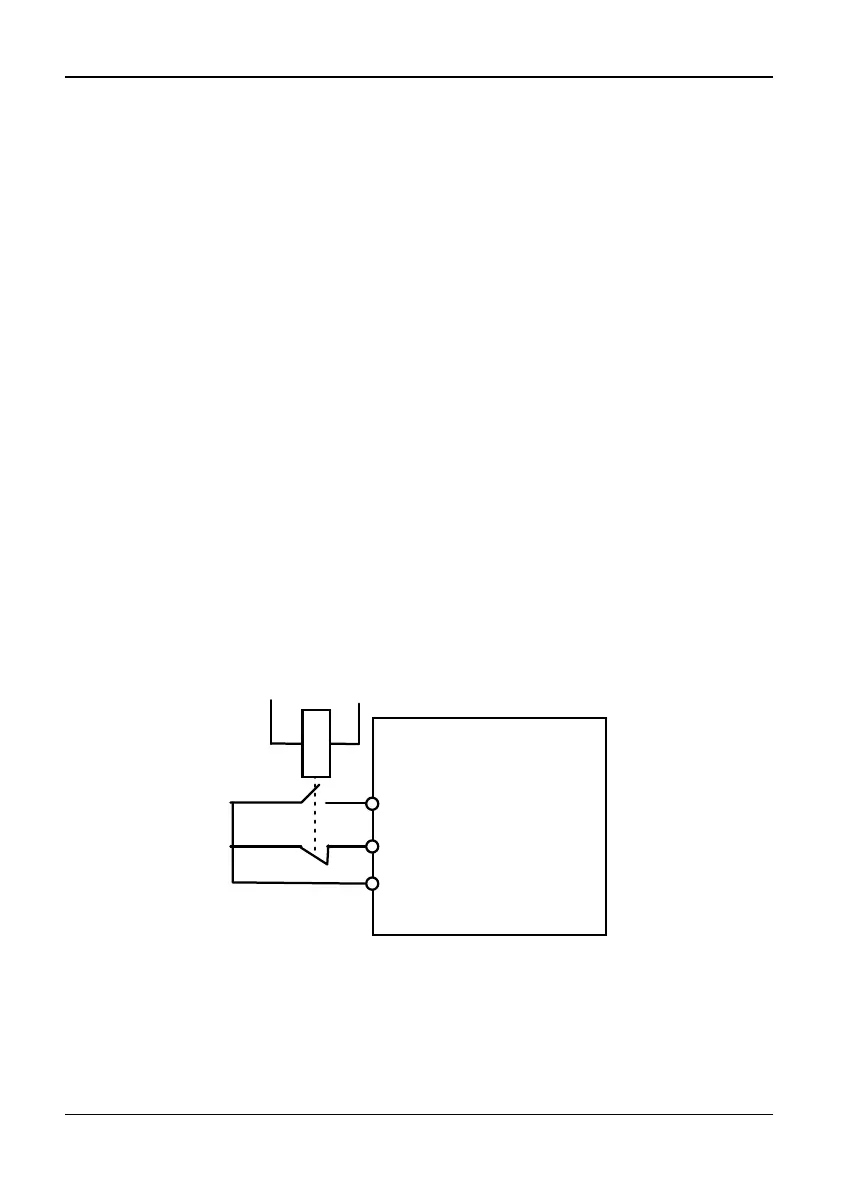
normal operation. Please refer to note of EH0 and EH1 above. As shown in Fig. 5-3-6.
KM
Xj(External fault signal
/External interrupt signal
input )
Xi(External fault signal
/External interrupt signal
input)
Fault relay
COM
Fig. 5-3-6 Normally open / normally close
41: Command channel switch to keyboard control
◆
When this function valid, switch commandchannel to keyboard control.
Note: Piorioty: switch to terminal control 2 > switch to keyboard control> P0.04
(operation command control method).



 To Next Page