Chapter 3 Operation
42
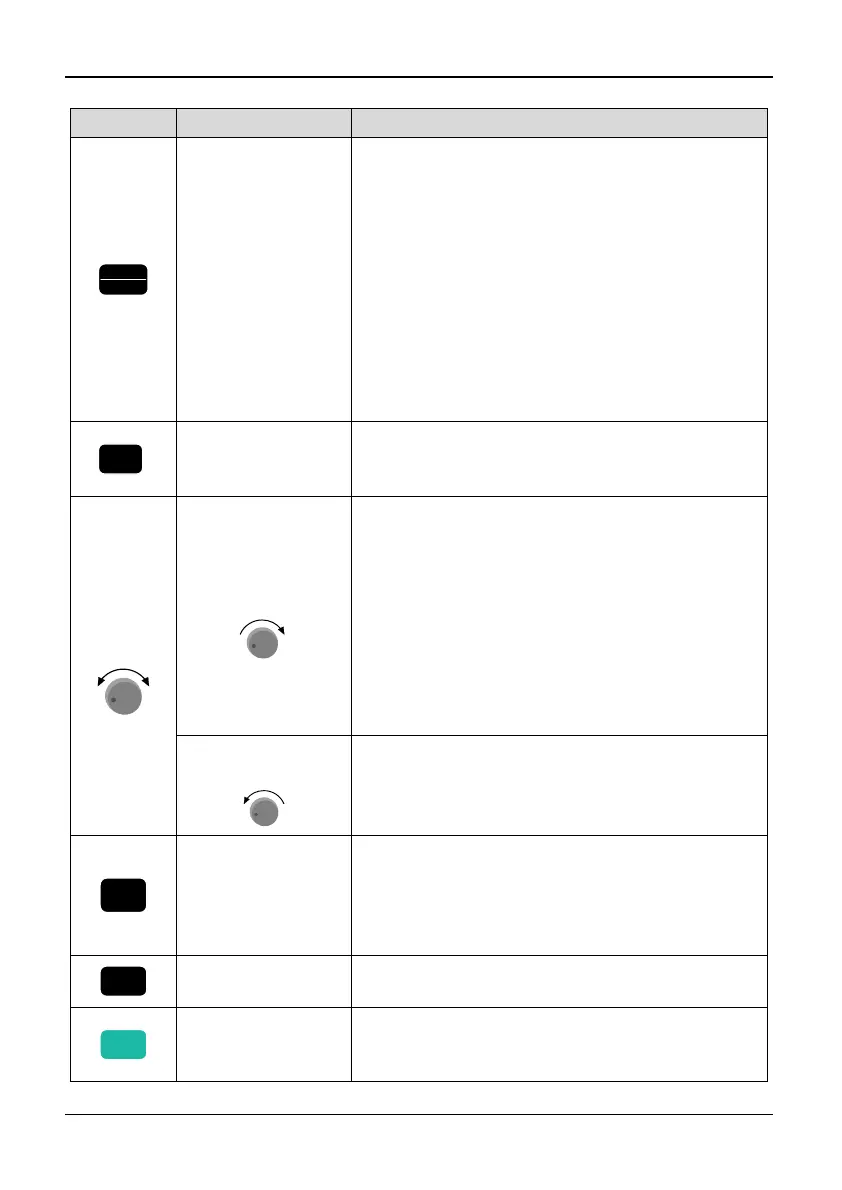
Table 3-2 Description of keystroke function
key Name of key Key functions
PRG
ESC
Programming
key/Exit key
Enter or exit programming state. In monitoring
state, press the PRG/ESC key to programming
state. The first, enter function group menu, and
press the “ENTER” key to enter function code
and function parameter progressively; press the
“PRG/ESC” key, the keyboard will switch to the
function code menu, then function group menu,
then monitoring state.
In case of an inverter failure, press the
“PRG/ESC” key, the keyboard will switch to the
function group menu. The same function for
warning state.
ENTER
Enter key
Enter the sub-menu in programming state.
Save the parameter set value when in the function
parameter menu.
Digital
Encoder
-
+
Up
(clockwise)
+
In programming state, it can increase the
function code group number, and function code
number or function code value. In parameter
setting state, LED nixie tube blinking displays
modified bit, rotate the knob to increase the
number.
In monitoring state, if the keypad is set to be
effective, digital frequency setting, speed PID
setting and analog PID setting can be increased
by rotating the knob.
Down
(counterclockwise)
-
The same function as Up key, but the number will
decrease instead of increase.
>>
Shift key
In programming state, the modified bit of the set
data can be selected;
In monitoring state, monitoring object such as
output frequency and output current can be
selected (4 digits).
JOG
Jog key
In keypad mode, press this key to enter inching
running mode
RUN
Run key
In keypad control mode, the inverter will start
running and a running command will be given
by pressing this key.



 To Next Page