Chapter 2 System Overview
Part Number: 0160-6411, Rev A, 02/2019 Page 47 of 314
Software Release: cOS 5.00
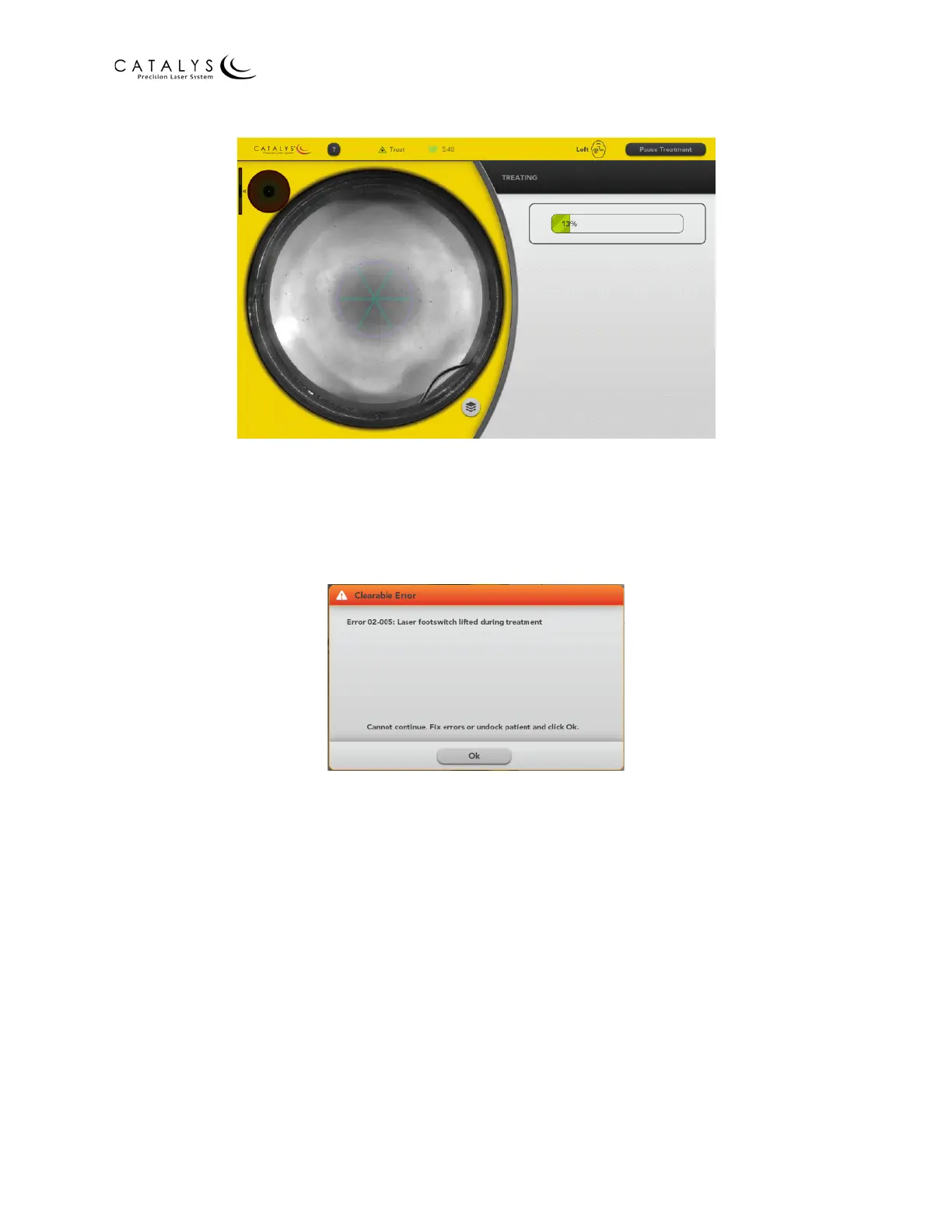
Figure 2.21 Treating Screen with Progress Bar
NOTE
If you lift the footswitch before the progress bar shows 100%, the following error
displays. Press the OK button, and then press and hold the footswitch to resume laser
treatment.
Figure 2.22 Error: Footswitch Lifted Before Treatment Complete
14. When laser treatment is complete, the Verify Treatment Screen displays. You can
position the Treatment Scroll Slider to view various images that were captured during
the laser treatment. Position the slider near the left side, and, using the suppress overlay
button to hide and reveal the overlay images, verify that the fragmentation pattern is
completely contained within the blue fragmentation overlay. If the fragmentation
pattern is completely contained within the fragmentation overlay, press the YES button.



 To Next Page