Chapter 2 System Overview
Page 46 of 314 Part Number: 0160-6411, Rev A, 02/2019
Software Release: cOS 5.00
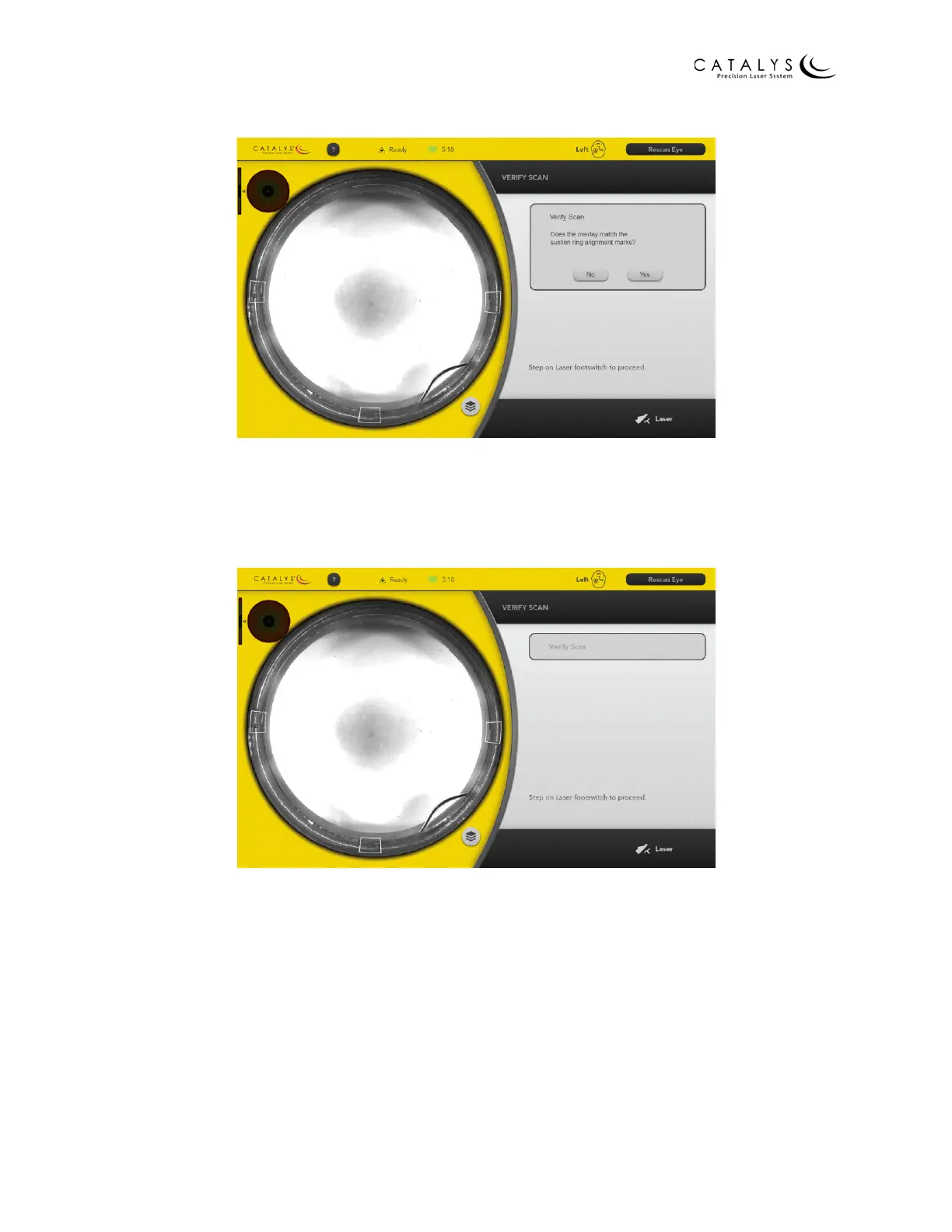
Figure 2.19 Verify Scan Screen
12. When INTEGRAL GUIDANCE System imaging is complete, verify that the overlay matches
the suction ring alignment marks. If the alignment marks are contained within the
overlay, press the YES button to go to the following screen.
Figure 2.20 Verify Scan Screen after Pressing Yes
NOTE
If the alignment marks are not contained within the overlay, press the NO button to
proceed to the Verify Alignment Results Screen. Refer to step 17. on page 50.
13. After verifying that the overlay matches the suction ring alignment marks, press and
hold the laser footswitch to initiate laser treatment. Continue pressing the footswitch
until the progress bar on the Treating Screen reaches 100%.



 To Next Page