Chapter 3 — Vector Network Analyzer 3-7 VNA Key Functions - Save/Recall Menu
MS20xxA VNA Master UG 10580-00166 Rev. C 3-49
Save/Recall Menu
For more information on the Save/Recall menu, see “File Menu” on page 3-29.
Scale Menu (VNA Menus)
Press the Scale function key to access the Scale menu. The Scale menu is used to set the
measurement display for optimum viewing.
Resolution Per Div
Sets the number of units displayed between horizontal graticules. Use the Up/Down
arrow keys, the keypad, or the rotary knob to set this parameter, then press the
Enter
key or the rotary knob.
Reference Value
Sets the value of the Reference Line. Use the Up/Down arrow keys, the keypad, or the
rotary knob to set this parameter, then press the
Enter key or the rotary knob.
Reference Line
Sets which horizontal graph graticule is at the reference value. The reference line is
indicated by a small red triangle along the right edge of the graph. Use the Up/Down
arrow keys, the keypad, or the rotary knob to set this parameter, then press the
Enter
key or the rotary knob.
Autoscale
Press the
Autoscale soft key to automatically adjust the Top and Bottom amplitude
values so that the trace for the current measurement is shown in the middle of the
display.
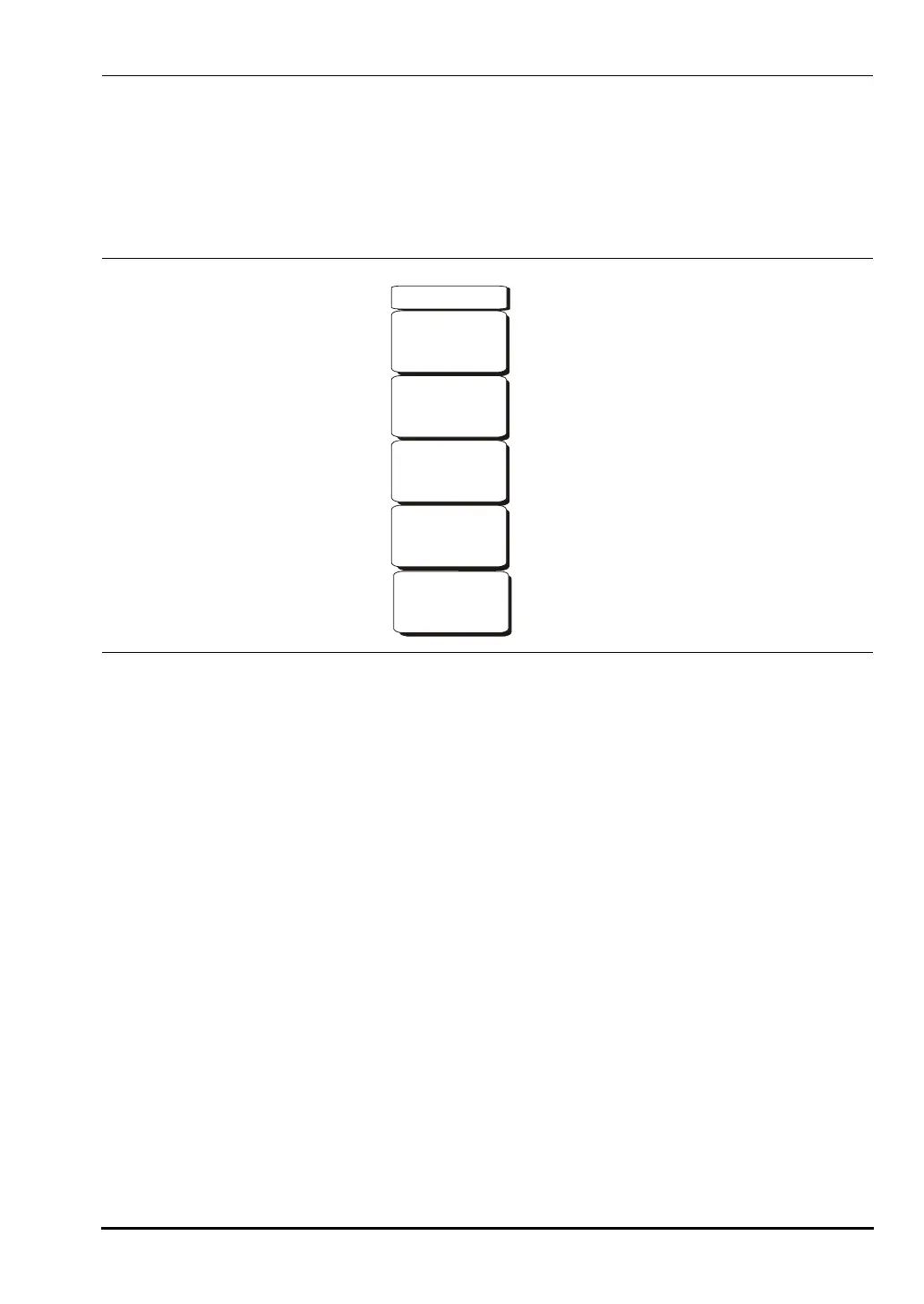
Figure 3-28. Scale Menu
Resolution Per Div
6.0 dB
Reference Line
5
Reference Value
30.0 dB
Autoscale
(Group
Delay
only)
Aperture
2.00%
Scale
10580-00166C.book Page 49 Thursday, February 21, 2008 12:52 PM













 To Next Page