Chapter 9 — Interference Analyzer, Option 25 9-11 Signal Strength Menu
MS20xxA VNA Master UG 10580-00166 Rev. C 9-23
9-11 Signal Strength Menu
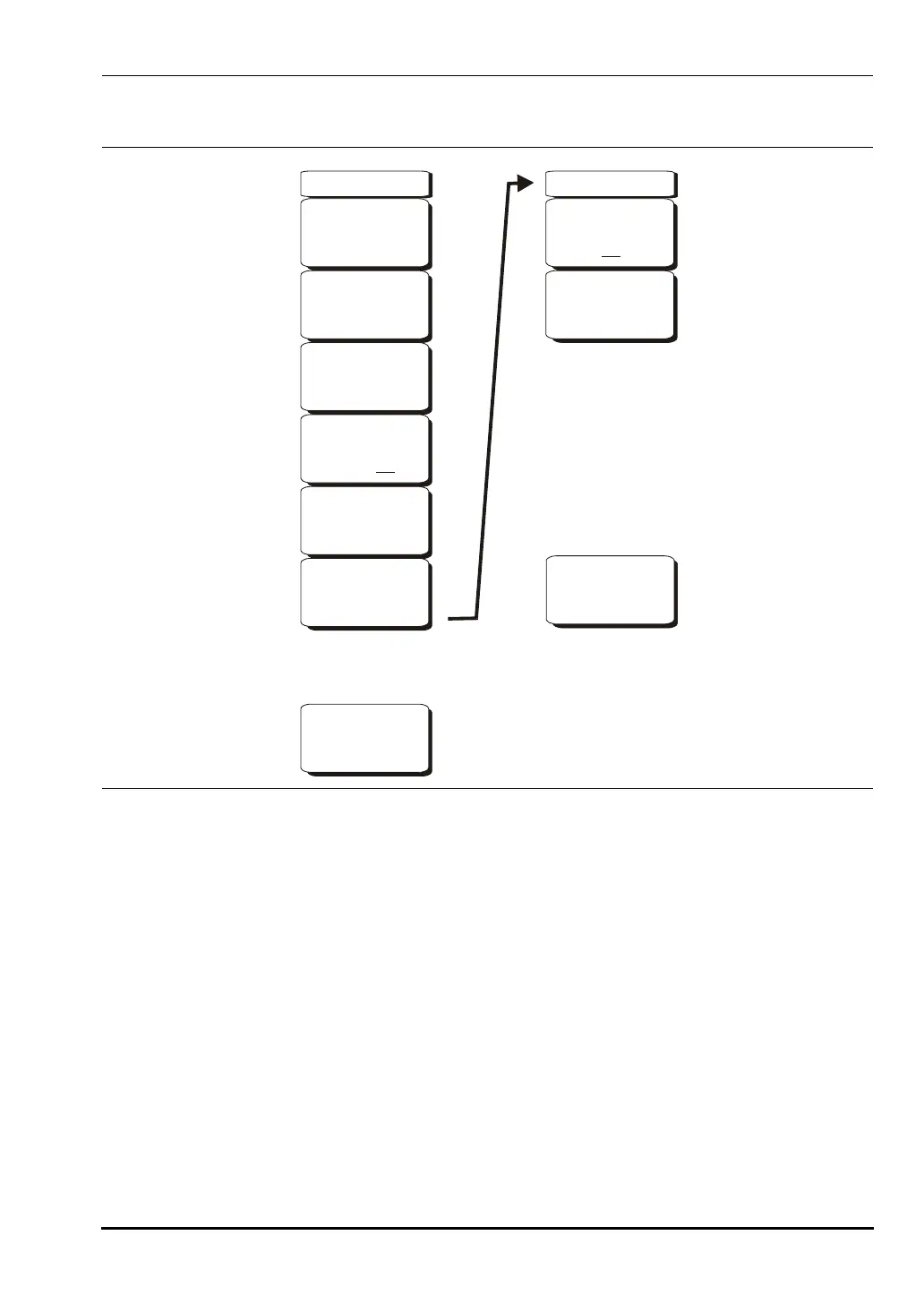
Auto Scale
Press the
Auto Scale soft key to automatically scale the display range.
Max Level
Set the desired maximum display range value by selecting the Max Level soft key.
Min Level
Set the desired maximum display range value by selecting the Max Level soft key.
Speaker On/Off
Press the
Speaker On/Off soft key to turn on the audio output.
Volume
If necessary, press the
Volume soft key to set the speaker or headphone volume to a
comfortable level. Use the Up/Down arrow keys to adjust the volume.
Figure 9-10. Interference Analyzer Mode Signal Strength Menu
Field
Strength
F Strength
On
Off
Antenna
Back
-->
Back
-->
Signal Strength
Auto Scale
Max Level
-40.0 dBm
Speaker
On Off
Min Level
-140.0 dBm
Volume
-->
10580-00166C.book Page 23 Thursday, February 21, 2008 12:52 PM













 To Next Page