Chapter 5 — Power Meter 5-6 Freq (Frequency) Menu
MS20xxA VNA Master UG 10580-00166 Rev. C 5-7
5-6 Freq (Frequency) Menu
Center Freq
Sets the frequency at the center of the measurement. Frequencies can be entered in
units of GHz, MHz, kHz, or Hz. Enter the frequency by using the keypad, rotary knob
or the arrow keys. When the center frequency is entered, the labeling below the analog
display shows the center frequency and the span in the most appropriate units based on
the value.
Start Freq
Enter a start frequency by using the keypad, rotary knob or the arrow keys. If the
entered start frequency is greater than the current stop frequency, then the stop
frequency is automatically adjusted to be 1 kHz greater than the start frequency (min
span).
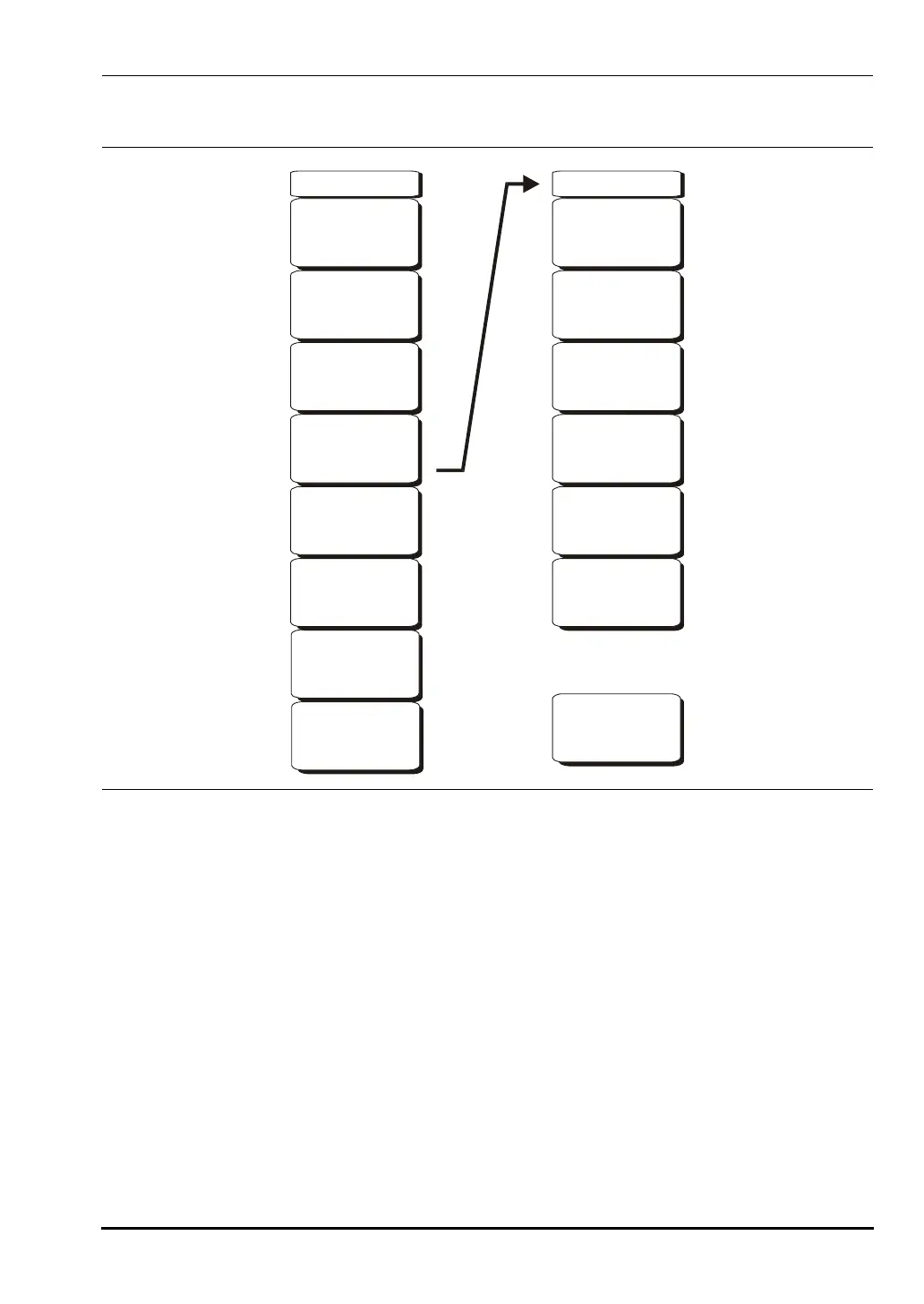
Figure 5-6. Power Meter Mode Freq Menu
Freq Step
1.000 MHz
Full Band
Span
Span
-->
Freq
Center Freq
3.500 GHz
Start Freq
3.000 Hz
Stop Freq
4.000 GHz
Span
Signal
Standard
Channel
- -
-->
10580-00166C.book Page 7 Thursday, February 21, 2008 12:52 PM













 To Next Page