Chapter 9 — Interference Analyzer, Option 25 9-8 Measurements Menu
MS20xxA VNA Master UG 10580-00166 Rev. C 9-15
9-8 Measurements Menu
Spectrum
Selecting the
Spectrum soft key sets the instrument to a traditional Spectrum Analyzer
display. When Spectrum is active, pressing the
Spectrum soft key again opens a menu
for Spectrum Analyzer measurements.
Spectrogram
Selecting the
Spectrogram soft key sets the instrument to display a spectrogram. When
Spectrogram is active, pressing the Spectrogram soft key again opens a menu of
spectrogram settings.
Signal Strength
Selecting the
Signal Strength soft key sets the instrument to display signal strength.
When
Signal Strength is active, pressing the Signal Strength soft key again opens a menu of
signal strength settings.
RSSI
Selecting the
RSSI soft key sets the instrument to display RSSI (Received Signal
Strength Indicator). When RSSI is active, pressing the
RSSI soft key again opens a
menu of RSSI settings.
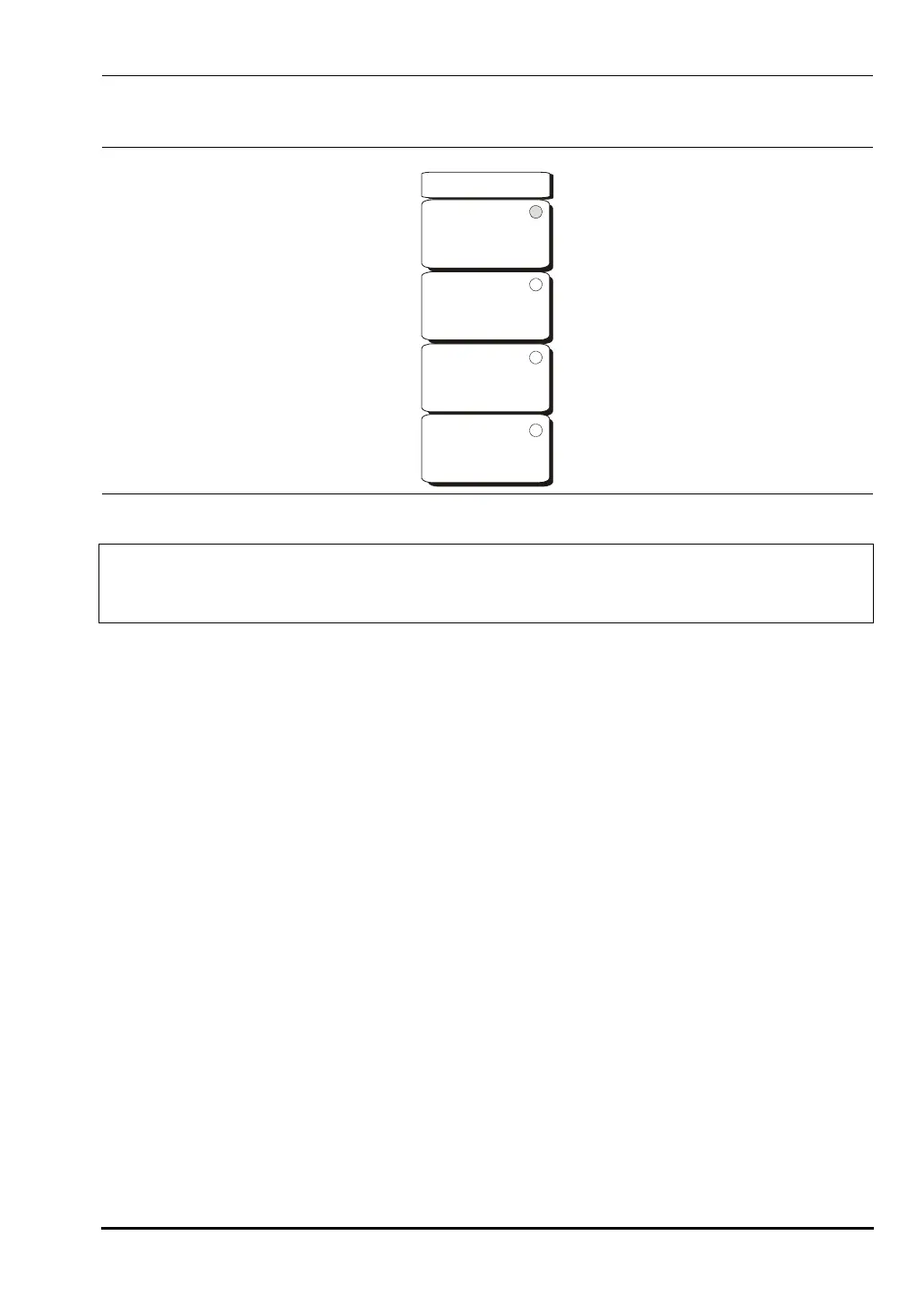
Figure 9-7. Interference Analyzer Mode Measurements Menu
Note
The red circle on the soft key indicates the currently active measurement. The
arrow does not appear on the soft key until after the key has been pressed and the
function has become active. Then the additional menu is available.
Measurements
Spectrum
Spectrogram
Signal Strength
RSSI
-->
-->
-->
-->
10580-00166C.book Page 15 Thursday, February 21, 2008 12:52 PM













 To Next Page