Chapter 9 — Interference Analyzer, Option 25 9-13 Marker Menu
MS20xxA VNA Master UG 10580-00166 Rev. C 9-27
9-13 Marker Menu
Markers are available in Spectrum and Spectrogram measurements. Press the Marker
function hard key to open the Marker menu. The VNA Master is equipped with six markers.
Any or all markers can be employed simultaneously.
Marker 1
23456
Use this soft key to select the active marker. The underlined marker number is the
active marker. Each press of the soft key moves the underline to the next marker
number.
On/Off
This soft key turns the active marker, selected by the
Marker soft key above, on or off.
Delta On/Off
This function turns on a delta marker and prompts for a delta offset frequency, either
positive or negative from the frequency of the currently active marker.
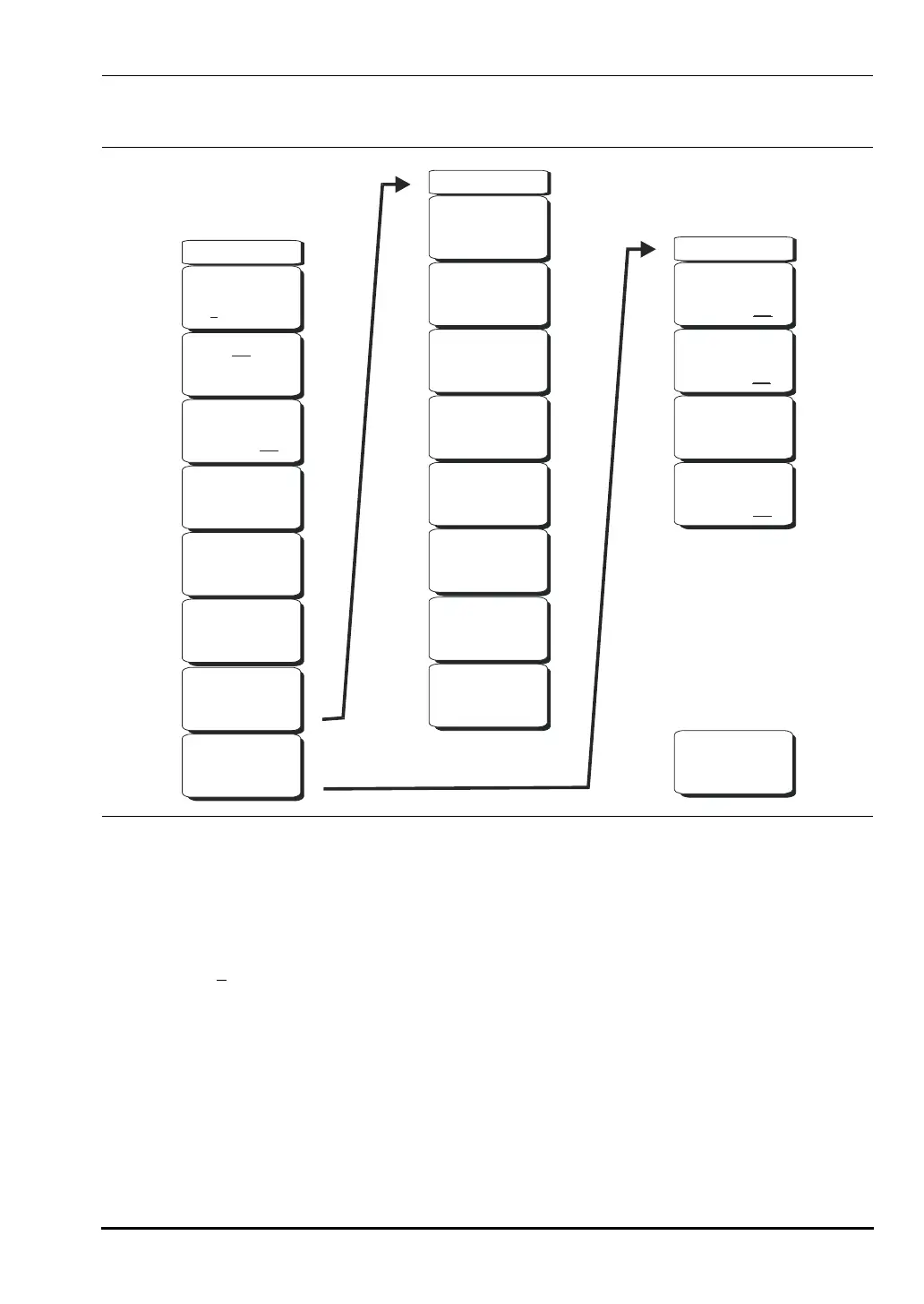
Figure 9-12. Interference Analyzer Mode Marker Menu
-->
Marker(1/2)
Marker
2 3 4 5 61
On
Off
Peak Search
Delta
On Off
Marker
to
Ref Lvl
Marker Freq
to
Center
More
Peak
Options
More
-->
-->
Recal
-->
Marker & Peak
Peak Search
Next Peak
Left
Delta Marker
to
Span
Next Peak
Right
Peak Threshold
10.00%
Back
-->
Marker
to
Ref Lvl
Marker Freq
to
Center
10580-00166C.book Page 27 Thursday, February 21, 2008 12:52 PM













 To Next Page