4-22 BW (Bandwidth) Chapter 4 — Spectrum Analyzer
4-26 MS20xxA VNA Master UG 10580-00166 Rev. C
4-22 BW (Bandwidth)
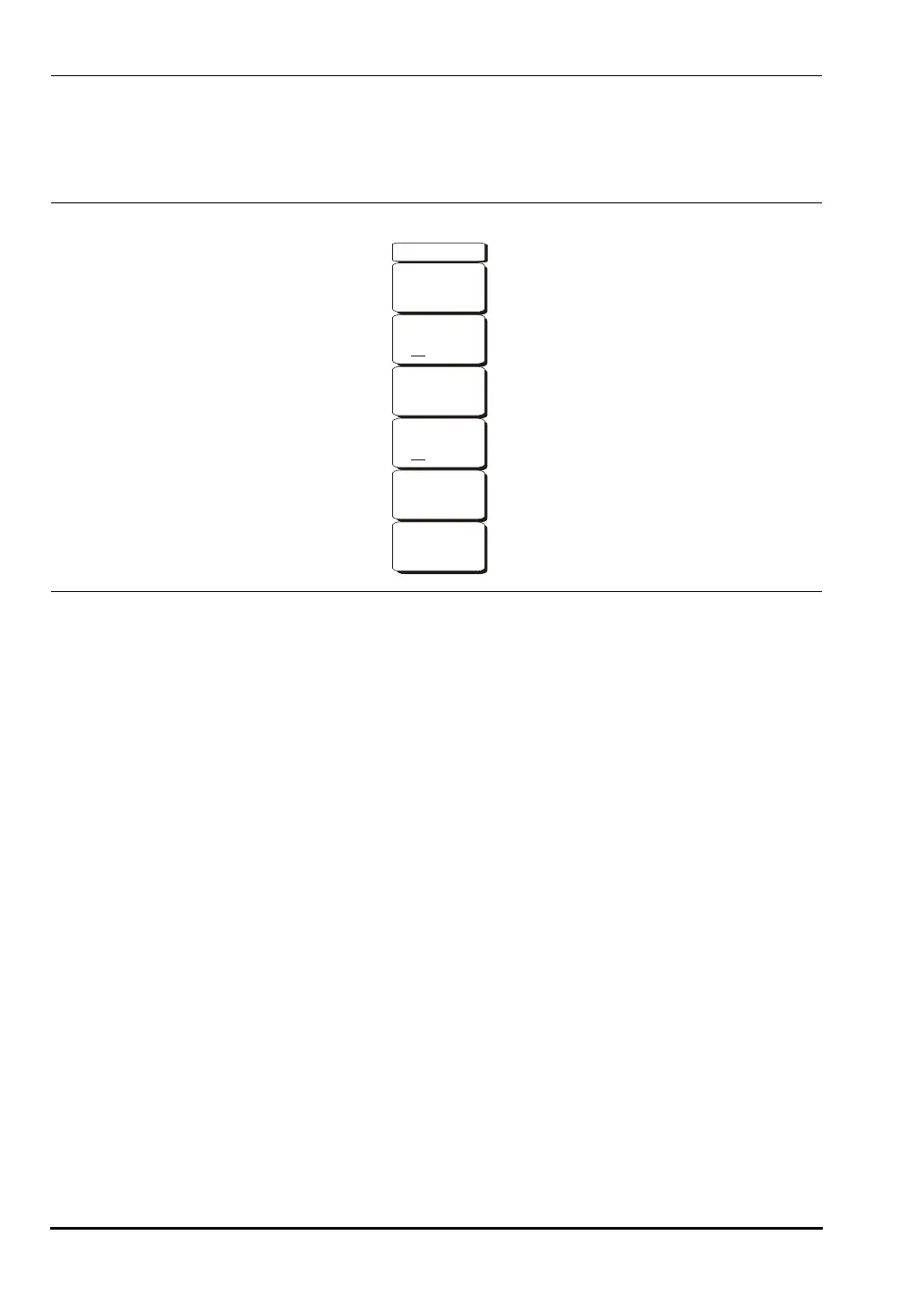
The BW hard key is located below the display. The BW menu soft keys are shown in
Figure 4-10.
RBW
The current resolution bandwidth value is displayed in this soft key. The RBW can be
changed using the keypad, the
Up/Down arrow keys, or the rotary knob. The range is
1 Hz to 3 MHz in a 1-3 sequence, from 1 Hz to 3 Hz to 10 Hz, and so on.
Auto RBW
When Auto RBW is On, the instrument selects the resolution bandwidth based on the
current span width. The ratio of span width to RBW can be specified using the
Span/RBW soft key.
VBW
The current video bandwidth value is displayed in this soft key. The VBW can be
changed using the keypad, the
Up/Down arrow keys, or the rotary knob. The range is
1 Hz to 3 MHz in a 1-3 sequence.
Auto VBW
When Auto VBW is On, the instrument selects the video bandwidth based on the
resolution bandwidth. The ratio of video bandwidth to resolution bandwidth can be set
using the
RBW/VBW soft key.
RBW/VBW
This soft key displays the ratio between resolution bandwidth and video bandwidth. To
change the ratio, select this soft key and use the keypad, the
Up/Down arrow keys, or
the rotary knob to select a new ratio. The default ratio is 3. When the quasi-peak
detector is selected, the RBW/VBW ratio is changed to 1.
Figure 4-10. BW Menu Soft Keys
BW
RBW
3 MHz
Auto RBW
OffOn
Auto VBW
OffOn
VBW
1 MHz
Span/RBW
300
RBW/VBW
3
10580-00166C.book Page 26 Thursday, February 21, 2008 12:52 PM













 To Next Page